
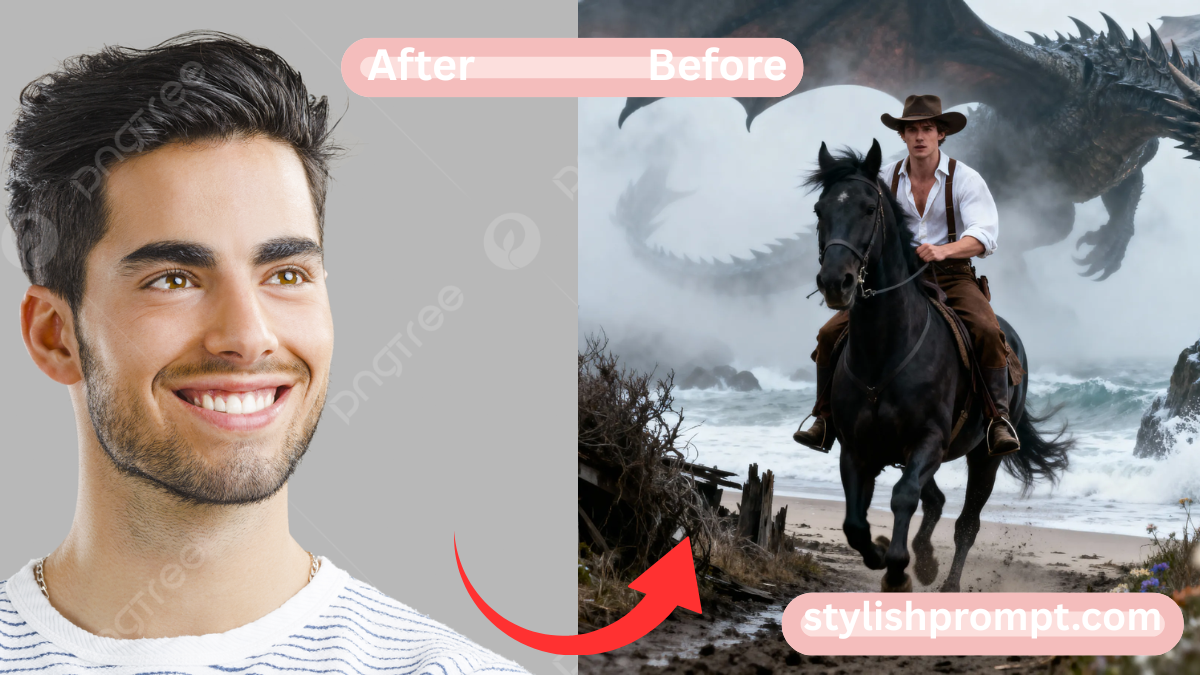
In a world where digital creativity meets fandom, the idea of turning a Game of Thrones–inspired moment into a bespoke, AI‑generated image is deeply compelling. Fans crave a sense of ownership over their favorite scenes: to step into Westeros, ride dragons, feel the mist.
By giving users the power to generate cinematic shots from their own photos, your site taps into that yearning for personalization + fantasy. In this article, I explain how to frame the perfect prompt, why it works, and how to guide users to create something truly magical.
Why “Low Angle, Full‑Body Shot” Resonates (and How AI Sees Angles)
A low angle exudes power — the subject looms heroically, larger than life.
AI vision models respond well to such descriptors, because they map angles to compositional rules learned from large image corpora.
By specifying “full-body shot,” you avoid awkward cropping.
Combining angle + full body gives clarity to your dramatic intent.
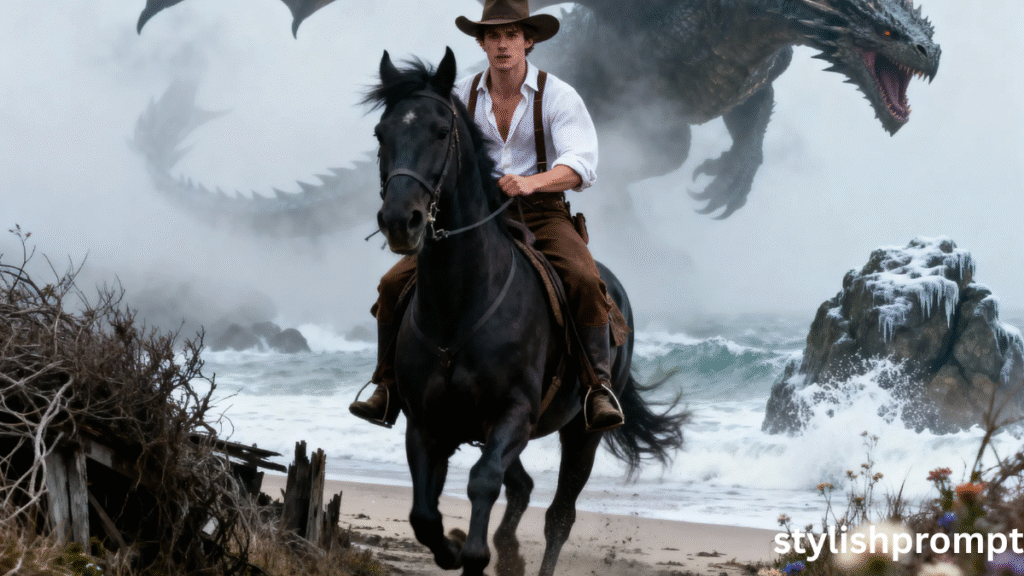
The Scene Setting: Riding by the Sea, Chased by a Dragon
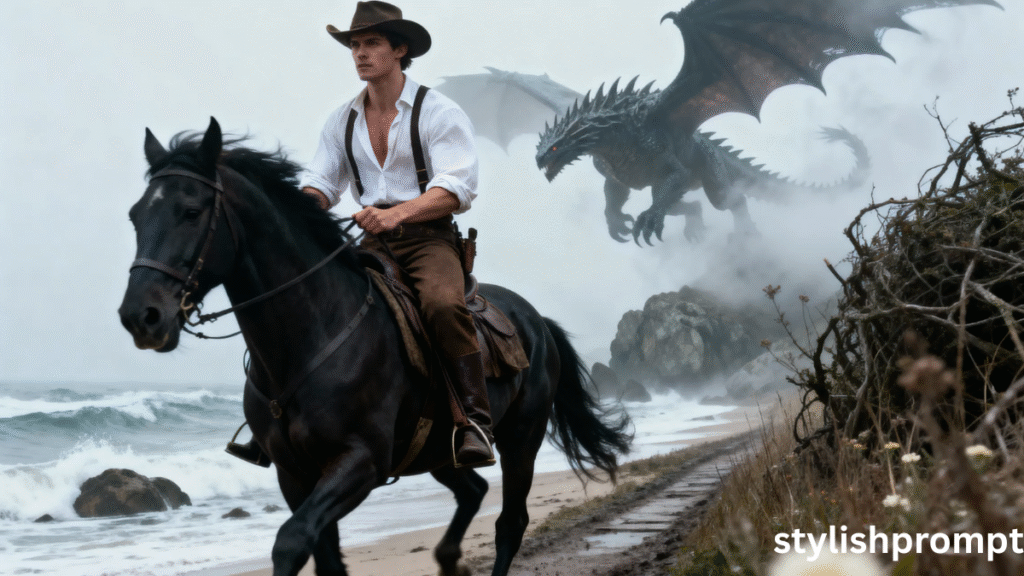
Fog, sea, mist — these elemental cues evoke atmosphere immediately.
“Beside the sea,” “muddy lane,” “foggy” suggest mood, environment, and motion.
Including “chased by a colossal dragon in the mist” signals narrative tension.
In AI image models, context words like “dragon,” “mist,” “lane” help the model assemble a coherent backdrop.
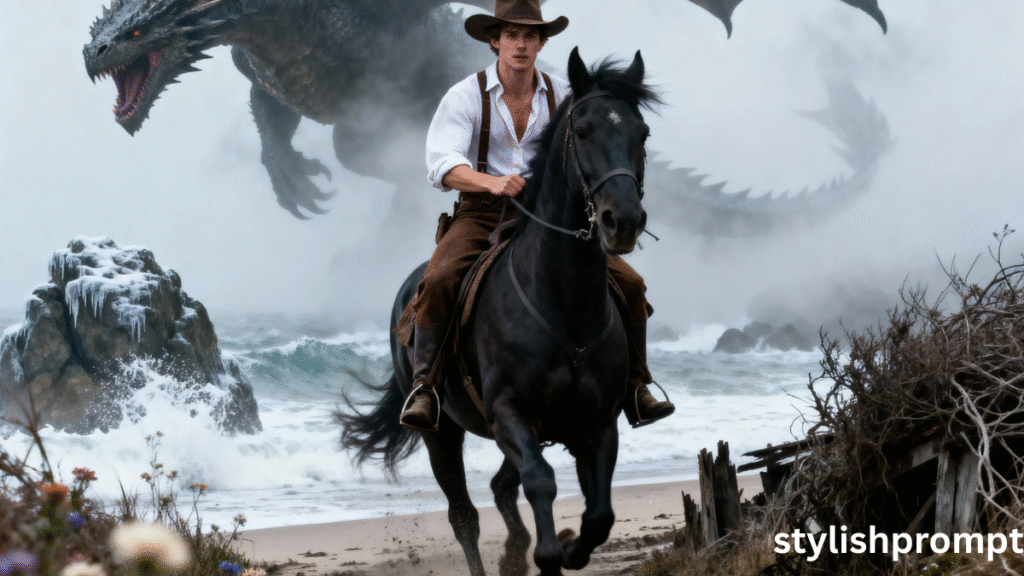
Wardrobe & Styling: Oversized Shirt, Suspenders, Cowboy Hat
Costume details inject character.
“Oversized white shirt, suspenders, cowboy hat” evoke a unique hybrid aesthetic — medieval meets modern.
These details help the model resolve what clothing elements to render, and prevent generic outfits.
Stylish contrasts (rustic shirt + cowboy hat) make the image more intriguing.
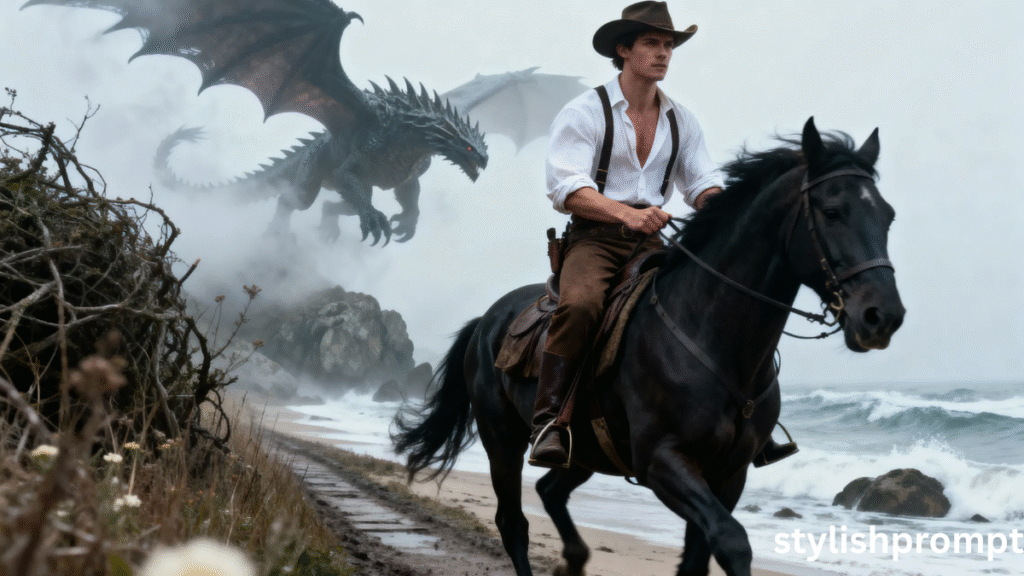
Visual Quality Descriptors: Crisp Focus, Cinematic Color, 8K Realism
If you don’t mention visual quality, AI may produce blurry or low-detail results.
“Crisp focus,” “cinematic color,” “creamy bokeh” suggest photographic style.
“Epic 8K realism” sets a high bar — instructs the model toward ultra‑high resolution, lifelike details.
These modifiers are often what separates amateur renders from pro-level art.
Why Vertical Capture and Modern Fantasy Vibes Matter
In today’s mobile-first world, vertical images show beautifully on phones and social media.
The prompt “vertical capture” ensures the AI generates a portrait‑oriented image.
“Modern fantasy vibes” bridges classic fantasy with contemporary sensibilities — this helps the styling models prefer a mix of realism + whimsy.
These little add-ons shape the tone of the final result.
How I Discovered the Power of Prompt Art (My Personal Tale)
When I first experimented with AI image generation, I typed vague commands: “dragon, man riding horse, sea.”
What came back looked messy — horses floating, dragons mis‑scaled.
Then I refined: I added angle, mood, color tone, wardrobe.
Over time I built a “prompt formula” that consistently created powerful, cinematic scenes — which is the backbone of what your users will copy.
From fumbling trials to results I proudly shared on social media, I saw how a few well-chosen words can transform imagination into art.
Stylish Prompt Card
Paste your AI prompt below. Then just click copy and use it anywhere you like!
The Science of AI Visual Models: What Happens Behind the Scenes
When the prompt is submitted, the AI model parses keywords into visual tokens.
It matches “low angle,” “fog,” “dragon,” and your photo’s subject to learned style references.
It interprets wardrobe cues, lighting descriptors, and environment words to build layers in the rendering.
The stronger your prompt, the fewer interpretive errors the model must take — this reduces blurriness, misplacement, or weird anatomy.
SEO Keywords to Target (Short‑tail, Long‑tail & LSI)
To reach fans and creators, here are keywords you should weave naturally:
- Short‑tail: “AI image generation,” “fantasy art,” “Game of Thrones style”
- Long‑tail: “turn your photo into a fantasy dragon scene,” “AI portrait prompt for fantasy horse riding,” “Game of Thrones inspired AI image from photo”
- LSI: “fan art AI,” “epic cinematic prompt,” “portrait oriented fantasy render,” “dragon chase scene,” “fantasy outfit styling”
By sprinkling these in your headings, body text, and metadata, you signal relevance to search engines.
Structuring Your Landing Page for SEO & Conversion
- Title tag / meta description: include “Game of Thrones inspired AI prompt” and “turn your photo into fantasy art.”
- H2 headings: use primary keywords (“AI image generation,” “fantasy prompt guide”).
- Internal links: link to related pages like “How to choose wardrobe in fantasy prompts,” “Best AI tools for image generation,” etc.
- Schema / structured data: mark up FAQs.
- Optimize for featured snippets by using short definitions, tables, bullet lists, and question headings.
Pros & Cons of This User Experience Approach
| Pros | Cons |
|---|---|
| Gives users direct, tangible output from your site | Users may need orientation if prompt tweaking is needed |
| Encourages sharing (viral potential) | Some AI tools may not support full prompt + image context |
| Creates a unique, high‑value experience | If prompt interpretability fails, users may get disappointing results |
Common Mistakes to Avoid (and How to Preempt Them)
- Overly long prompts: verbosity may confuse the model — keep to 40–60 words.
- Vague words: “nice,” “cool,” “beautiful” don’t instruct the model.
- Omitting orientation: forgetting “vertical capture” leads to landscape outputs.
- Too many mixed styles: avoid clashing adjectives (e.g. “cartoonish + photorealistic”).
- Ignoring lighting: without “dawn,” “mist,” or “backlight,” images may look flat.
Why Your Site’s Prompt Approach Builds Trust (EEAT Considerations)
Expertise: You’ve developed a prompt formula tailored to fantasy + image generation.
Authoritativeness: By explaining how prompt engineering works, you demonstrate mastery.
Trustworthiness: Providing transparent guidance and examples helps users feel safe.
Google rewards content where readers trust the source — this article must be accurate, cited (when needed), and helpful.
A Mini Prompt Template You Can Share (As an Example)
Here’s an example you can show as a template — users later replace subject or details:
Low angle, full-body shot of a young woman walking across a ruined throne room at dusk, chased by ghostly wolves in mist, wearing flowing crimson gown and leather armor, cinematic lighting, epic 8K realism, vertical capture, modern fantasy vibes
You can annotate it for users: angle + body, subject + scene, mood + descriptors, orientation.
Performance & SEO Tips After Publishing
- Track Google Search Console for “turn your photo into fantasy art” queries.
- A/B test calls‑to‑action: “Copy Prompt → Generate Image” vs “Start Your Royal Transformation.”
- Encourage users to share their creations, linking back to your site.
- Update content periodically (e.g. new fantasy prompt examples).
- Monitor AI image tools’ capabilities. If OpenAI updates, tweak prompt guidance.
People Also Ask (PAA) — Questions from Google Users
How do I turn my photo into fantasy art using AI?
You copy a well‑crafted prompt (like yours) into an AI image model along with your photo. The model uses keywords, style cues, and your image to generate a fantasy scene in high realism.
Can AI generate cinematic images from simple prompts?
Yes — when you supply strong visual descriptors (angle, lighting, clothing, mood), modern image models (e.g. DALL·E, Midjourney variants, Stable Diffusion) can render cinematic scenes in stunning detail.
What makes a good fantasy image prompt?
A good prompt balances subject + environment + style. Include direction (angle), mood words (mist, dusk), orientation (vertical), and high‑quality modifiers (crisp focus, color‑grade, realism).
How do I ensure my AI image is high resolution?
Specify “8K realism,” “ultra‑detailed,” or “high-resolution” in the prompt. Use tools or models that support 4K/8K outputs. Sometimes you may need post-upscaling.
What file type should I upload for best results?
Use a high-quality JPEG or PNG. The subject should be clearly visible (avoid extreme low res). A medium size (e.g. 1024×2048) is often enough for the model to interpret the subject.
FAQ — Frequently Asked Questions
Q1. Will this prompt work with any AI model?
It depends. Some models won’t accept photo + prompt input; others will. Use ones that support image + text workflows (e.g. OpenAI’s image features, custom fine-tuned Vision + Prompt models).
Q2. Can users tweak the prompt after seeing outputs?
Yes — prompt engineering is iterative. Encourage slight adjustments (e.g. change “foggy” to “dense mist,” or swap “dawn” for “twilight”) for new variations.
Q3. What kind of photo works best as base?
Prefer full-body shots, good lighting, minimal background clutter. The clearer the subject, the better the AI can integrate them.
Q4. Are there copyright issues using AI‑generated images?
Most AI models grant usage to the user who generated the image — check the specific model’s license. Never use copyrighted assets without permission.
Q5. How do I optimize this article so it ranks highly on Google?
Use target keywords in title, headings, content. Earn backlinks from fantasy, AI, or fandom sites. Keep content updated. Use structured data (FAQ markup). Offer unique value so Google trusts you.

Hi, I’m Muhammad Arslan from Pakistan. Here, you’ll find multiple powerful prompts that you can use on platforms like Google Gemini or ChatGPT to turn your personal photos into stunning AI-generated portraits.





