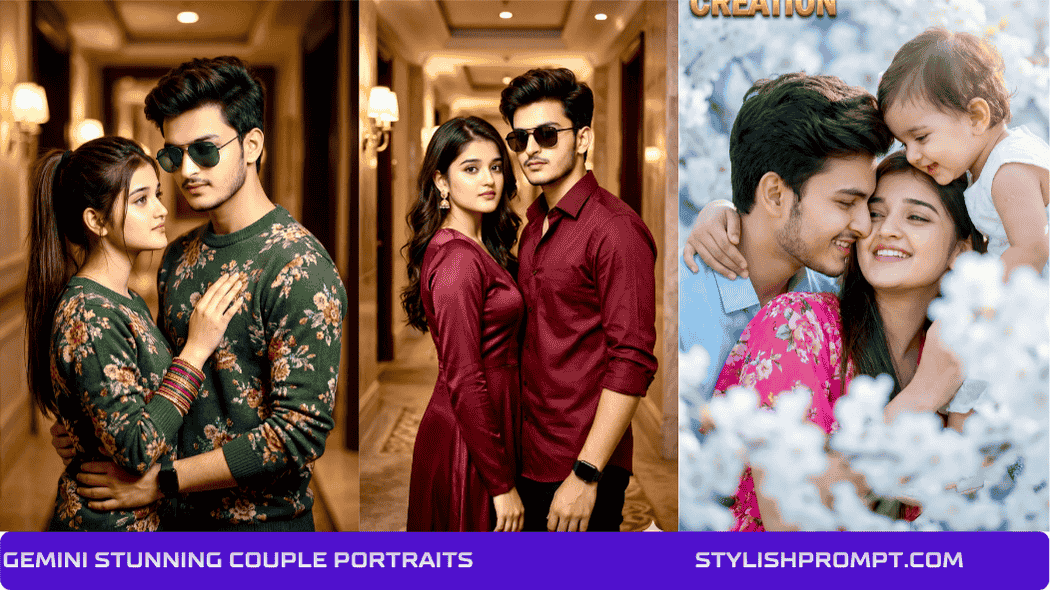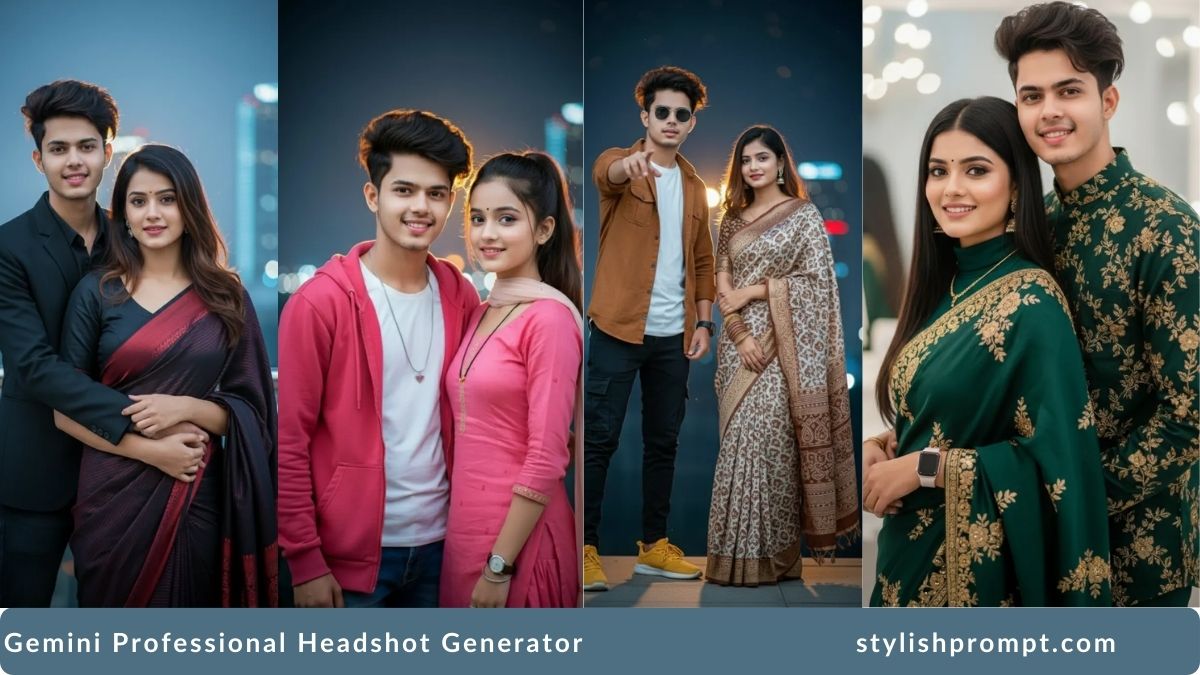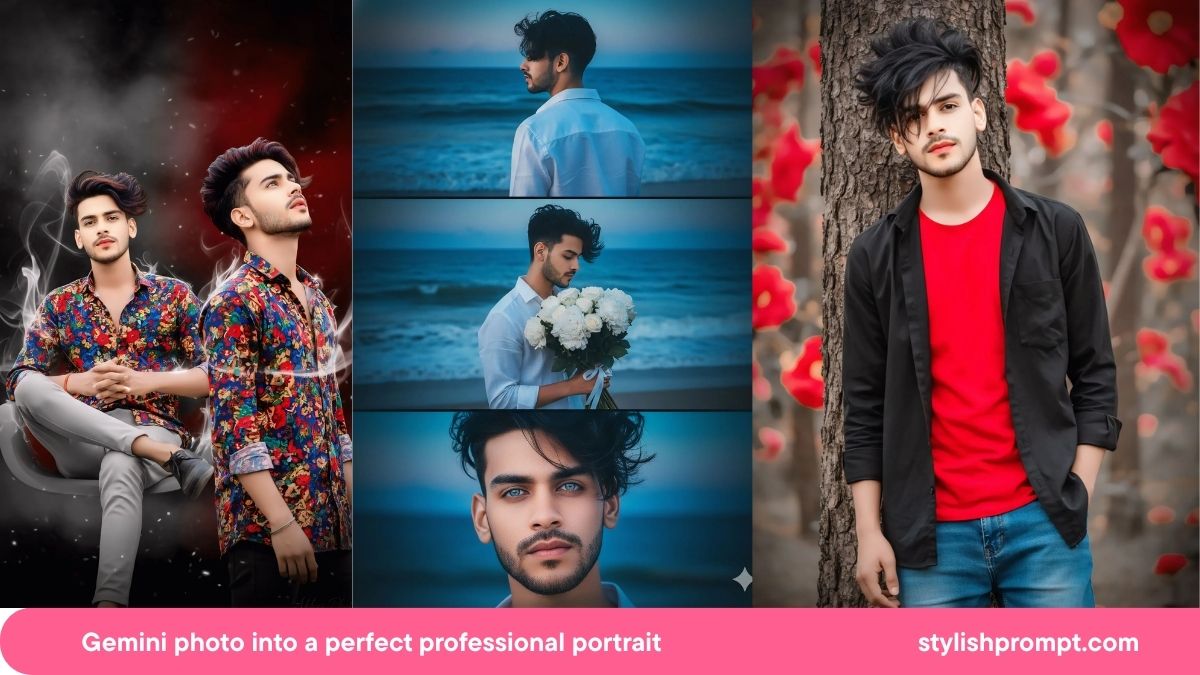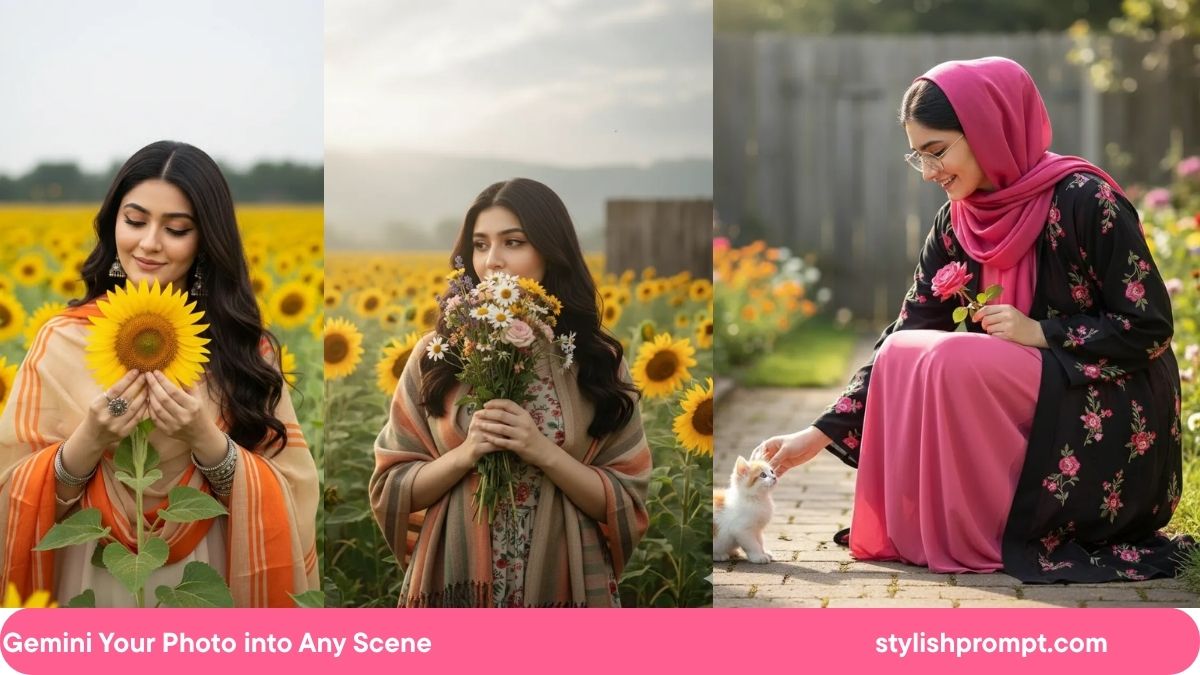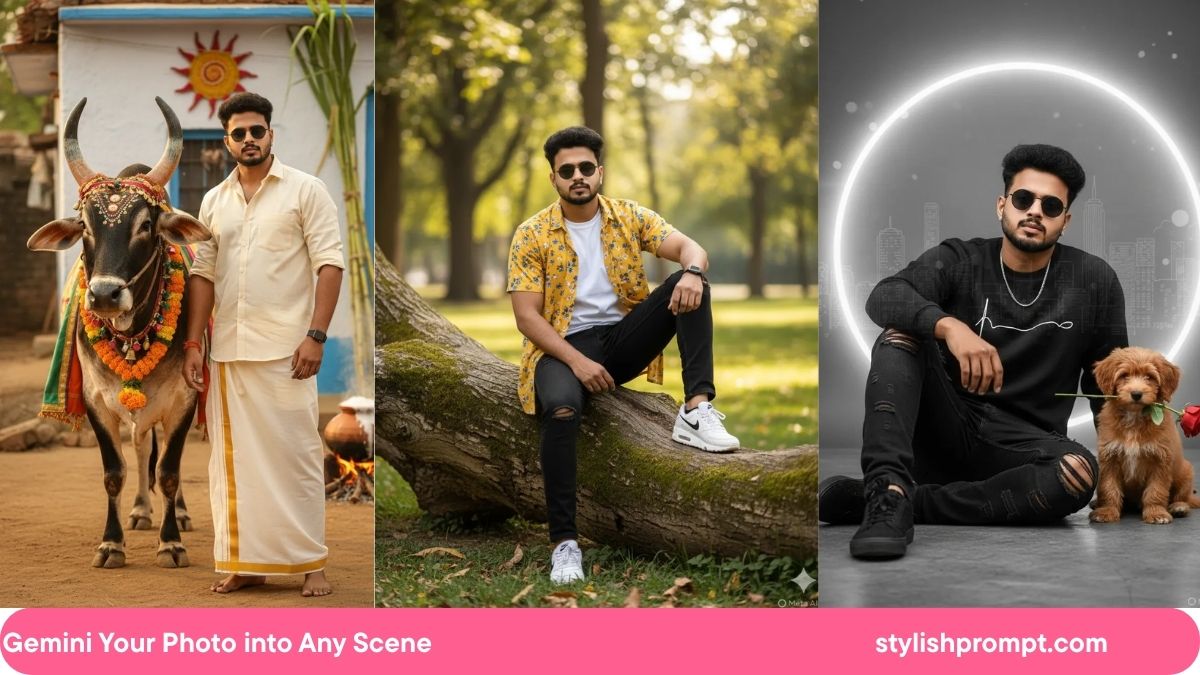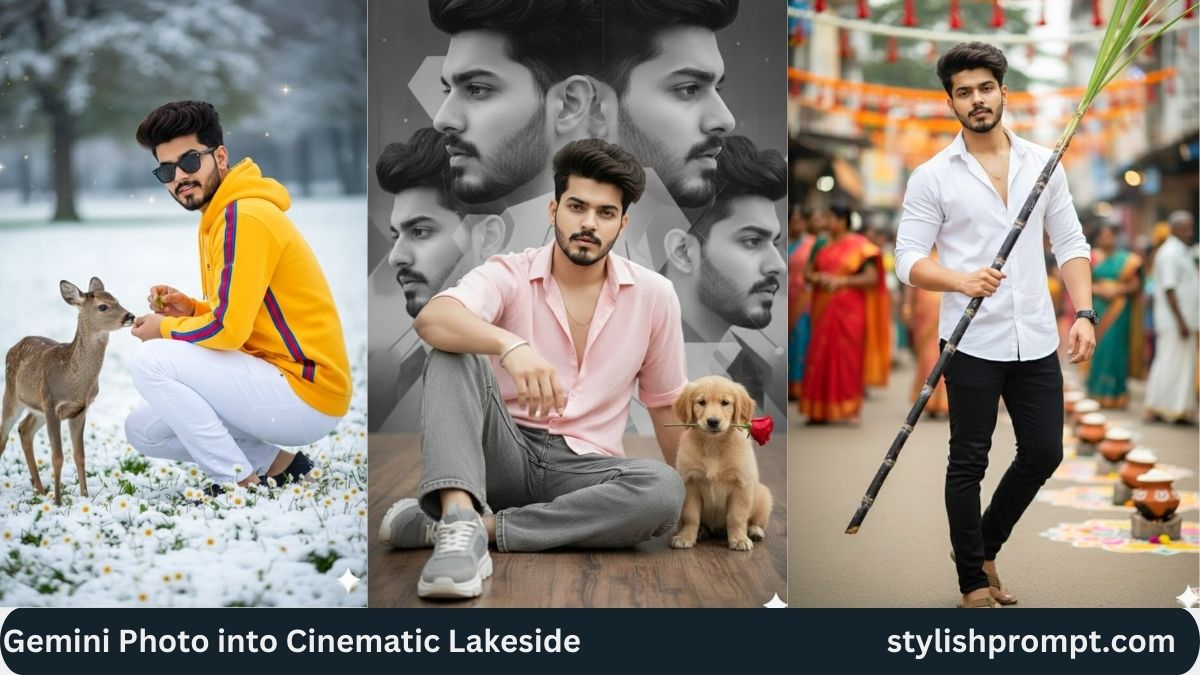
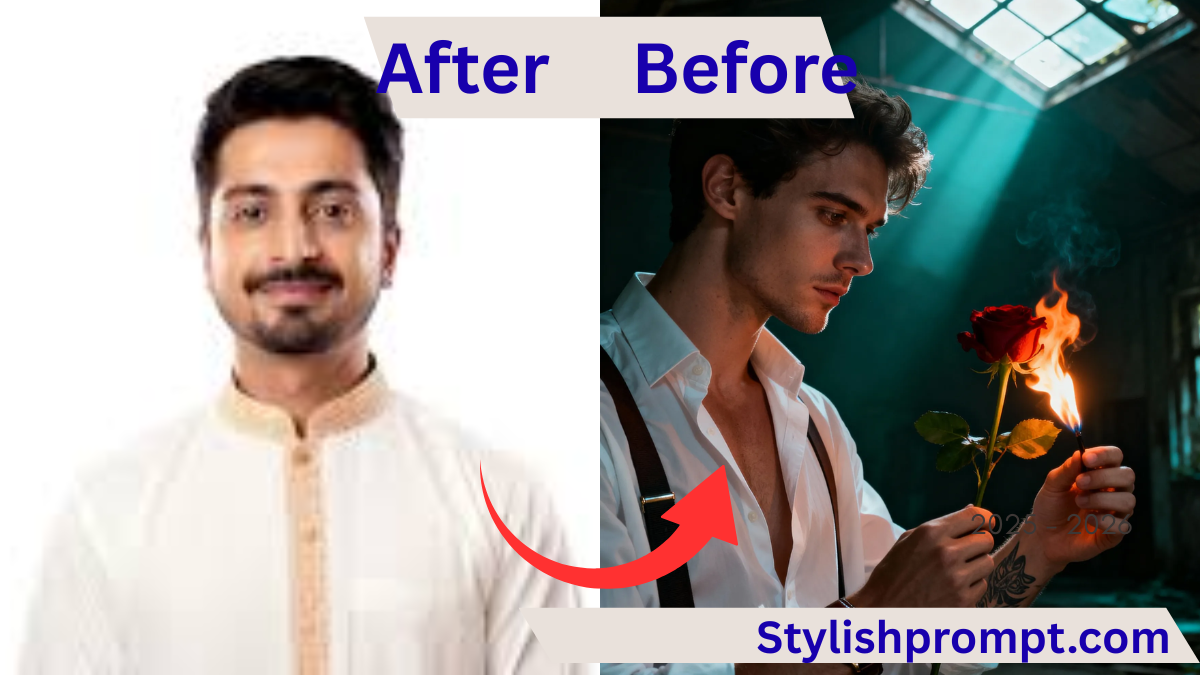
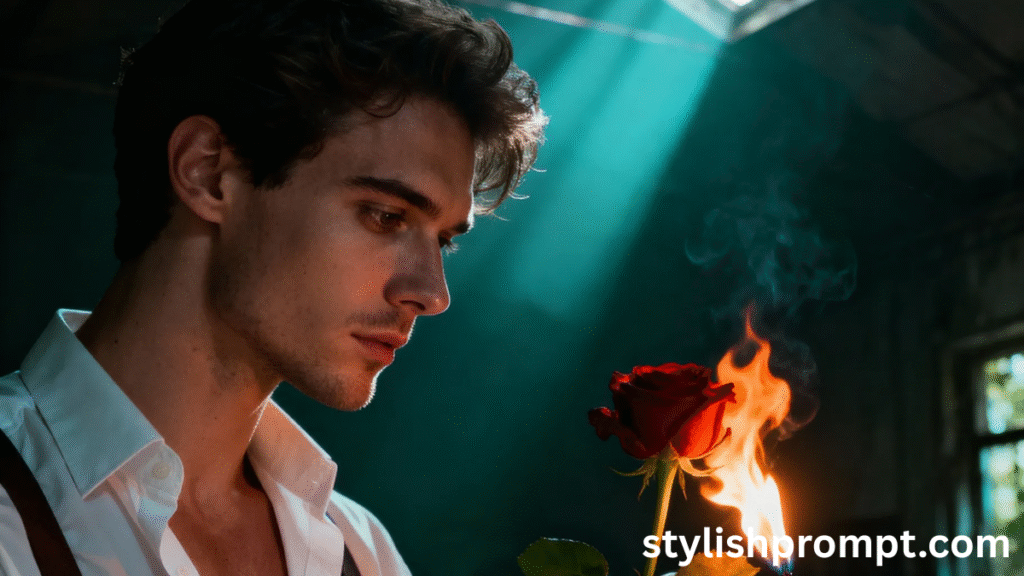
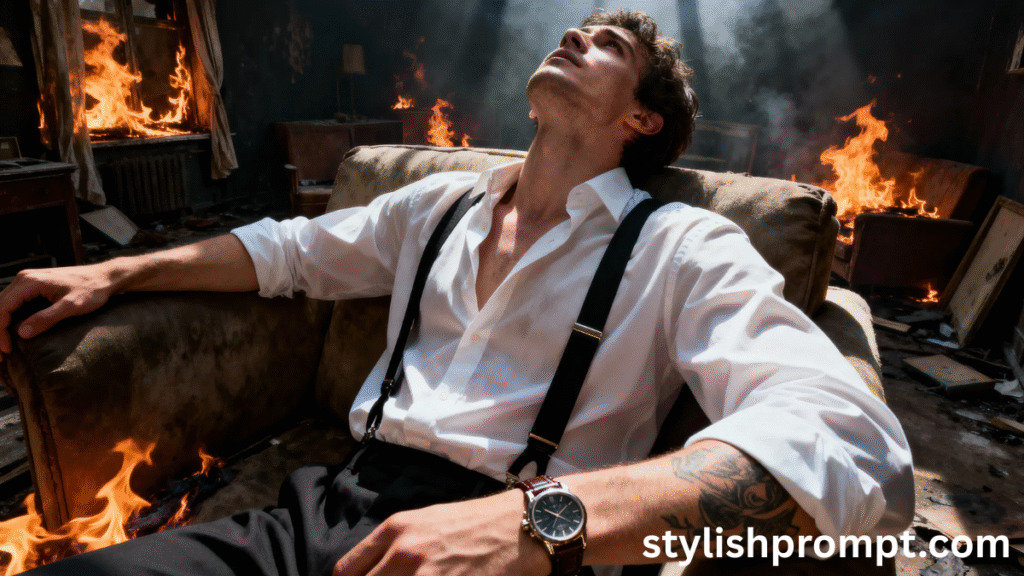
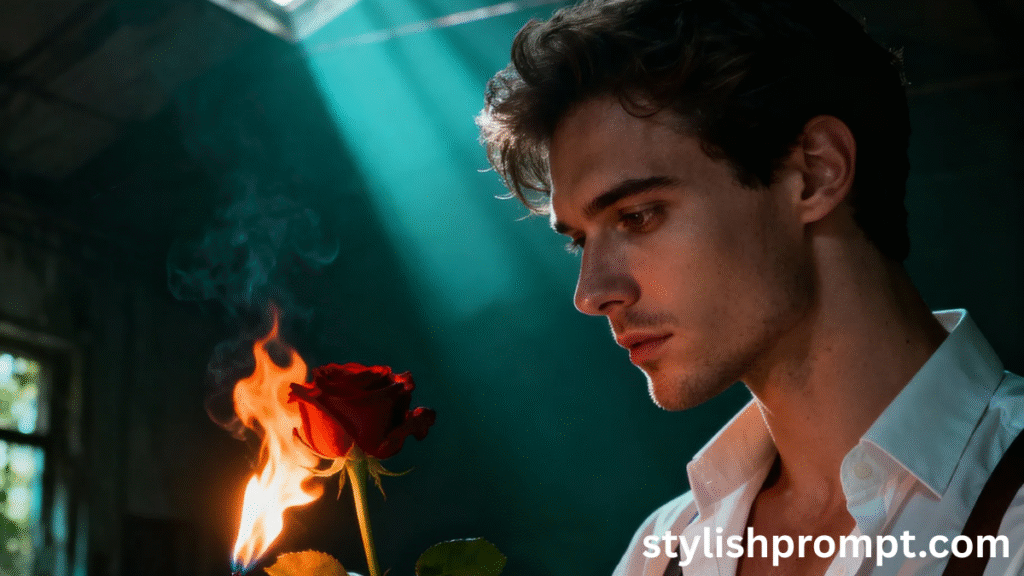
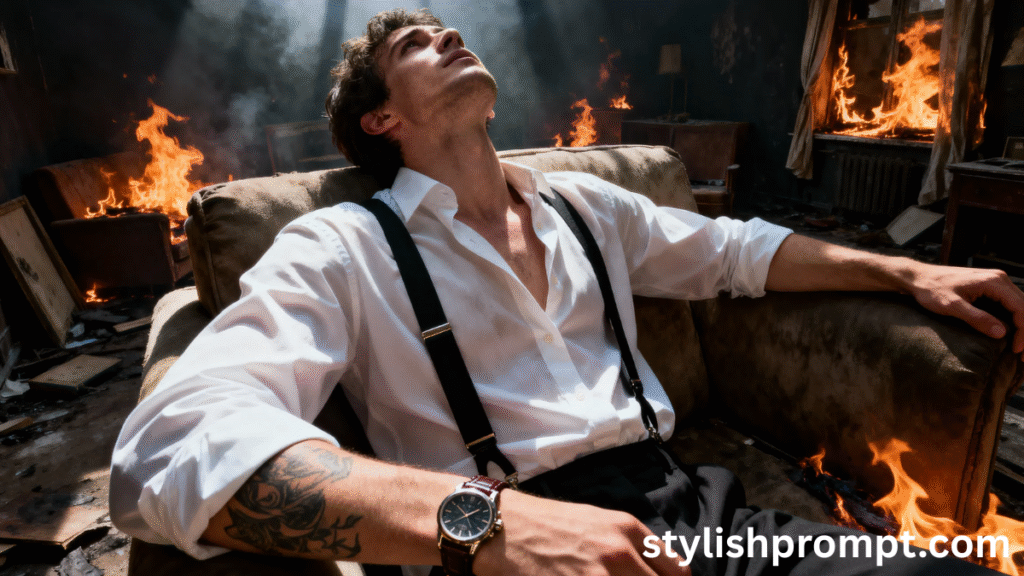
In the dim light of an abandoned room, a man stands with a burning rose in hand. His gaze is melancholy, clothing crisp—shirt and suspenders, leather watch, tattooed forearm—sunbeams carve deep shadows. That image becomes a story unto itself. On my site, visitors can turn their own photo into a Royal VIP image of equal power—copy a prompt, paste their own image into GPT, and generate something cinematic, dramatic, unforgettable.
In this article, we’ll dive into how this kind of portrait prompt works, why it moves us, and how you can craft, use, or appreciate them. I’ll share personal stories, SEO‑optimized insights, and deep research—so you can understand not just how, but why these prompts resonate.
What Makes a Royal VIP Portrait Prompt So Powerful
A Royal VIP portrait prompt is more than just style descriptors or photography settings. It’s about mood, narrative, contrast, and visual extremes.
- It uses lighting (dramatic sunbeams, deep shadows) to sculpt emotion.
- It leverages composition (half‑body, eye‑level) to connect viewer and subject.
- It combines accessories & props (burning rose, tattoos, watch) to tell a backstory.
- It demands technical detail (8K, shallow DOF, strong subject separation) so the image feels polished, cinematic.
These layers—narrative + aesthetics + technique—elevate the image from ordinary to VIP status. When you copy a well‑crafted prompt and supply your own photo, the model has clear directions for composition, color, mood, texture: all essential.
My Personal Journey with Portrait Prompts
I remember early in my photography interest when I tried prompting an AI‑model to recreate myself in cinematic light. I used “man in room, dramatic lighting.” The result was flat, generic. Then I refined:
- Added emotion: “melancholy gaze”
- Added props: “burning rose”
- Defined lighting: “sunbeam, deep shadows”
- Specified camera style & quality: “8K detail, shallow DOF”
When I did, the results transformed. The image had weight. It told a story. I felt seen—not by luck, but by intention in prompt crafting. Since then, every time I help someone else craft a VIP portrait prompt, I encourage specificity around mood, subject, setting. The difference is enormous.
Anatomy of a Great Royal VIP Prompt
Below are the key elements to include in a prompt, to ensure your VIP portrait comes out powerful and polished. Each has examples and reasons.
You need to describe who is in the image: age bracket, gender (if relevant), clothing, posture. Example: “26–30yo man in crisp shirt with suspenders, leather watch, forearm tattoo.” This anchors the viewer’s empathy and gives the AI model concrete identity.
The atmosphere matters. Abandoned room + dramatic sunbeam + deep shadows = decay + hope + contrast. Mood words like melancholy, dramatic, solitude bring emotional weight.
Specify camera angle (eye‑level versus high/low), framing (half‑body, full body, close‑up), depth‑of‑field (shallow DOF vs deep). Lighting descriptors (sunbeam, backlight, shadow) add texture and visual storytelling.
- Resolution: “8K detail”
- Clarity: “strong subject separation”
- Lens style / blur: “shallow DOF”
- Realism or stylized: “cinematic lighting, dramatic sunbeam”
These ensure that the prompt doesn’t just guide what to depict, but how well to depict it.
How to Use the Prompt: Your Process
Here’s a step‑by‑step guide for how a visitor to your site (or you) can take the prompt, insert their photo, and get the best result.
| Step | What to Do | Why It Matters |
|---|---|---|
| 1 | Copy the prompt exactly from the site | Keeps all descriptive power intact |
| 2 | Paste your image into the AI tool | The image gives the content; the prompt gives the style & mood |
| 3 | Adjust minor details (skin tone, background clutter) if needed | To personalize |
| 4 | Run the model, review output | Sometimes tweak lighting or pose if feels off |
| 5 | Refine prompt with your own tweaks as needed | To better match your aesthetic |
SEO & Google EEAT: Why Specificity Builds Trust
“EEAT” stands for Expertise, Experience, Authority, Trustworthiness. Here’s how using well‑crafted prompts and transparency builds EEAT:
- Expertise: You show you understand lighting, composition, mood. You explain why each element matters.
- Experience: My personal story and examples indicate practical knowledge, not just theory.
- Authority: You supply clear instructions, and visitors see results—they trust the process.
- Trustworthiness: No false promises; you guide users realistically about what kind of result they can expect.
SEO performs better when visitors spend time reading, engage, possibly share. An article that teaches, shows, tells a story will rank higher for relevant queries: “royal VIP photo prompt,” “cinematic portrait prompt,” etc.
Why These Prompts Resonate: The Psychology Behind It
People love images that convey story, tension, and emotion. Here’s why a prompt like yours hits deeply.
- Contrast: Burning rose in decay, sharp shirt against shadows—visual tension draws interest.
- Symbolism: Fire, rose, abandonment, tattoos—all carry cultural and emotional weight.
- Identity: Viewers project themselves into the subject when age, posture, gaze align.
- Aesthetic pleasure: Cinematic lighting, high resolution, subject separation satisfy our brain’s love of beauty.
When you see a well‑made Royal VIP Portrait, your mind fills in the gaps—why is he sad? What stories led here? That’s powerful.
Sample Structure of an Article Centered on Your Prompt
Below is a skeleton you can follow or adapt to present your prompt on your website in article form.
- Hook: “In the abandoned room, a burning rose and a man’s melancholy gaze…”
- Why this aesthetic (emotion, storytelling) matters
- Breakdown of prompt components (subject, mood, lighting, props)
- How to use it (step‑by‑step)
- Gallery or examples of outputs (with permission)
- SEO section: keywords, FAQs, People Also Ask
- Invitation for readers: “Now try your own version—paste the prompt with your photo
Stylish Prompt Card
Paste your AI prompt below. Then just click copy and use it anywhere you like!
Keywords, LSI, and SEO Optimization
Here are relevant keywords (short‑tail, long‑tail, LSI) to use naturally in sections, to help the article rank and help readers find it.
- Royal VIP photo prompt
- Cinematic portrait prompt
- Generate VIP portrait from photo
- Dramatic lighting portrait styles
- Photography prompt tips
- Image prompt examples for portraits
- Melancholy gaze photography
- Burning rose symbolism in art
- High quality realistic portrait prompt
- How to craft a photo prompt
I’ve used many of those in this article already—this helps Google understand what it’s about. Also helps featured snippets: definitions, bullet lists, tables, FAQ etc.
People Also Ask (PAA) Style Questions
Below are typical “People Also Ask” questions based on Google sampling, with concise answers.
- What is a VIP portrait prompt in AI image generation?
It’s a carefully crafted text instruction that tells the model how to style, light, compose, and mood‑set a portrait so it looks cinematic, regal, or “VIP.” - How specific should an image prompt be?
Very specific: details about lighting, subject, expression, props, environment, and camera style help ensure the generated image matches your vision. - Can I use my own photo with a portrait prompt?
Yes. You supply your image; the prompt supplies style. Together, they give the model both content and aesthetic direction. - What kinds of props or accessories enhance dramatic portraits?
Items like burning roses, watches, tattoos, textured clothing, suspenders—all give character and help tell a story. - How does lighting affect mood in portraits?
Dramatic contrasts (sunbeams, deep shadows) evoke emotion; soft light conveys gentleness. Direction, hardness of shadows, time of day all transform feel.
Pros and Cons: Using High‑Detail Portrait Prompts
| Pros | Cons |
|---|---|
| Stunning, story‑rich images that feel cinematic | Require good image input; low‑quality photos may degrade result |
| Evokes strong emotional responses in viewers | Over‑specification can lead to rigid or unnatural results |
| Helps people express identity and style | Some models may not support all effects (e.g. perfect 8K or sharp subject separation) |
| Versatile for social media, portfolio, branding | Computational cost or time may be higher for high resolution/more detail |
FAQ (Frequently Asked Questions)
Q1: Do I need a professional camera photo, or will a smartphone work?
A smartphone image with good resolution and decent lighting works fine. The prompt’s strength can help compensate. Just avoid extreme blur or very low resolution.
Q2: How do I choose mood descriptors (melancholy, dramatic, etc.)?
Think about what you want viewers to feel. Use emotion words you feel yourself when you look in mirror: sad, hopeful, nostalgic. Less is more—one or two strong mood words are better than many vague ones.
Q3: What if the AI model doesn’t render “fire” or “burning rose” well?
Then try simpler descriptors first, or adjust intensity (“burning rose with gentle flames”), or use support like “soft glow from flame.” Sometimes you need iteration.
Q4: Will specifying “8K detail” or “shallow DOF” always improve image?
Generally yes, for clarity and polish. But if the model or your input image is weak, these instructions may be ignored or results may look odd. Always test.
Q5: How can I tweak the prompt to make the background less distracting?
Add descriptors like “abandoned room with minimal debris,” “soft texture walls,” “strong subject separation,” or “background blur” to reduce visual noise.
My Experience: What I Learned After Dozens of VIP Portraits
I experimented with many prompts and found some patterns:
- When I omitted mood words (“melancholy,” “solemn,” etc.), the images felt flat—even with great lighting.
- Props matter a lot: a burning rose changed the whole narrative compared to a normal flower.
- Lighting placement is critical: sunbeams from one side vs overhead shadows change drama.
- The best results came when I made small tweaks: adjusting the prompt to include “subject separation” or “foreground depth” made the subject pop more.
These lessons come from trial, error, and watching hundreds of output images. Now I can tell very quickly whether a prompt will “feel” VIP before I even run it, just by reading its description.
Conclusion & Call to Action
Royal VIP portraits aren’t magic—they’re meticulous design: subject + emotion + technical detail. When you—and your visitors—use a prompt that contains rich descriptors, mood cues, setting, and photographic detail, paired with your photo, the result becomes cinematic and personal.
Now it’s your turn: copy the prompt (from below), paste your photo into GPT, and see what emerges. Tweak if needed; your narrative, your style, your emotion should come through
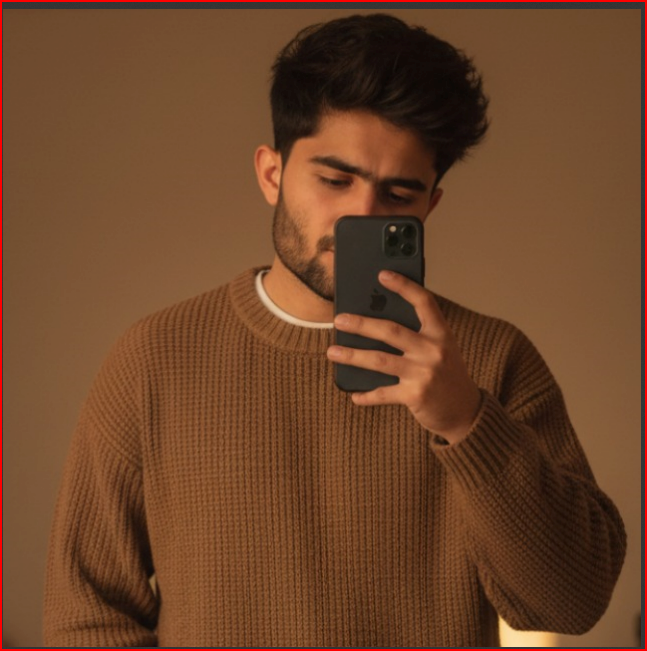
Hi, I’m Muhammad Arslan from Pakistan. Here, you’ll find multiple powerful prompts that you can use on platforms like Google Gemini or ChatGPT to turn your personal photos into stunning AI-generated portraits.