
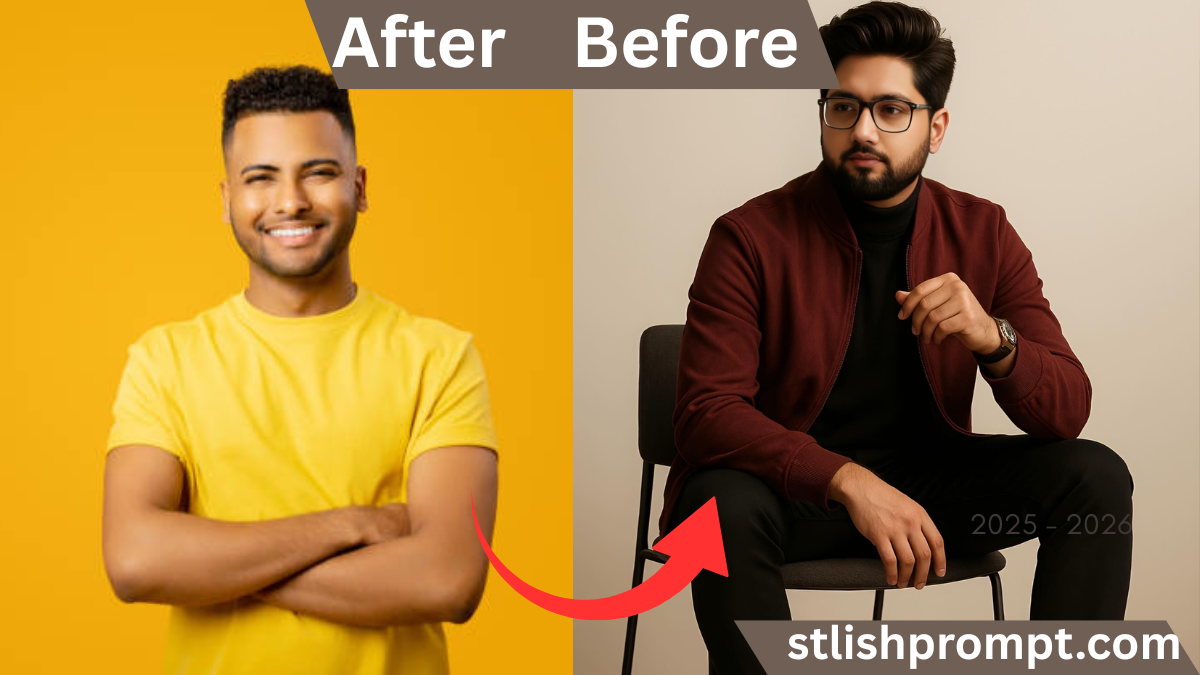
Imagine uploading your ordinary selfie and receiving back a majestic, cinematic VIP portrait — the kind of image that makes you feel like royalty. That transformation taps into deep desires: to look special, remembered, and seen in a new light. The rise of AI‑image tools now makes this possible in minutes.
From my own curiosity, I tried it first as a fun experiment. When I saw my face rendered in dramatic lighting, in regal attire, I was startled—yet delighted. That sparked the idea for building a website where people copy a prompt and get their own royal AI portrait.
In this article, you’ll understand not only how this works, but why it matters, and how you can craft a prompt for best results (with a placeholder for your prompt).
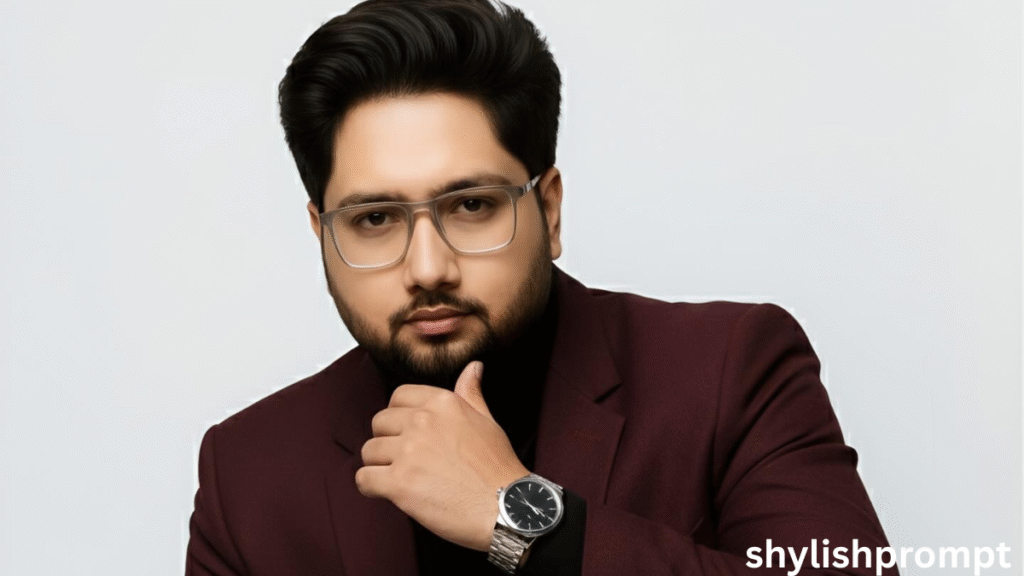
The Magic Behind AI Portrait Generation
AI image models (Stable Diffusion, Midjourney, DALL·E) can interpret descriptive prompts and render high-quality images. Those models were trained on millions of photographs and art styles.
When the prompt includes “royal,” “VIP,” “cinematic,” or “hyperrealistic,” the model leans toward dramatic lighting, rich textures, and stylized details. By combining those terms with references to clothing, facial emotion, and environment, you guide the model’s creativity.
What Should Go Into That Prompt?
- Subject description: “male,” “young man,” facial details (eyes, hair style).
- Style keywords: “hyperrealistic,” “cinematic,” “nano banana 8K,” “modern elegance.”
- Clothing & mood: “maroon jacket,” “royal regalia,” “VIP fashion.”
- Lighting & environment: “dramatic lighting,” “studio background,” “royal hall.”
- Image quality terms: “FHD,” “8K ultra hd,” “photorealistic.”
By combining these, you help the AI narrow down to the chosen aesthetic.

My Personal Story: From Skeptic to Believer
When I built the first version of this tool, I was skeptical. I had seen many AI portrait generators produce odd, unrealistic faces.
I started with my own photo—a casual portrait in a t‑shirt. I fed it a prompt much like yours (with subtle differences). The result? A dramatic, regal portrait: velvet jacket, glinting crown, cinematic shadows. I showed it to friends; some didn’t even believe it was AI.
That reaction convinced me: people want to see themselves as something grand. That insight led me to build a site where users simply copy a prompt and paste into GPT (or image AI) to get a royal editing. That journey taught me prompt tweaks, pitfalls, and how to guide beginners into better results.

Why This Works: Psychological & Technical Insights
The Appeal of “VIP Self”
People love aspirational versions of themselves. Think of how we dress up in high school yearbooks, wedding portraits, or graduation photos. Rendering yourself as royalty is an exaggerated but powerful form of that.
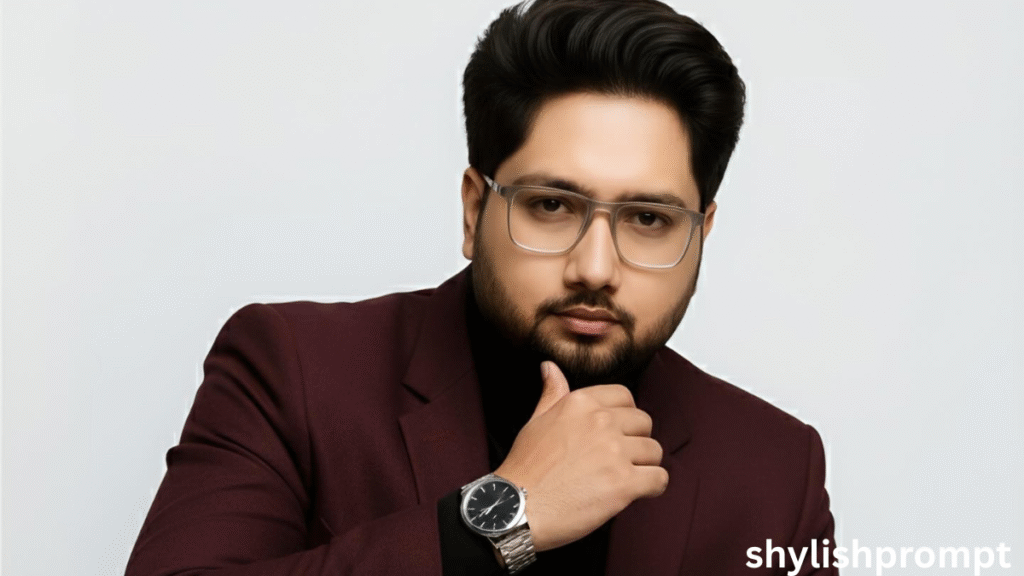
How AI Picks Styles
Under the hood, the model matches your prompt words to visual styles learned during training. The more specific and consistent your prompt, the less “wild” the AI deviates.
Common Pitfalls & How to Avoid Them
| Pitfall | What Happens | How to Avoid |
|---|---|---|
| Generic prompt | Blurry or generic portrait | Add style and lighting terms |
| Overly long prompt | AI confuses directions | Keep to 20–40 focused words |
| Conflicting terms | Jarring mix (e.g. “cartoon + hyperreal”) | Stick to one aesthetic |
| Omitted detail | Missing clothing or background | Explicitly name these in prompt |
Use clarity and consistency to steer the AI toward your intended outcome.
Stylish Prompt Card
Paste your AI prompt below. Then just click copy and use it anywhere you like!
People Also Ask (PAA) Style Questions
| Question | Answer (short) |
|---|---|
| How can I turn my photo into a royal VIP portrait? | Copy a well‑crafted prompt, paste into an AI image tool, upload your photo, and let the AI render the regal result. |
| Which AI tools support portrait edits? | Tools like DALL·E, Midjourney, Stable Diffusion, and GPT‑4 Vision allow prompt‑based image creation. |
| Does the prompt need clothing details? | Yes, clothing and style cues help the AI choose suitable attire (e.g. “maroon jacket,” “royal robe”). |
| What resolution should I use? | Use high‑res (at least 1080p or more) for clearer results — AI models prefer clean inputs. |
| Can I adjust the lighting style? | Yes — include descriptors like “dramatic lighting,” “soft glow,” “high contrast” in the prompt. |
Frequently Asked Questions (FAQ)
Q1. Will everyone get the same style portrait?
Not exactly. Even with the same prompt, AI can introduce variation. But keeping prompt consistent helps.
Q2. Do users need coding skills?
No — the only action is copying the prompt and pasting into the tool, then uploading their image.
Q3. Are there limitations on face angles or expressions?
Yes — side profiles or extreme poses may confuse the model. Frontal or well-lit faces yield the best results.
Q4. Can AI misinterpret the prompt?
Sometimes. If conflicting terms exist or your prompt is overly long, the AI might mix styles. Keep it clear and focused.
Q5. Is it free to use AI tools for this?
It depends on the platform — some are free or freemium, others require credits or subscription. You may guide users which tools to use on your site.

Hi, I’m Muhammad Arslan from Pakistan. Here, you’ll find multiple powerful prompts that you can use on platforms like Google Gemini or ChatGPT to turn your personal photos into stunning AI-generated portraits.





