
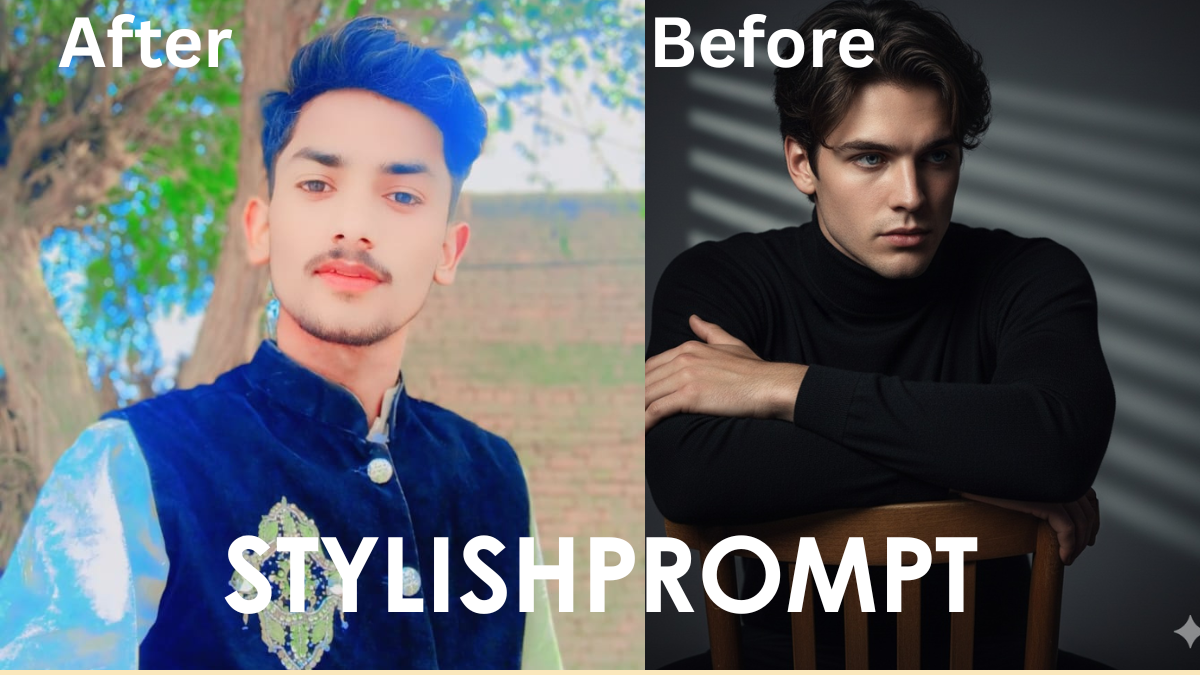
Ever scrolled social media and paused at images that look straight out of a medieval castle or royal court? That’s the magic of transforming ordinary photos into regal, VIP-style works of art using AI. It’s about feeling majestic, feeling seen—and doing it with style.
I first tried this with one of my own portraits: just me, a plain background, a casual hoodie. After running it through a “royal VIP” AI prompt, I nearly didn’t recognize myself. The detail. The lighting. The posture. It made me think: Why don’t we all treat ourselves like royalty once in a while?
How AI Image Prompts Work
AI image generators (like DALL·E, Midjourney, Gemini etc.) respond to prompts—text instructions that guide the style, mood, and elements of the final image.
- They parse keywords (e.g. “royal,” “VIP,” “3D lights,” “dramatic pose”).
- They draw from large visual databases.
- Small tweaks (lighting, color, accessories) change the whole vibe.
Understanding how prompts are built gives you power: you don’t just submit text—you orchestrate an image.

Optimal Prompt Components for a Royal VIP Look
To get that majestic, VIP aesthetic, your prompt should include:
| Element | Why It Matters |
|---|---|
| Regal accessories (crown, jewels, scepter) | Signifies status instantly |
| Dramatic lighting (rim light, spotlight) | Adds depth and cinematic feel |
| Rich textures (velvet, gold foil) | Feels luxurious and high-end |
| Ornate background (palace hall, throne room) | Contextualizes the royalty theme |
These bits combine to create that imposing, royal presence.
Step‑by‑Step: My First Royal VIP Creation
Here’s a mini story from when I first tried this myself:
- I uploaded a selfie—neutral background, natural light.
- I imagined a golden throne, a velvet red cape, warm candlelight, an ancient hall.
- I drafted my prompt following the table above.
- After generation, I saw fine details: texture of cape, gleam of crown, shadows that framed my face.
That moment—it felt almost transformative. AI didn’t just alter pixels. It changed how I saw myself.
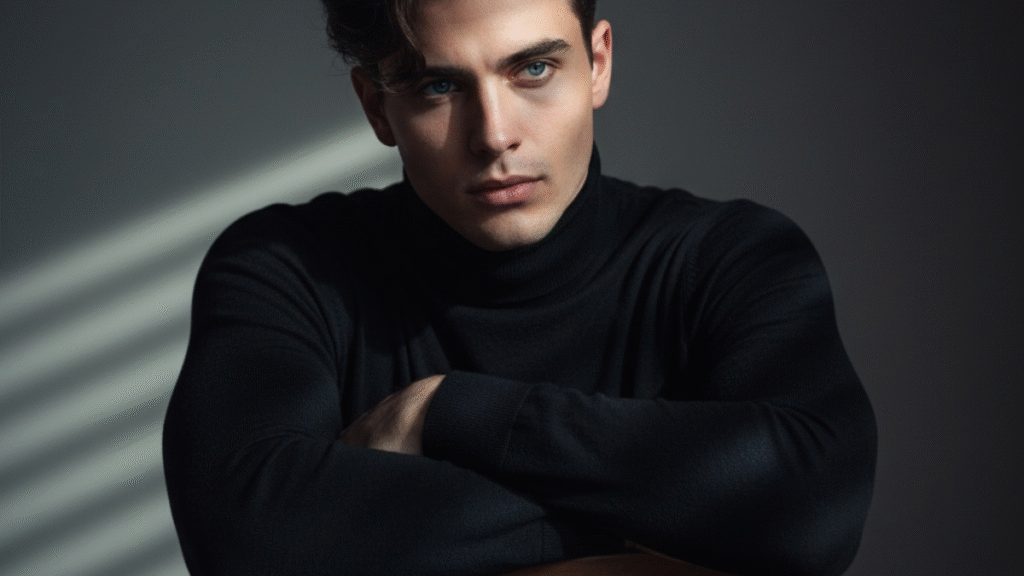
Your Turn: Insert Your Prompt Here to Generate the Image
Here is where you’ll put your own prompt to generate the royal VIP‑style image
Stylish Prompt Card
Paste your AI prompt below. Then just click copy and use it anywhere you like!
Tips to Polish the Output
- Start with a high‑quality photo (good lighting, clear face).
- Use descriptive words: “opulent,” “ gilded,” “epic scale.”
- Adjust style: maybe “3D realism” or “oil painting.”
- Check facial features: avoid over‑editing so the person still looks like themselves.
Pros & Cons of the Royal VIP AI Image Style
| Pros | Cons |
|---|---|
| Feels powerful, confident; great for profile pics | Can look overdone or kitschy if not balanced |
| Unique, eye‑catching; good for branding or social media | AI may misinterpret features; details sometimes strange |
| Fun creative process; accessible to most users | Costs (if the service is paid) or waiting times high during peak |
SEO Keywords & Why They Help You Rank
Here are some short‑tail, long‑tail, and LSI keywords to weave into your content around this topic:
- short‑tail: AI image, royal portrait, VIP photo
- long‑tail: “turn your selfie into royal VIP style image”, “how to generate regal AI art from photo”
- LSI: opulent textures, cinematic lighting, throne aesthetic, royal accessories, luxury art filter
Using them naturally (not stuffing) helps Google understand your topic and show it in Featured Snippets.
Crafting Headlines That Catch the Eye
People are drawn to headlines that promise transformation or prestige. Some examples:
- “From Selfie to Sovereign: How to Rule the Digital Realm with a Royal VIP Image”
- “Make Your Portrait Fit for a Throne: AI Prompt Secrets Revealed”
- “Why You Deserve a Royal VIP‑Style Image (and How to Get It in Minutes)”
People Also Ask
- Can I use any photo to turn into a Royal VIP image?
Yes—clear, well‑lit photos work best. Low resolution or busy backgrounds may make it harder to get a clean result. - Which AI tools support royal or VIP‑style transformations?
Tools like Gemini, Midjourney, Stable Diffusion, and DALL·E support descriptive prompts—so they can do royal styles if prompted right. - How much does it cost to generate such an image?
Depends on the tool. Some offer free trials or limited free images. Premium or high resolution results usually cost a fee. - How long does the generation take?
Usually minutes—but complex prompts or high resolution may increase time. - Can I edit the result if something doesn’t look right?
Absolutely. Most tools allow re‑prompting, tweaking prompt words, or using in‑painting to fix small flaws.
FAQ Section
Q1: What lighting style is best for achieving a royal VIP dramatic effect?
Use dramatic lighting—rim or spotlighting, high contrast with soft shadows, warm tones. It gives the depth and richness associated with regal imagery.
Q2: How do I ensure the person in the photo still looks like themselves?
Don’t over‑filter facial features. Include “keep natural likeness” or “realistic face detail” in your prompt. Use uploads with neutral expression to help.
Q3: Is it better to use 3D assets or painted style?
It depends on your taste. 3D realism gives modern dramatic visuals; painted or classical portrait styles evoke timeless tradition.
Q4: What’s an example of a bad prompt?
Something vague like “make me royal”. It lacks detail—no lighting direction, no accessories, no textures—so output may be generic.
Q5: Can I use these royal VIP images for commercial purposes (branding, products)?
Only if the AI‑tool’s license allows it. Always check the terms of service. If using for anything beyond personal/social use, make sure rights are granted.
Final Thoughts: Make It Your Own Royal Story
Creating a Royal VIP image is more than just filters and sparkle—it’s about reclaiming your own story. When I did mine, what struck me wasn’t just the image itself, but how confident I felt seeing it.
You have the tools now: clear photo, your own prompt, a sense of regal self. When you generate, remember—as you look at that throne, that crown, that luxurious texture—you’re not just pretending. You’re owning a style, a moment, a piece of art made just for you.
So go ahead: paste in your prompt, upload your photo, and let the AI reveal your inner royalty.

Hi, I’m Muhammad Arslan from Pakistan. Here, you’ll find multiple powerful prompts that you can use on platforms like Google Gemini or ChatGPT to turn your personal photos into stunning AI-generated portraits.





