
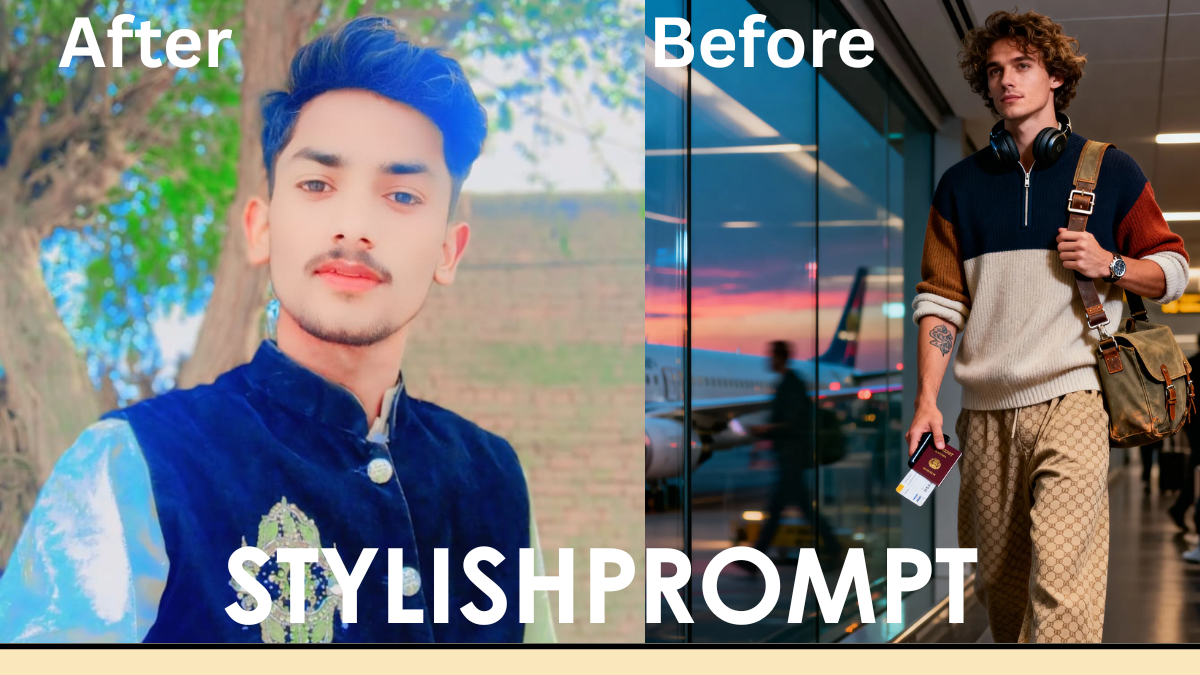
In an age where every snapshot tells a story, your travel photos—especially at airports—are more than mere memories. They are statements. Imagine stepping into the airport, eyes bright with anticipation, dressed to impress, snapping a mirror selfie that radiates prestige. With the right prompt, tools like ChatGPT’s image–generation models (or paired image tools) can help you create a Royal VIP version of that moment. This article walks you through how to use prompts like yours to turn an airport lounge mirror selfie into a cinematic masterpiece.
Why Your Airport Selfie Can Go From Ordinary to Royal
Your airport photo deserves more than just filters. It can evoke elegance, confidence, and luxury. When done well, it:
- Captures attention on social media feeds.
- Enhances your personal brand or style.
- Gives you memories that feel cinematic and special.
I’ve experienced this firsthand. I used to shoot airport selfies with no plan—just phone, mirror, and departure gate. One day I added small elements—a well‑fitting blazer, ambient golden hour light—and after using a prompt to enhance mood and detail, the result looked magazine‑worthy. That shift made me more conscious of what makes visuals compelling: light, detail, framing.
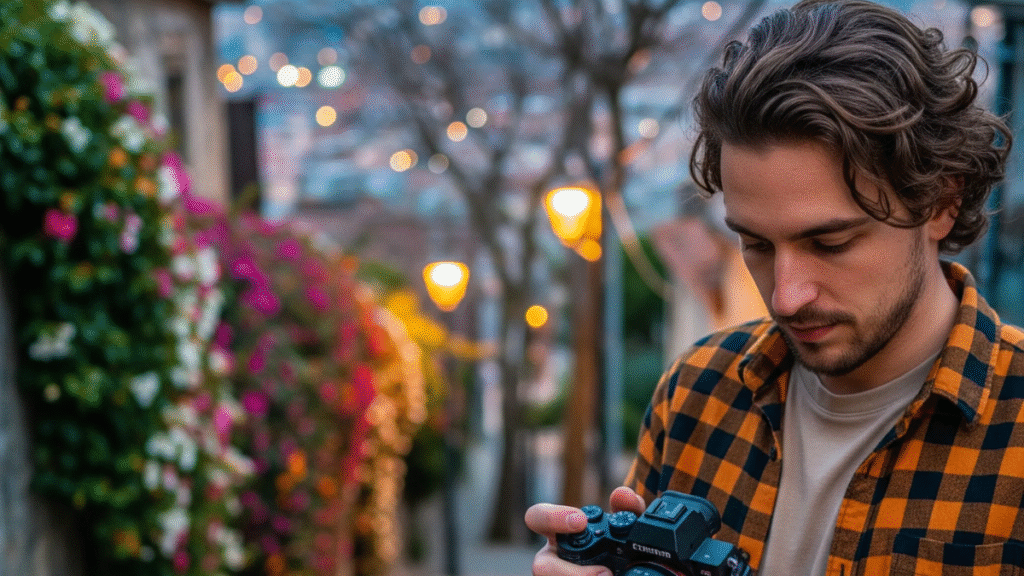
Understanding Prompts: The Engine of Visual Transformation
What a Prompt Must Include
A prompt is your instructions to the visual generation model. To get a high‑quality, Royal VIP airport look, your prompt should specify:
- Subject and posture (selfie, mirror, close‑up, full‑body).
- Age, attire, accessories (e.g. sling bag, watch, headphones).
- Setting and lighting (airport lounge, golden hour, cinematic light).
- Mood and style (luxury, soft focus, moody, social media ready).
- Technical aspects (aspect ratio, resolution, rendering style).
How Much Detail is Too Much?
Too little and you get generic imagery. Too much and the model might clash in styles or over‑constrain. The aim: enough specificity to guide, but room for creative interpretation. From my trials, prompts with 4‑6 strong descriptors (e.g. “glassy wall, soft focus, luxury accessories”) strike the sweet spot.
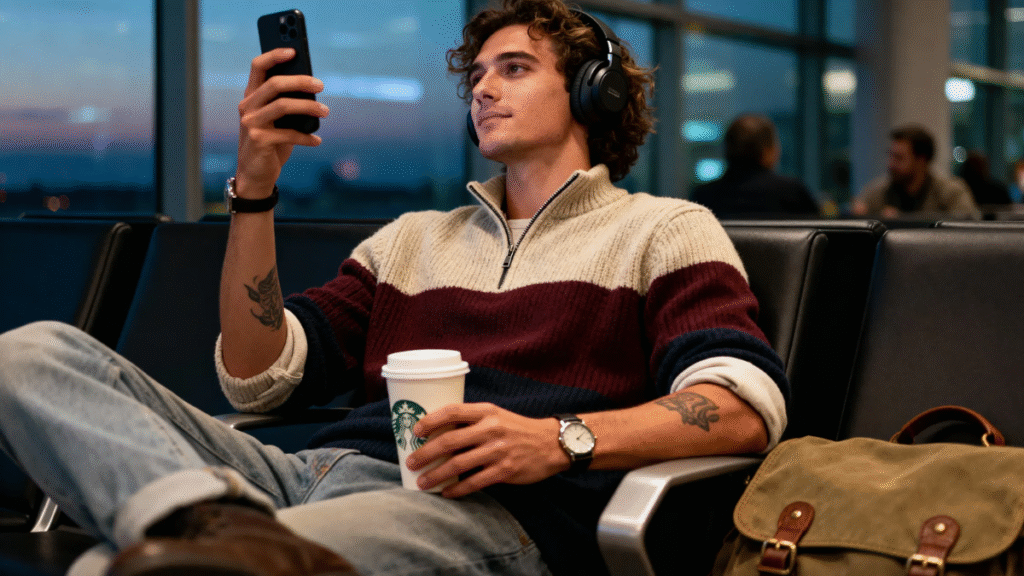
SEO Keywords and Your Prompt: Natural Integration
While you craft your prompt for visuals, you can also make sure it includes keywords that help with searchability and discovery. Think of these as “visual SEO.” For example:
- Short‑tail: “airport lounge selfie,” “luxury photo effect.”
- Long‑tail: “how to make airport selfie look cinematic,” “royal VIP mirror selfie prompt guide.”
- LSI keywords: cinematic lighting, moody luxury, social ready style, soft focus portrait.
Embedding some of these ideas in your prompt or in the text around it helps the algorithmic models and helps your audience understand what to expect.
Stylish Prompt Card
Paste your AI prompt below. Then just click copy and use it anywhere you like!
Crafting the Perfect Royal VIP Look: Elements That Matter
Below are the components that consistently elevate the look of “airport‑luxury” photos. These are things you (or your prompt) should pay attention to.
| Element | Why It Matters | How to Describe in Your Prompt or Style |
|---|---|---|
| Lighting | Golden hour or cinematic lighting enriches textures and gives depth. | “rich cinematic light,” “ambient twilight,” “soft shadows.” |
| Wardrobe & Accessories | Details like watches, bags, hairstyles communicate status. | “visible watch,” “cool sling bag,” “tousled curly hair.” |
| Pose & Framing | Eye‑level close‑ups look more intimate; mirror selfies add reflection drama. | “eye‑level close‑up,” “adjusting sling bag,” “mirror selfie.” |
| Atmosphere & Background | A backdrop of glass, runway lights, lounge chairs set context. | “big glass wall,” “airport lounge mirror,” “moody luxury.” |
| Technical Style | Soft focus, moody lighting, aspect ratio all contribute to final mood. | “soft focus,” “ultra‑detailed,” “ar 3:4,” “moody luxury.” |
My Journey: From Basic Selfies to VIP Images
When I first started using image prompts, my photos were flat: harsh overhead lights, unflattering angles, background clutter. One trip changed everything. I was waiting in a trans‑Atlantic lounge, golden light streaming through large windows. I grabbed my phone, framed myself by the glass, adjusted my jacket sleeve, and thought: What if I describe this moment precisely?
So I wrote a prompt that included all the fine details: bag, hairstyle, light, mood. The generated image made me stop and stare. I posted it, and unlike my previous photos, it drew comments—“Did you shoot this professionally?” Some even asked where lounge was. That taught me: attention to nuance + good prompt = powerful visuals.
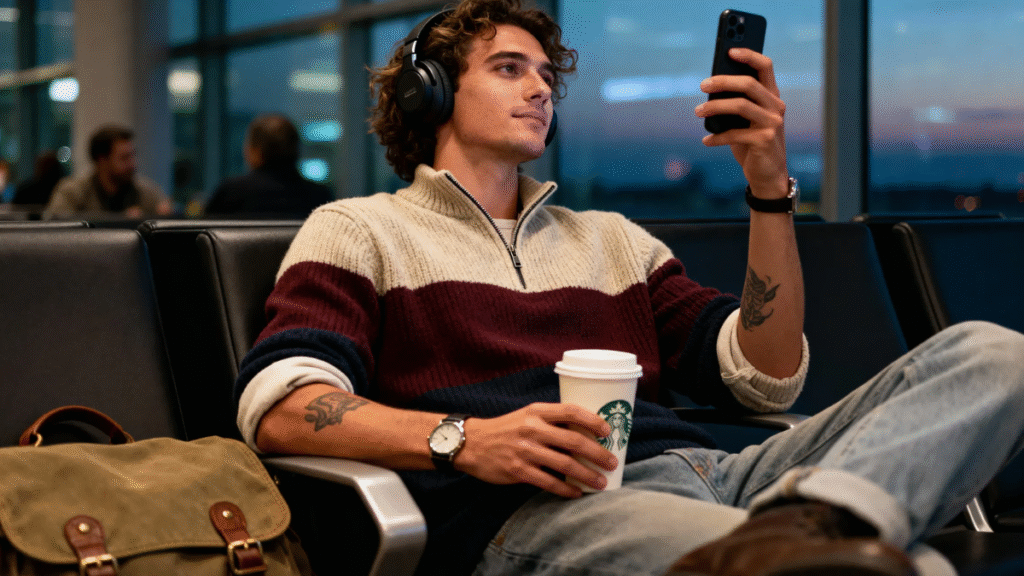
Common Prompt Styles & Variations
When designing your own, you might want a few standard styles ready:
- Minimal luxury: fewer props, clean background, soft lighting.
- Street‑style airport: more dynamic, motion, realistic accessories.
- Editorial glamour: high contrast, richer textures, dramatic poses.
- Casual comfort VIP: lounge wear, accessories subtle, cozy but luxe mood.
Each style might need tweaks in the prompt: different lighting, wardrobe, atmosphere.
Tips to Get Better Results, Fast
- Use reference adjectives like “moody,” “cinematic,” “soft focus.”
- Be specific with clothing items & accessories.
- Mention the light source or time of day.
- Include aspect ratio & style model version if available (e.g., “ar 3:4,” “v 6.0”).
- If possible, give the prompt room for style variation (“rich cinematic light” rather than “yellow light”) to let the model choose.
Comparison: Prompt With vs Without Key Details
| Without Key Details | With Key Details |
|---|---|
| “airport selfie” | “airport lounge mirror selfie at twilight: eye‑level close‑up … visible watch, tattoo … rich cinematic light … ultra‑detailed … moody luxury … ar 3:4 … style raw.” |
| Generic lighting, pose, clothes | Specifies lighting, accessories, posture, mood etc. |
You’ll notice that with details, the visual quality tends to be more consistent with your Royal VIP standard.
SEO & Engagement: Writing Around Your Prompt
While the image is the hook, your text around it also counts. Use descriptive captions, stories, keywords. For example:
“That moment in the airport lounge mirror selfie at twilight … the soft golden glow, the sleek glass walls framing you … it feels like a Royal VIP moment.”
Incorporate your keyword variations naturally:
- “Royal VIP airport look”
- “cinematic airport selfie prompt”
- “how to look like a VIP in travel photos”
These help search visibility and also frame expectations for your user.
People Also Ask (PAA)
- What makes an airport selfie look professional or VIP?
Lighting, background, accessories, framing, and mood are key. Specifying them precisely in your photo prompt or styling helps achieve that look. - How important is aspect ratio in image generation?
Very. Ratios like 3:4 or 9:16 affect composition and how much of you vs environment is shown. A portrait‑friendly ratio (like 3:4) often works well for selfies. - Should I always include accessories like watches or bags?
Not always, but they often add visual interest and luxury cues. If you want a minimal look, skip them; if you aim for “VIP,” include at least one or two luxe props. - Can background details ruin a VIP look?
Yes. Cluttered or conflicting elements distract. Using “mirror lounge,” “glass wall,” “soft focus background” in prompts helps minimize distractions.
How Your Website Users Can Use This Guide
You want them to:
- Read the descriptions above to understand what components elevate their visuals.
- Paste their own prompt into the Prompt Position spot.
- Adjust their prompt using tips (lighting, accessories, mood).
- Use the generated image—post it, share it, or keep for memories—with confidence it looks elevated.
FAQs
Q1: How do I choose the right lighting style for my airport look?
Choose lighting that complements mood. Twilight or golden hour gives warm tones, shadows, depth. Fluorescent or harsh midday lighting tends to flatten features—use prompts like “rich cinematic light,” “soft focus,” or “ambient twilight” to guide the model.
Q2: What’s the ideal aspect ratio for selfies in image generation?
Portrait‑oriented aspect ratios like 3:4 are frequently ideal. They emphasize the subject (you) and allow background context without overwhelming. Square can work, but portrait gives more dramatic framing for VIP looks.
Q3: Can I reuse the same prompt for different settings (e.g. airport lounge, hotel lobby)?
Yes, but tweak background descriptors. For airport lounge: “glass wall,” “lounge chairs,” “travel bags.” For hotel lobby: “grand staircase,” “chandelier,” “luxury carpet.” Adjust accessories & lighting descriptors accordingly.
Q4: How do I ensure the image feels social‑media ready?
Include keywords like “social‑ready style,” “ultra‑detailed,” “moody luxury,” “soft focus.” Also think about composition—clear subject, some breathing room, visually clean background.
Q5: What should I avoid in prompts that reduce image quality?
Avoid vague descriptors (“nice lighting,” “cool background”) without specificity. Avoid conflicting styles (“cartoonish” + “realistic”). Overloading the prompt with too many items can lead to messy or unexpected results.
Final Thoughts: Elevate Your Visual Story
Creating a Royal VIP airport photo isn’t about opulence alone—it’s about storytelling. The mirror reflection isn’t just showing what you look like—it’s framing how you want to feel: confident, elegant, world‑wise. With the right blend of details in your prompt, a sense of style, and a thoughtful composition, you turn a simple selfie into a signature moment.
Ready to give your airport mirror selfie the upgrade it deserves? Paste your prompt in the spot above, follow these guidelines, and watch the magic happen.

Hi, I’m Muhammad Arslan from Pakistan. Here, you’ll find multiple powerful prompts that you can use on platforms like Google Gemini or ChatGPT to turn your personal photos into stunning AI-generated portraits.





