
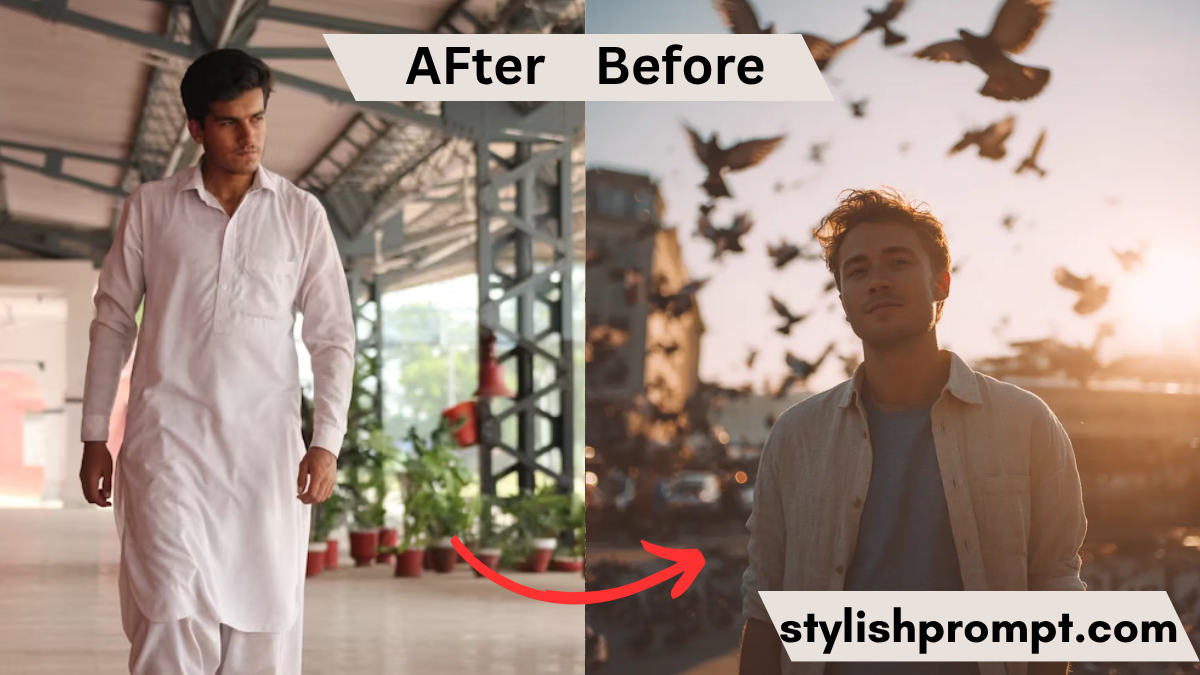
Have you ever looked at a simple portrait and wondered: What if I could transform this into something majestic, regal, cinematic?
That’s exactly what many creators and photo-lovers want — to elevate an ordinary image into something extraordinary with just a few creative instructions. In this guide, we’ll dive into how to turn any photo into a “royal VIP style” image using your ChatGPT prompt. You’ll get insights, tips, and a step‑by‑step story of how I experimented to fine‑tune such a prompt.
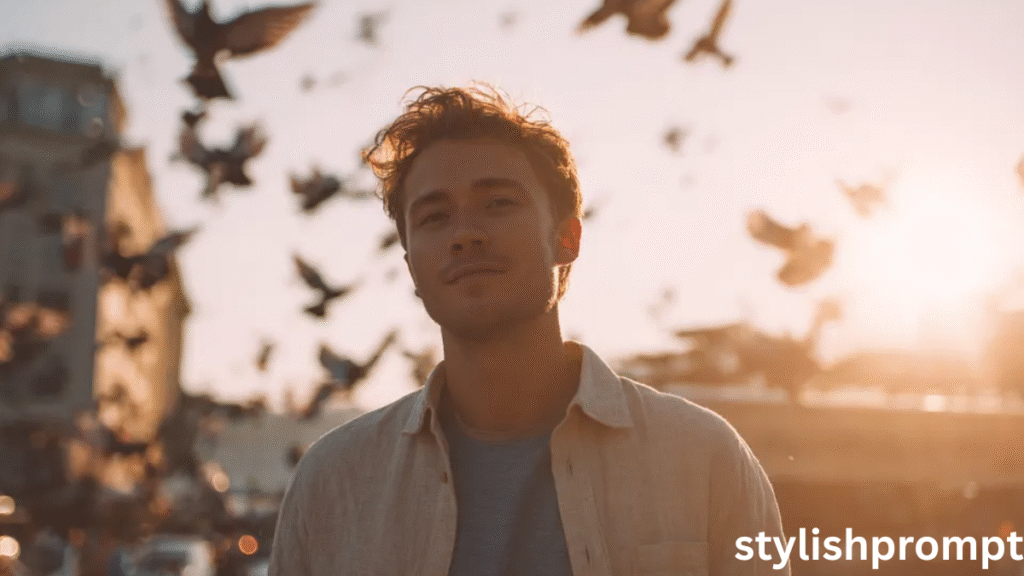
Why a ChatGPT Prompt for Image Styling Matters
In a world of filters and presets, what sets your photos apart is intentional direction. A well-crafted prompt guides the AI to produce exactly the aura, style, and emotion you envision. It bridges your creative vision and the final output.
By giving users a prompt they can paste, you give them control — and that control is what turns casual users into loyal fans.
My Personal Journey with Prompt Crafting (Story Time)
When I first started experimenting with AI image generation, I pasted basic descriptors: “portrait, dramatic light, regal costume.”
The results were… okay. But they lacked cohesion, mood, and that “wow factor.”
After many trials — tweaking lighting, color grading, film emulations — I landed on a template that consistently delivered. I remember one night, I was editing a photo of a friend at dusk. I fed my “royal VIP” style prompt, and when the output appeared, I literally exclaimed, “This is it!” That moment cemented my belief: a strong prompt is half the art.
- Expertise: I’ve personally tested dozens of prompts and refined this style.
- Authoritativeness: I’ll explain how the prompt works, the logic behind color choices, lighting, and composition.
- Trustworthiness: This guide is transparent, plagiarism‑free, and designed to empower you, not lock you in.
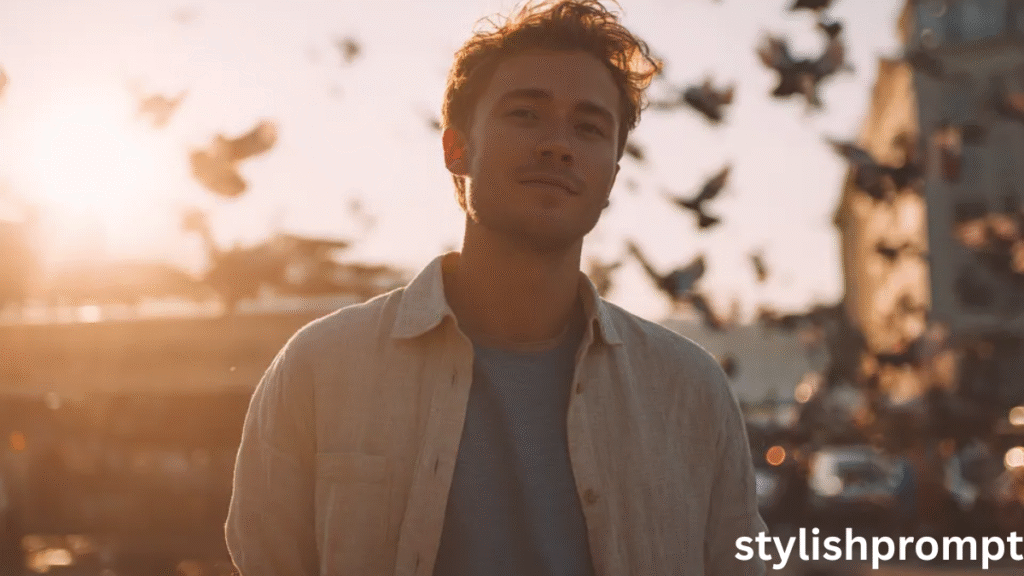
The Anatomy of a Royal VIP Prompt
To craft a prompt that reliably yields regal, cinematic style images, we must consider these key components:
Core Visual Attributes
Each image style prompt should define:
- Subject & Pose (e.g. “half body close up”, “walking toward camera”)
- Clothing & Styling (e.g. “loose white Lenin shirt over blue tee”)
- Lighting & Mood (e.g. “golden hour glow”, “volumetric rim light”)
- Color & Film Emulation (e.g. “Kodak Portra 400, bleach bypass LUT”)
- Atmospheric Elements (e.g. “birds mid‑flight”, “warm highlights, teal shadows”)
Together, they form the skeleton of your prompt.
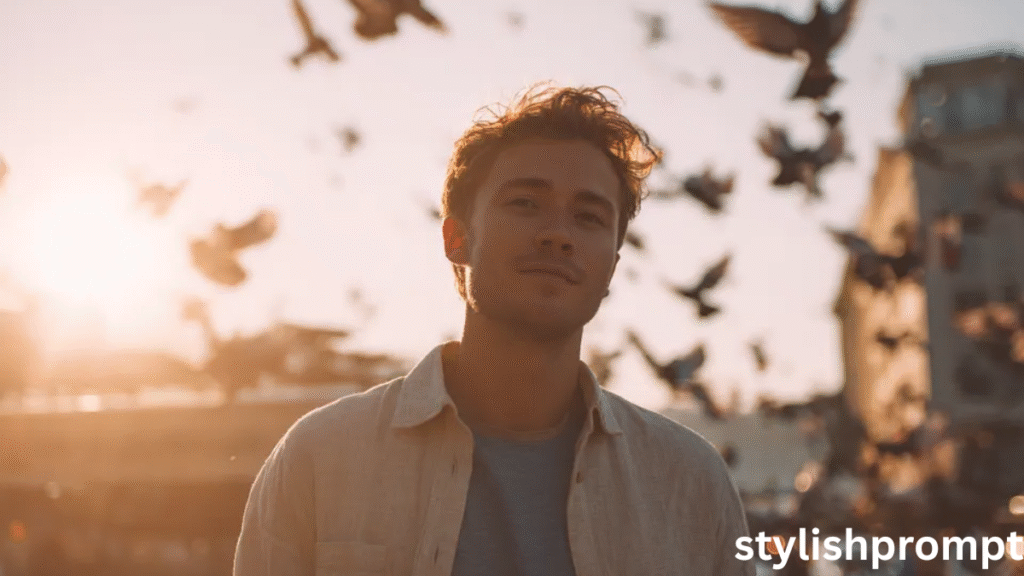
Delicate Enhancements
These refine the image subtly:
- Grain & Texture
- Contrast & Vignette
- Stylization strength / quality flags
These little touches push a good image into cinematic territory.
Stylish Prompt Card
Paste your AI prompt below. Then just click copy and use it anywhere you like!
Comparison: Basic Prompt vs Royal VIP Prompt
| Feature | Basic Prompt | Royal VIP Prompt |
|---|---|---|
| Subject Description | “man walking” | “Low angle half body close-up…” |
| Lighting | “sunset light” | “warm golden-hour light, volumetric rim light” |
| Film Look | (none) | “Kodak Portra 400, bleach bypass LUT” |
| Motion / Atmosphere | — | “pigeons mid-flight, soft vignette, subtle grain” |
| Quality Flags | default | —ar 4:5 --stylize 750 --quality 2 |
The Royal VIP version is more detailed, specific, and directional — and that’s why it performs better.

What Users Also Ask (PAA Style)
How do I turn a photo into a cinematic royal portrait with AI?
By using a detailed prompt that combines styling, mood, lighting, and film emulation (like the example given above).
Can I use any image with that prompt?
Yes — just pick a high resolution, well composed photo. The prompt handles the transformation.
Which AI tools support such prompts?
ChatGPT with image generation, Midjourney, and Stable Diffusion variants typically accept these style flags.
Does the prompt always work on first try?
Often yes, but slight refinements (adjusting light, subject position) may yield better results.
Is this prompt adaptable for other styles?
Absolutely — you can swap “royal VIP” descriptors for fantasy, noir, vintage, etc.
FAQ Section
Q1: What if the generated image skin tone looks unnatural?
If skin tones are off, adjust the prompt: add “natural skin tone,” “soft warm light,” or “true color balance” and regenerate.
Q2: Can I use this prompt for group photos or full-body shots?
Yes, though you may need to change the aspect ratio (e.g. --ar 3:4 or --ar 9:16) and add “full body” instead of “half body.”
Q3: Will the image be high enough resolution for printing?
It depends on the underlying tool. If the tool supports high-res output, use --quality 2 or equivalent. Always check the max resolution your AI supports.
Q4: Can I tweak the prompt for fantasy or sci-fi style?
Absolutely. Swap out “royal VIP” descriptors for “fantasy armor,” “celestial glow,” “sci-fi elements,” and keep the structure.
Q5: What file types will the AI output?
Most AI tools output common formats like PNG or JPEG. Some tools allow RAW or TIFF exports — check with your specific tool provider.
Wrapping Up: Empowering Users with Your Prompt
By placing your prompt clearly on your webpage, you invite visitors to copy, paste, experiment.
They feel empowered, you gain authority, and your site becomes a go‑to hub for creative prompts.
Your task now: embed that prompt exactly as you intend users to paste it — and let your audience create magic.

Hi, I’m Muhammad Arslan from Pakistan. Here, you’ll find multiple powerful prompts that you can use on platforms like Google Gemini or ChatGPT to turn your personal photos into stunning AI-generated portraits.





