
Introduction
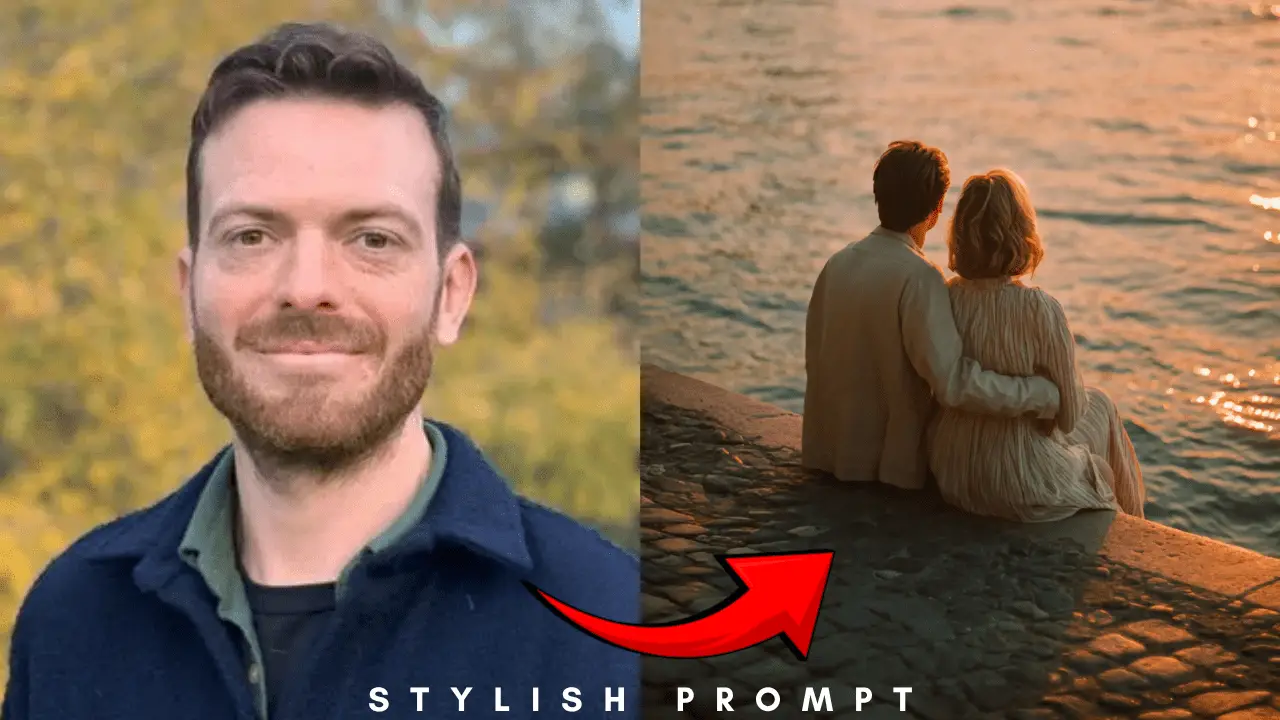
Have you ever wanted to capture a perfectly romantic, movie-like moment but didn’t have the right camera or location? Picture making a stunning picture of a couple against a golden hour sunset, with all the warmth and feeling of a professional photo. Anyone with AI can now do this. This guide will show you step by step how to use AI image generators to make this “romantic moment at golden hour.” We offer a powerful prompt that is ready to use and will always give you amazing, photorealistic results. Just copy our expert-written prompt and watch AI make your idea come to life.
Why the “Golden Hour” Prompt Works
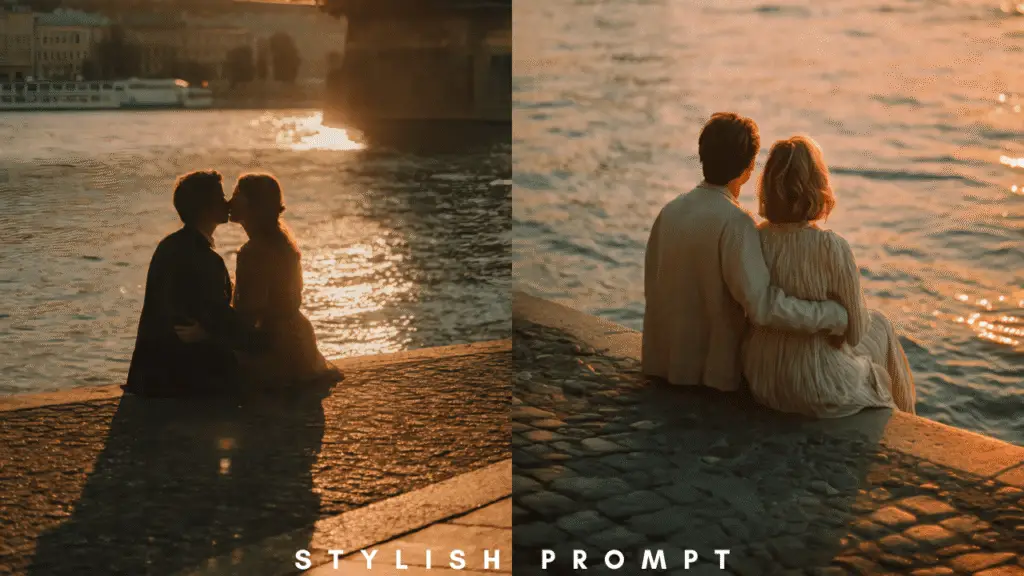
The “golden hour,” which is the time just after sunrise or just before sunset, is a photographer’s favorite time of day. The light is soft, warm, and comes from one direction, making long shadows and a magical glow. Our prompt is carefully designed to tell the AI to copy these exact photographic qualities. It goes beyond just describing something by using technical and artistic words that help the AI make a picture that looks like it was taken in a movie. The picture isn’t just a picture; it’s a feeling captured in pixels that makes you feel love, peace, and epic beauty. This careful choice of words makes the difference between a generic picture and a work of art.
Key Elements Our Prompt Includes:
- Cinematic Composition: Specifying a “wide shot” establishes an epic scale.
- Emotional Core: “Embracing and kissing” defines the central romantic action.
- Critical Lighting: “Silhouetted,” “rim lighting,” and “sun flare” are crucial for the look.
- Atmospheric Details: Mentions of “film” and “deep shadows” add texture and realism.
Your AI image prompt that is ready to use
Here is the best prompt. To use it, copy and paste the whole text block below into your favorite AI image generator, such as GPT-4 with DALL-E, Midjourney, or Stable Diffusion.
Stylish Prompt Card
Paste your AI prompt below. Then just click copy and use it anywhere you like!
How to Get Perfect Results by Breaking Down the Prompt
You can see why the prompt works so well when you understand how each part works. This knowledge also lets you make small changes in the future to make your own versions.
Setting the Scene: Composition and Subject
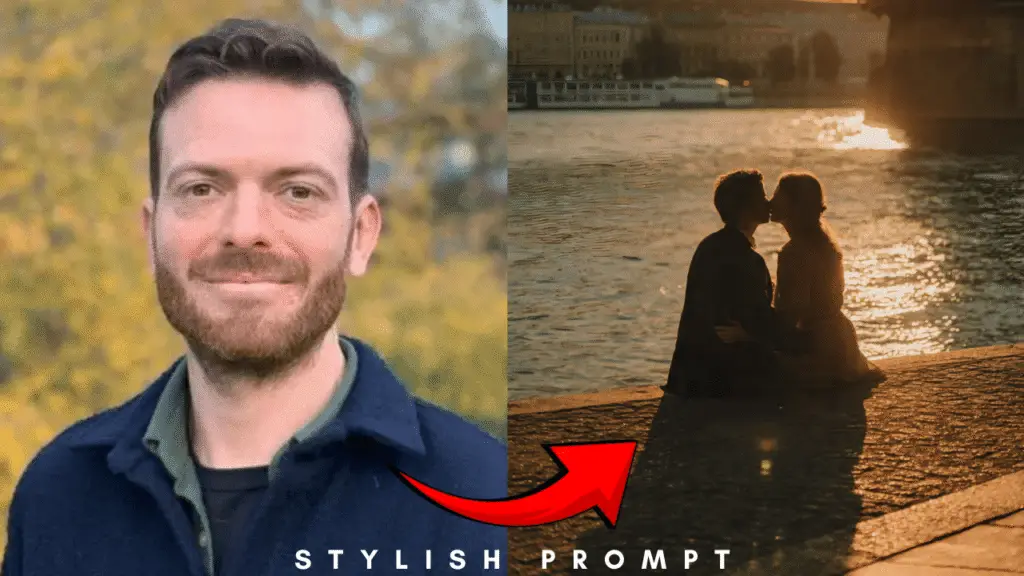
The prompt starts by clearly defining the main parts. “Romantic wide shot photo” immediately sets the tone and framing. It tells the AI to pull back and show the environment, making the couple part of a larger, beautiful landscape. “A couple embracing and kissing” is the unambiguous focal point, ensuring the AI prioritizes this human connection. Placing them “seated by the water on a concrete embankment” adds a relatable and grounded element to the scene.
Crafting the Atmosphere: Location and Lighting
This is where the magic happens. “Silhouetted against a brilliant golden hour sunset” is the most critical instruction for the mood. It tells the AI to create high contrast between the dark figures and the bright, colorful sky. Mentioning a “grand European suspension bridge” provides a recognizable and elegant architectural element that adds depth and interest. The specific lighting terms “sun flare” and “strong rim lighting” are professional touches that create lens artifacts and a glowing outline on the couple.
Defining the Visual Style: Quality and Mood
The final part of the prompt dictates the image’s quality and texture. Words like “photorealistic” and “cinematic” push the AI beyond a simple illustration toward a high-quality, movie-like aesthetic. “Epic landscape” reinforces the grand scale of the shot. Perhaps most importantly, “captured on film” is a secret weapon. This often gives the image a subtle grain, richer colors, and a more organic feel compared to a sterile “digital” look.
Faq
What is the best AI tool to use with this prompt?
This prompt is highly versatile and works excellently with state-of-the-art models like OpenAI’s DALL-E 3 (accessible through ChatGPT Plus) and Midjourney. Both are fantastic at interpreting complex, descriptive prompts and delivering photorealistic results.
Can I modify the prompt for a different time of day?
Absolutely. AI prompting is all about experimentation. You can replace “golden hour sunset” with “moody blue hour,” “starry night sky,” or “foggy morning” to completely transform the atmosphere and lighting of your generated image.
Why does my generated image sometimes look different?
AI models are probabilistic, meaning they can produce variations on each generation. If you get a result you almost love, use the “vary” or “reroll” feature in your AI tool. For minor edits, you can also try uploading the image and asking the AI to “make the sunset more vibrant” or “increase the rim lighting.”
Is the image I create mine to use?
Generally, yes. Most AI platforms grant you a license to use the images you generate for personal or commercial purposes. However, it is always a best practice to double-check the specific Terms of Service of the AI tool you are using to understand any limitations.
Conclusion
You now possess everything you need to create a stunning, professional-grade romantic image with AI. Our comprehensive prompt captures the essence of golden hour lighting, cinematic composition, and genuine emotion. It is designed to be your key to unlocking limitless creative possibilities. Do not just imagine this perfect romantic moment—create it. Copy the prompt above, paste it into your favorite AI image generator, and witness the magic unfold. Share your beautiful creations with someone you love.

Hi, I’m Muhammad Arslan from Pakistan. Here, you’ll find multiple powerful prompts that you can use on platforms like Google Gemini or ChatGPT to turn your personal photos into stunning AI-generated portraits.





