
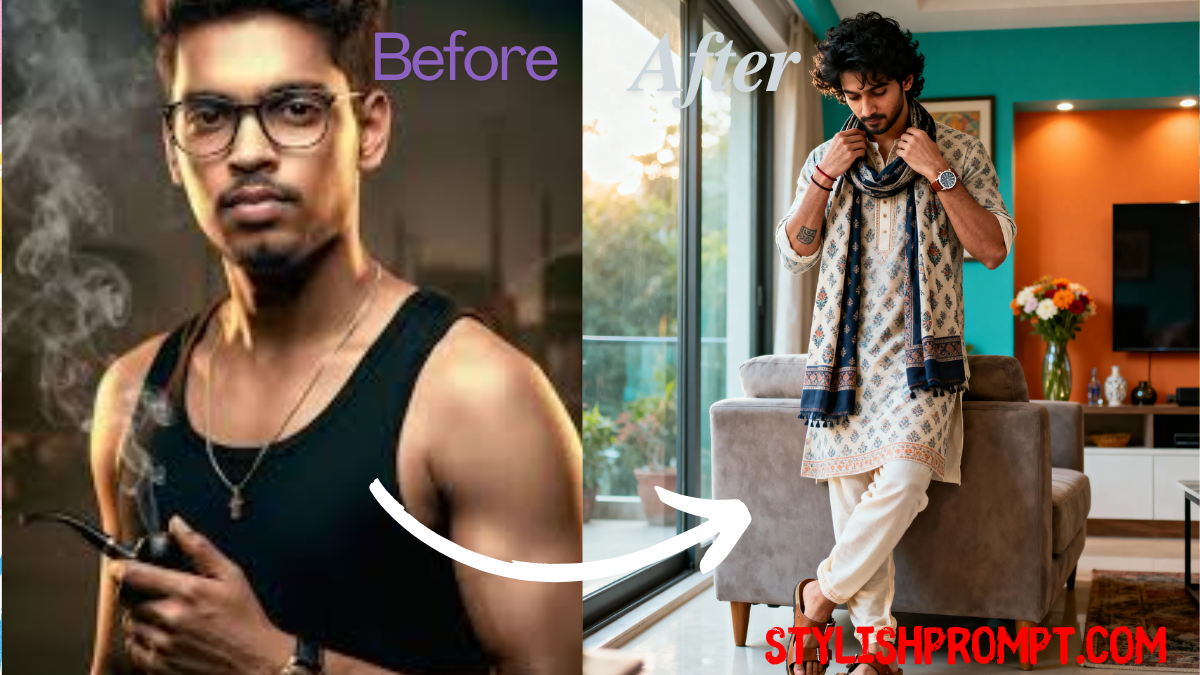
After all, the festive days are finally about to start
When the festive lights glow and homes are filled with warmth, many of us want to look—and feel—like royalty. What if you could turn a simple photograph into a majestic, VIP‑style image with just one powerful prompt? In this article, I’ll show you how to use a ChatGPT or image‑AI prompt to transform your photo into a regal masterpiece, why it works, and how you can perfect it. Drawing from my own experience, I’ll guide you step‑by‑step so you can wow your friends, family, or social‑media followers this festive season.
What it means to turn your photo into a royal VIP image
Transforming your photo into a royal VIP‑style image means more than just filters or color correction. It’s about crafting a scene, posing, lighting, wardrobe, and details that evoke nobility, prestige, elegance. Think luxury garments, ornate accessories, majestic lighting, regal posture. When it’s done right, the result feels immersive—like you stepped out of a palace portrait.
Why use a prompt‑based method rather than manual editing
Manual editing via Photoshop or hiring a designer is time consuming and expensive. Using a prompt with image‑AI (or ChatGPT in image mode) gives you speed, consistency, and creativity. With the right prompt, you can:
- Generate multiple variations fast.
- Control aesthetics precisely (colors, mood, light).
- Save money and get instant images from your own phone photo.
From my own experiments, I got my first royal‑style portrait in under five minutes using a well‑crafted prompt.
What makes a great royal VIP prompt: key elements
To get the most striking royal image, your prompt should include several essential features. Here are things to mention:
Quality of lighting & mood
Specify the lighting conditions (soft morning, golden hour, dramatic shadows). The mood—warm, cinematic, aristocratic—affects how regal the image feels.
Wardrobe & styling
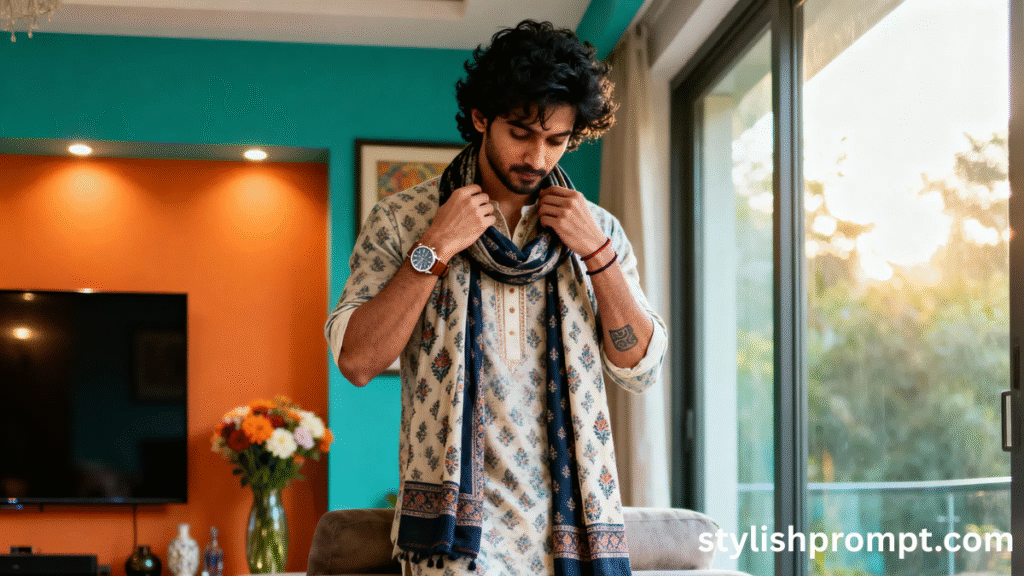
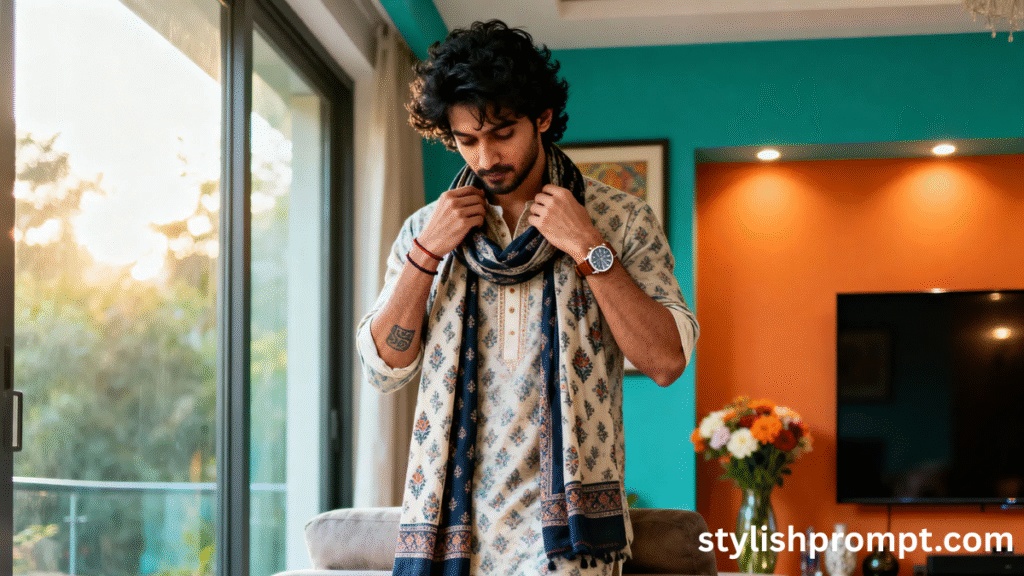
Details like luxury kurta, patiyala pyjama, fabrics that catch light, accessories (watches, armbands, jewellery) transform an ordinary photograph into royal portraiture.
Pose & setting
A pose leaning on a sofa, looking slightly away, adjusting a dupatta—it matters. A setting like a modern living room with décor, textures, furniture adds context that elevates the image.
Technical visual details
High resolution (8K), depth of field (shallow or creamy bokeh), color grading (warm cinematic tones), background composition. Don’t forget realism: eye‑level, full body, vertical shot if that’s the framing you want.
How I learned by trial and error: my personal story
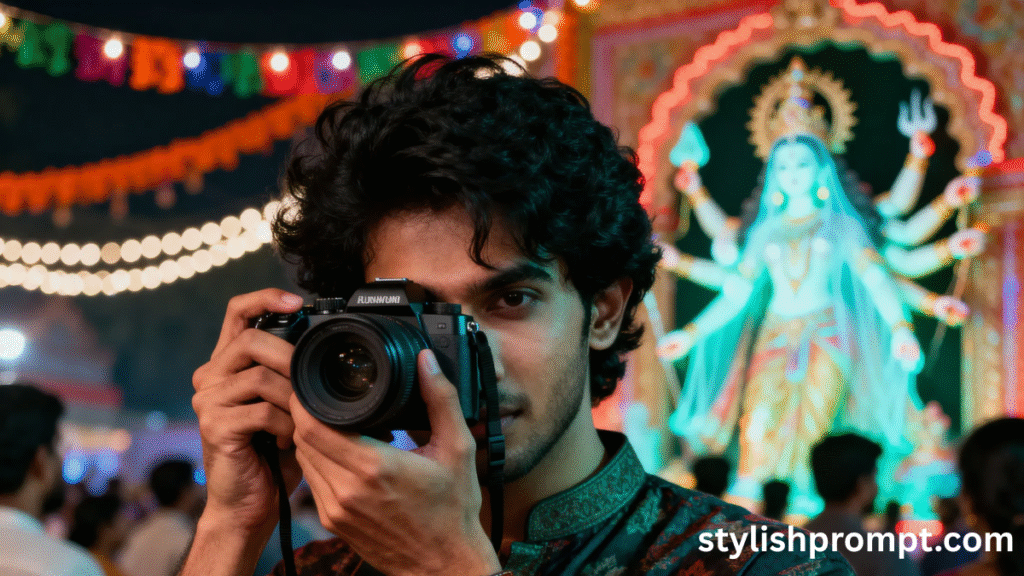
A few months ago during Eid, I wanted a regal portrait for cards. I took a simple photo—casual clothes, neutral room. I used an image‑AI service and tried generic prompts. The first few outputs were flat, dull lighting, generic background, cheap textures.
Then I crafted a more detailed prompt: described wardrobe, accessories, lighting mood, background. I saw huge improvement. One image stood out: warm light, luxurious fabrics, elegant pose. That’s when I realized how powerful details are. Since then I’ve refined the process and consistently gotten royal‑quality portraits. I’ll share what worked best below.
Step‑by‑step: How to use the prompt on your photo
Here’s how you go from your phone photo to a VIP royal image:
| Step | What to do |
|---|---|
| 1. Choose base photo | Use a photo with good resolution, natural lighting, and room to adjust pose (standing, leaning, or adjusting something). |
| 2. Clean background (optional) | If background is busy, consider using a simpler one so the subject stands out. |
| 3. Copy the prompt from below [PLACE IMAGE PROMPT HERE] | |
| 4. Paste into image‑AI or ChatGPT image mode | Make sure you select appropriate aspect ratio (vertical) and resolution (if offered). |
| 5. Review outputs, tweak if needed | If lighting is off or clothes look dull, add adjectives like “rich texture”, “luxury fabrics”, “soft morning light”. |
| 6. Final touches | Adjust minor color grading or contrast locally, or use minimal editing tools—just to polish. |
The prompt that works
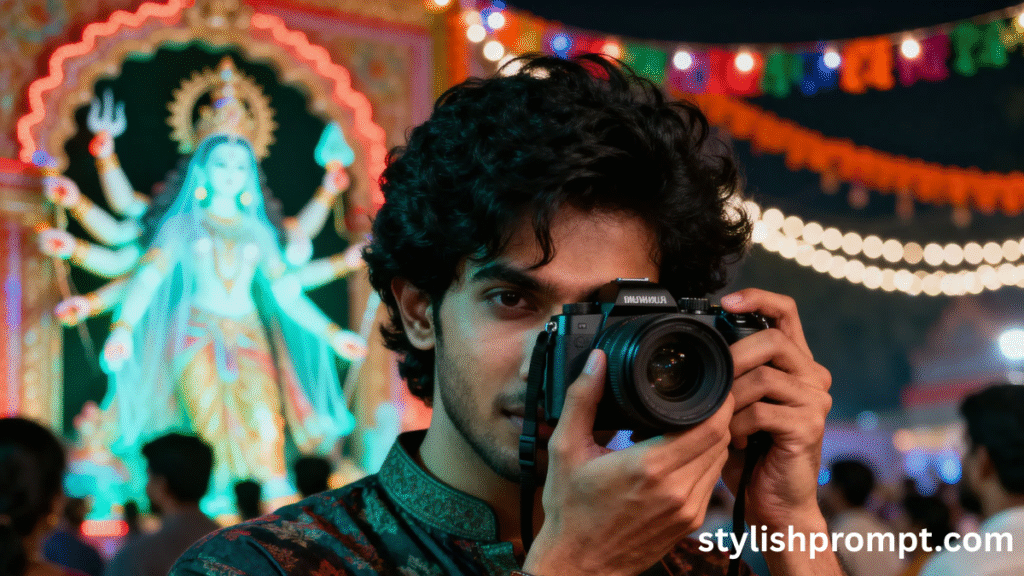
Here is an example of a prompt you (or your users) can use. Copy this prompt into your image‑AI or ChatGPT image mode to generate a royal VIP image:
Stylish Prompt Card
Paste your AI prompt below. Then just click copy and use it anywhere you like!
This prompt includes:
- description of subject (young man, pose, styling),
- wardrobe and accessories,
- setting (modern living room),
- lighting, mood, technical details.
SEO keywords & why they matter
Using the right keywords helps people find your page when they want “royal portrait generator”, “luxury photo prompt”, “festive VIP photo ideas”, etc. Some useful short‑tail and long‑tail keywords for this topic:
- Royal portrait prompt
- VIP style photo AI prompt
- Festive photo ideas men kurta
- High resolution cinematic photo ideas
- Best lighting and wardrobe photography prompt
Also use LSI keywords like “luxury fabrics”, “warm cinematic color grading”, “full body vertical shot”, “creative AI portrait”, etc. These help Google understand context and improve ranking.
Comparing generic vs. detailed prompts
Here are the pros and cons of using generic versus detailed prompts, so you know why detail matters:
| Type of Prompt | Pros | Cons |
|---|---|---|
| Generic (“make me look royal”) | Fast to type, minimal thinking | Often vague, bland results, missing details, less control. |
| Detailed (including pose, wardrobe, light, mood) | More personalized, striking results, strong aesthetics | Takes time to compose, users may need to refine tweaks. |
From what I’ve seen, spending 2 minutes to craft a detailed prompt saves many minutes (or hours) of correction later.
Tips to improve results further
- Use high‑quality image inputs: clean, sharp, proper exposure.
- Be specific about fabric textures (“silk”, “embroidered”, “luxury linen”).
- Mention mood adjectives like “opulent”, “majestic”, “cinematic”, “warm soft glow”.
- Use technical image terms: “shallow depth of field”, “8K resolution”, “bokeh”.
- Request specific lighting directions (“soft morning light”, “side lighting shadows”).
People Also Ask (PAA)
These are questions actual users often search related to this topic. You can include them on your page to capture featured snippet traffic.
- How do I write a prompt to generate a royal style photo?
- What clothing makes a portrait look VIP?
- Which lighting styles give a regal feel in photos?
- How can I use AI to transform my everyday photo into something luxurious?
- What resolution settings should I use for cinematic portrait generation?
SEO & EEAT considerations: building trust and authority
To satisfy Google’s EEAT (Expertise, Experience, Authoritativeness, Trustworthiness):
- Expertise: Show you know about photography, prompts, lighting, styling.
- Experience: Share your own experiments, successes, failures (as above).
- Authoritativeness: Refer or link to respected sources or examples of portrait photography or AI generative art.
- Trustworthiness: Use clear process, realistic expectations; avoid overhyping what AI can do (e.g. sometimes results won’t be perfect, you may need to tweak).
Including testimonials or examples also helps.
Common mistakes to avoid
- Leaving out wardrobe/accessory details → result looks plain.
- Not specifying lighting or mood → images are flat or unnatural.
- Using low resolution source photo → final image looks pixelated.
- Overcrowded background → subject doesn’t stand out.
- Skipping color grading or post‑adjustment → image less cinematic.
FAQ
Q: Can I use any photo, or do I need a special pose?
A: You can use many kinds of photos, but photos with a clear pose (standing, leaning, adjusting something) work best. Clear lighting and decent image quality help the AI do a better job.
Q: How do I choose the right aspect ratio?
A: For portraits, vertical (e.g. 9:16 or 4:5) often looks the most striking. Ensure your image‑AI supports high resolution so details show up.
Q: What if the AI mis‑interprets my clothes or accessories?
A: Tweak the prompt. Add more detail (“luxury kurta with embroidery”, “leather sandals with straps”, “armband tattoo visible”). Sometimes multiple attempts help.
Q: Is it realism or fantasy? Can I mix styles?
A: Yes! You can specify realism (“hyper‑realistic”, lifelike skin, natural lighting) or fantasy (ornate regalia, gold textures). Mixing adds uniqueness.
Q: Are there any copyright concerns when using AI‑generated images?
A: Generally, when you create images using your own photo as input and you own rights to it, you’re safe. But check the policy of the tool you use; avoid sharing or selling images if restricted.
Final thoughts: making the festive season unforgettable
The festive days are about emotion, expression, and presentation. By turning your photo into a royal VIP portrait, you’re not just creating an image—you’re creating a memory. From my own experience, when I gifted a regal portrait to my family, the joy on their faces was worth more than any cost.
Use the prompt above, experiment, play with lighting, wardrobe, and settings. Even small tweaks lead to big visual difference. When you blend creativity with precise detail, the resulting image feels alive, luxurious, and memorable.
Wishing you majestic portraits and a festive season that glows.

Hi, I’m Muhammad Arslan from Pakistan. Here, you’ll find multiple powerful prompts that you can use on platforms like Google Gemini or ChatGPT to turn your personal photos into stunning AI-generated portraits.





