
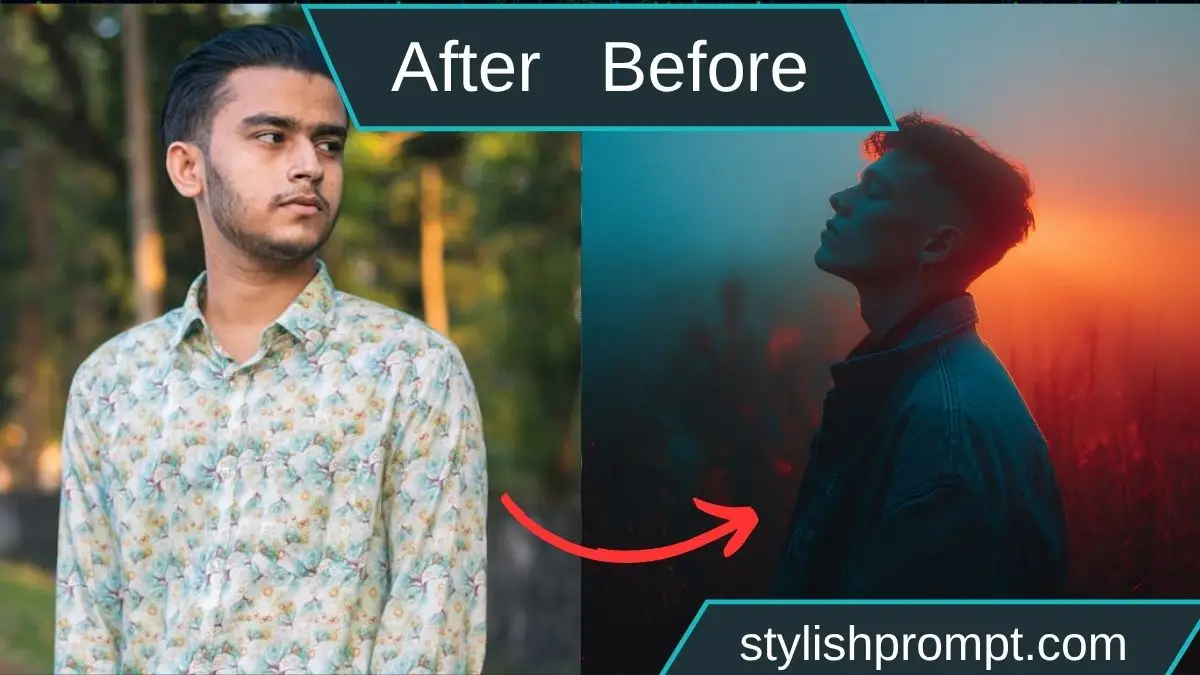
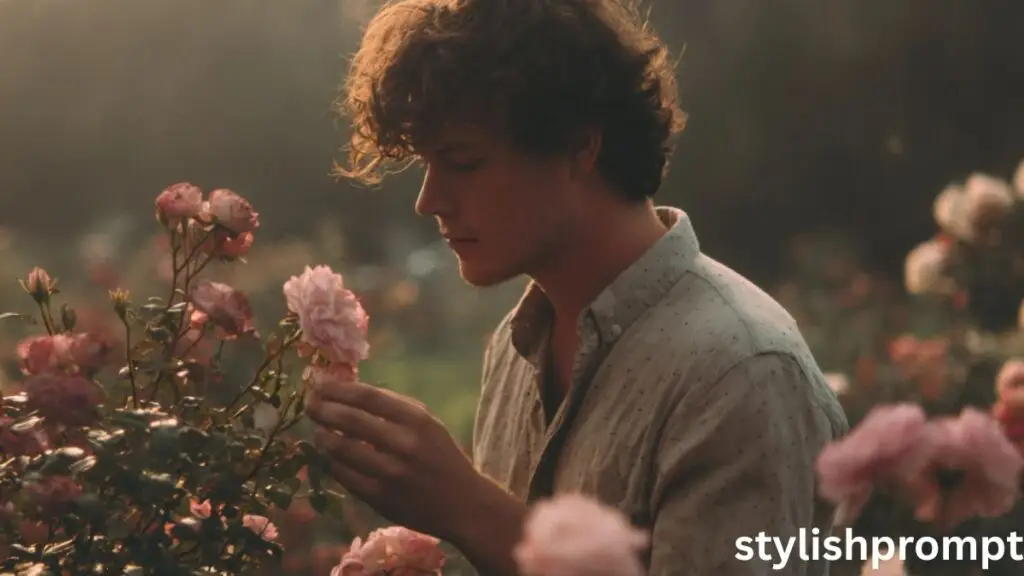
Twilight paints the world in muted greys and soft blushes. A gentle hush settles. In that foggy in-between light, roses—blushing, damp with dew—stand quietly in bloom. It’s there, in that space, we find a spark of solidarity: with nature, with memory, with ourselves. And sometimes, with the unseen, with the whispered hope that still lingers.
In this article, we’ll journey through the magic behind a prompt that turns your photo into a royal VIP portrait, explore how to use it, and reflect on the emotional and symbolic power of creating such images. I’ll share my own experience, tips to make the prompt more effective, and help you understand the deeper resonance behind the imagery.
The Power of a Prompt — Why One Phrase Can Unlock Your Vision
A prompt is more than just words. It’s a key, a guide, a seed. When you slip your photo into a carefully crafted prompt, that prompt becomes a lens through which an AI (or image engine) reinterprets your essence.
One well-designed prompt can:
- Inspire unique aesthetics (royalty, ethereal tones, cinematic lighting)
- Encourage stylistic coherence across different inputs
- Center your identity and story within a larger visual narrative
And yes, when that prompt interacts with your own photo, the result can feel personal—even magical.
My First Encounter with a Prompt
I remember the first time I tried a “turn‑into‑royalty” style prompt. I fed in a casual selfie from a rainy evening. The first image that came back had me in regal robes, a velvet cloak, mist curling around me as though nature bowed at my feet. The effect startled me—it felt both familiar and transcendent, like I was meeting a version of myself from a dream.
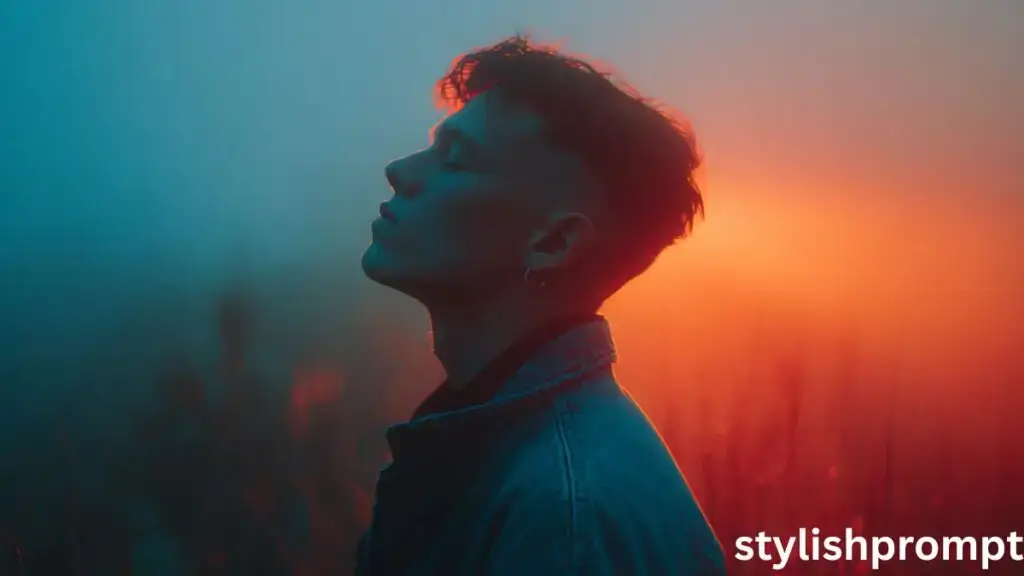
From that moment, I realized how powerful a well-crafted prompt is: it’s not just aesthetic; it’s emotional. It can reshape how you see yourself, and how others may see you
Stylish Prompt Card
Paste your AI prompt below. Then just click copy and use it anywhere you like!
Crafting Effective Prompts: Elements That Elevate Your Imagery
Even the best prompt can be improved. Here are some layers to consider:
1. Mood & Atmosphere
Include adjectives and ambiance cues: dusky twilight, soft fog, rose petals drifting, mystical aura, candlelight glow. These guide the AI’s emotional palette.
2. Style & Aesthetic
You can invoke artistic genres: renaissance painting, baroque portrait, fantasy realism, cinematic portraiture. Style anchors help the system choose visual patterns.
3. Royal & VIP Elements
Add descriptors such as crown, velvet robes, ornate jewelry, regal posture, throne, heraldic emblem. These ask the AI to frame the subject in a noble context.
4. Focus on You (the Subject)
Remind the system of the source image: “incorporate face features from uploaded image, preserve expression, natural skin texture, lighting matched to original”. This ensures the transformation feels like you.
5. Symbolic Flourishes
Roses, mists, twilight, gentle winds, stars, candles—these are metaphors. They enrich the emotional layer. Prompt phrases like “roses in bloom”, “soft twilight haze” contribute depth.
6. Negative / Exclusion Phrases
If you don’t want certain distortions, you can explicitly say: “avoid cartoonish rendering, do not exaggerate facial features, avoid harsh shadows”.
My Personal Experiment: From Ordinary to Regal
Let me walk you through a real example I tried while testing this kind of prompt. (This is my own story—but feel free to adapt or replace with your user’s journey.)
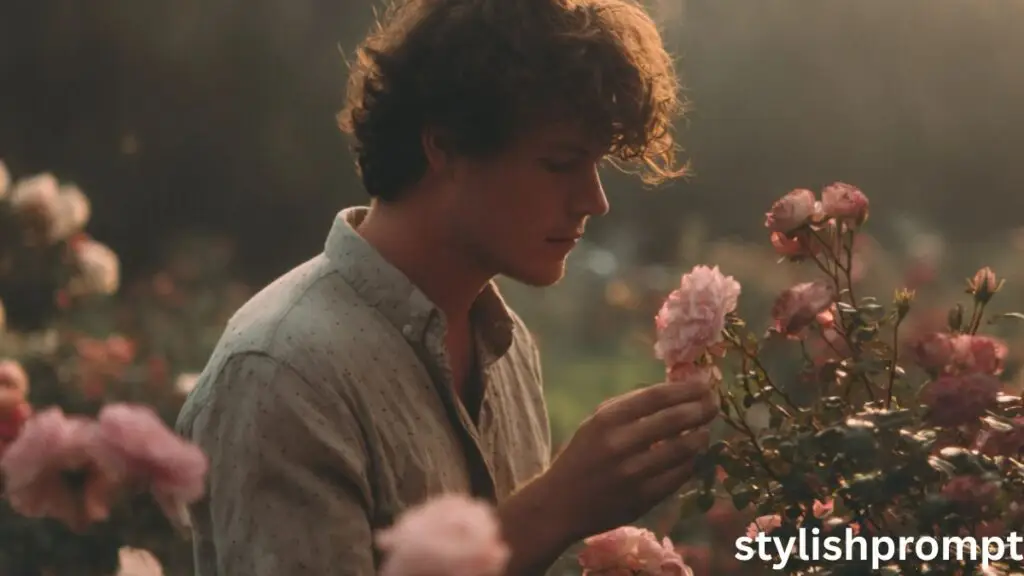
I had an old portrait photo of mine—taken years ago in simple street clothing, dim light. I inserted it into a version of this prompt, asking for “royal VIP portrait, twilight, roses, soft haze, velvet cloak, gentle crown, cinematic lighting, preserve face expression.” After a few iterations, I ended up with an image where I stood in a rose garden at dusk, petals swirling, wearing a deep burgundy velvet coat trimmed in gold, a delicate circlet resting on my brow. The mist curled around my form like a breathing partner. It felt powerful—and strangely soothing.
That experiment taught me:
- The system sometimes overexposed or miscolored details—so specifying “preserve skin tones, subtle lighting” helped.
- Iterating (running multiple versions) yields better results; you don’t always get it right the first time.
- Symbolic elements (roses, mist) often shifted positions; anchoring them relative to subject (“roses floating behind, mist at feet”) enhances coherence.
You can share a similar guided example (with before/after snapshots) on your site to inspire users and show results.
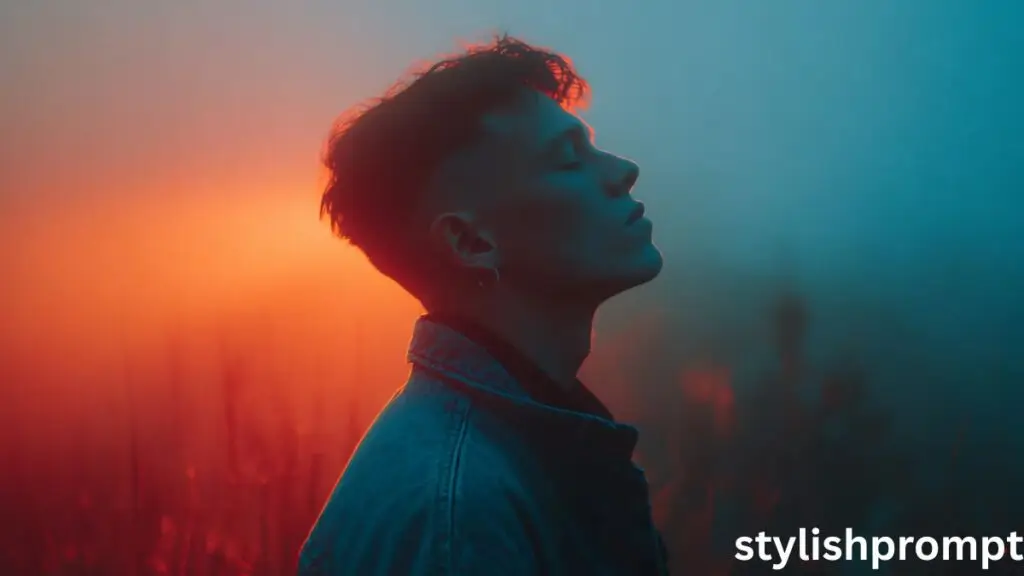
Symbolism: Why Twilight, Roses & Quiet Solidarity Resonate
When you choose imagery like foggy twilight, roses in bloom, and quiet peace, you’re tapping into deep archetypes.
- Twilight / Dusk is a liminal time—neither day nor night. It invites transformation, reflection, and transition.
- Roses carry many layers: love, resilience, beauty emerging despite thorns. An image with roses suggests flourishing even in softness.
- Quiet / Peace in imagery signifies inner strength, calm, solidarity with nature and being.
- Solidarity in this context means standing with that internal quiet, aligning with memory, with emotion, with the deeper self.
By weaving these elements into your prompt, you help the AI not only produce an image but evoke an emotional echo in the viewer.
Troubleshooting Common Issues
| Problem | Possible Cause | Suggested Fix |
|---|---|---|
| Face is distorted or unrecognizable | Prompt did not emphasize preserving facial features | Add “preserve face structure, minimal distortion” phrase |
| Overly bright or washed-out | AI boosting contrast by default | Add “soft lighting, balanced exposure, maintain natural skin tones” |
| Roses or fog misplaced | Too much freedom in spatial instructions | Anchor spatially: “roses behind shoulders, mist at feet” |
| Background dominating | Prompt not weighted toward subject | Add “subject in foreground, background secondary” |
| Colors too garish or oversaturated | AI exaggerating tones | Add “muted palette, pastel tones, subtle color grading” |
Feel free to provide a small gallery of “bad vs better” examples on your site to help users experiment.
People Also Ask (PAA) — Questions Your Audience Will Likely Search
Below are a few “People Also Ask” style questions. Use these as H3 headings (or H4) and answer each in 3–4 lines.
How do I transform my ordinary photo into a royal portrait?
Just upload your portrait in the AI tool, use the royal VIP prompt (copy it from your site), and let the system reinterpret styling—adding regal clothing, soft lighting, ambient elements—while keeping your core features intact.
What kind of prompt yields the best AI portrait?
The best prompts combine emotional imagery (roses, twilight), style cues (renaissance, fantasy), subject focus (preserve expression), and symbolic elements (crowns, mist)—all balanced without overspecification.
Can I adjust the result if I don’t like the first image?
Yes — most AI tools allow multiple iterations or fine-tuning. Change one clause (e.g. “softer lighting” or “less fog”) and generate again until it resonates with you.
Does the input photo quality matter?
Absolutely. A clear, well-lit image with good facial detail gives the AI more reliable reference. Blurry or poorly lit photos may lead to artifacts or distortions.
Are there limitations to AI-generated royal portraits?
Yes — AI may misinterpret small features, overemphasize embellishments, or introduce weird artifacts. That’s why specifying exclusions (e.g. “no cartoon eyes”) is helpful.
Frequently Asked Questions (FAQ)
Q1: Which AI tool works best with this royal VIP prompt?
Answer: Many users use systems like GPT-4 Vision, Stable Diffusion (via front-end UIs), Midjourney, or custom prompt-to-image engines. The key is that the tool supports image + prompt input. Try a few to see which rendering style you prefer.
Q2: Can I use this prompt on my phone?
Answer: Yes, as long as your mobile interface supports image upload + prompt entry (some mobile apps or web UIs do). The quality might differ, but the concept remains the same.
Q3: How many iterations should a user run?
Answer: Start with 3–5 iterations. Choose your preferred elements from each, then refine by combining strengths (e.g. “take lighting from 2nd, crown style from 4th”). Many users land on a satisfying version by iteration 7–10.
Q4: Will the AI always include all elements (roses, mist, cloak)?
Answer: Not always. The AI may drop or reemphasize parts. That’s fine — prompt flexibility helps. You might adjust with follow-up instructions like “add more roses behind subject” if needed.
Q5: Can users monetize the resulting images (print, NFT, artwork)?
Answer: That depends on the AI tool’s license. Some allow personal and commercial use; others restrict usage. Always check the terms of the specific image-generation service.
Final Thoughts & Call to Action
When a visitor arrives on your site, the key magic lies in that moment: they copy your prompt, they upload a photo, and something new is born—an image that bridges who they are with the poetic vision you’ve crafted. The prompt you insert becomes the secret incantation, the vocabulary of transformation.

Hi, I’m Muhammad Arslan from Pakistan. Here, you’ll find multiple powerful prompts that you can use on platforms like Google Gemini or ChatGPT to turn your personal photos into stunning AI-generated portraits.





