
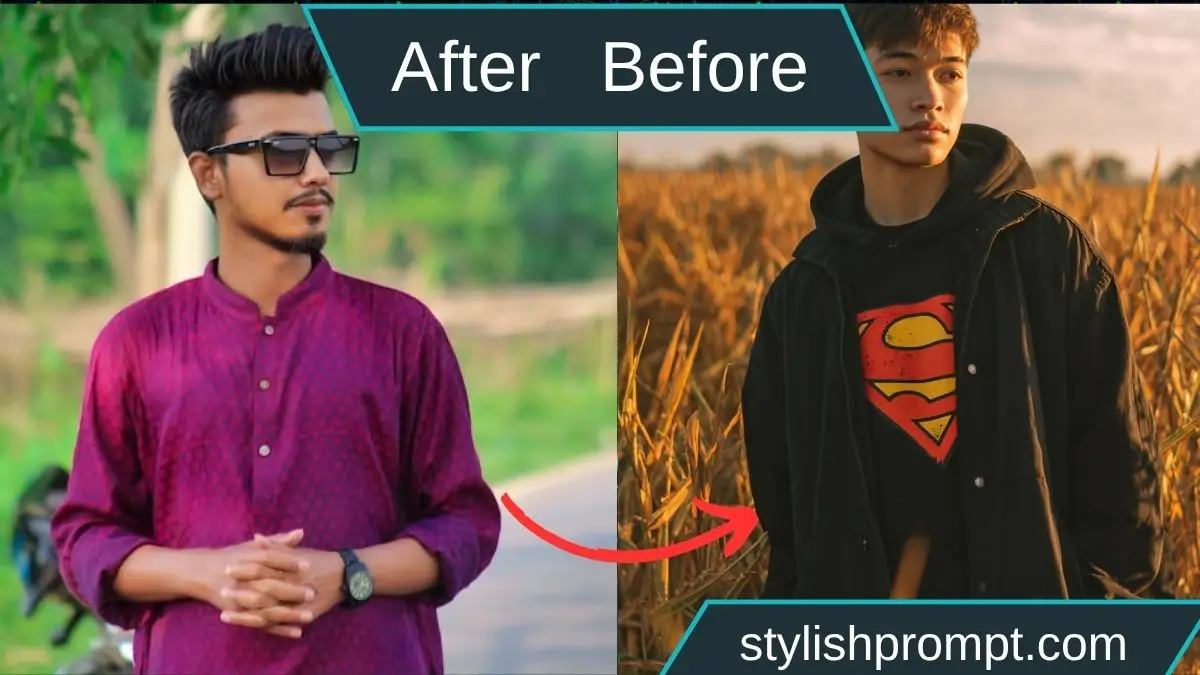
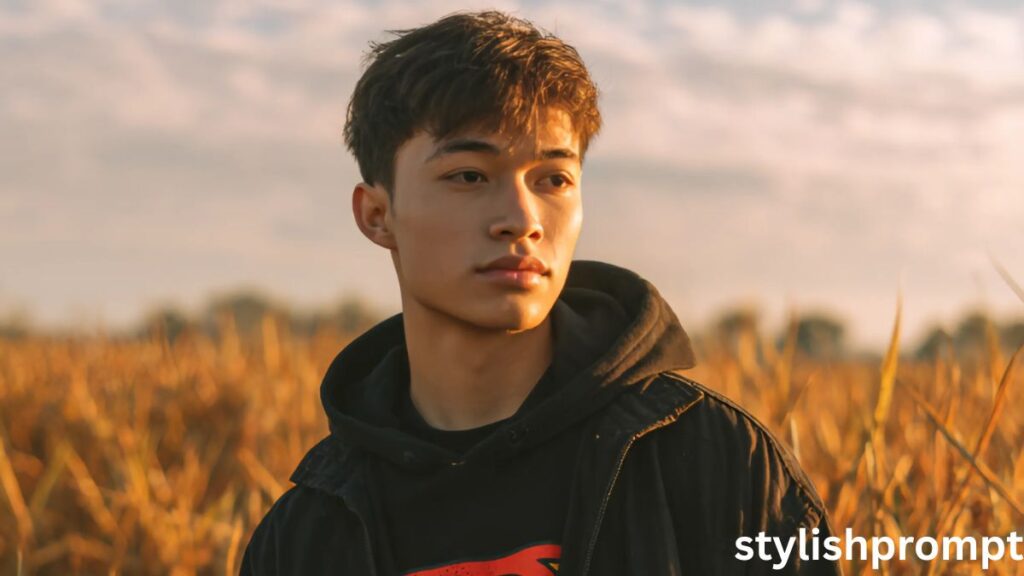
The paddy fields stretch in waves of green and gold, veins of sunlight slicing through early evening mist. The sea breathes softly behind the horizon, and you pull your hood over your head, letting silence anchor your thoughts. In this moment — a golden hour alchemy — everything slows, and your soul finds room to wander.
Why Turning Your Photo into a Royal VIP Moment Works
The idea of transforming a simple photo into something cinematic, regal, and deeply emotional taps powerful psychological triggers. People want to feel seen, elevated, and special — not just another face in the feed. With the right ChatGPT / image prompt, you can let users conjure visuals that reflect their inner mood, fantasy, and identity.
This “royal VIP” treatment also breeds engagement: users share, revisit, and get curious about how their own image could look. That’s the magic you’re packaging.
Understanding the Mechanics of an Image‑Generation Prompt
Behind every beautiful AI image is structure, specificity, and nuance. A well‑crafted prompt guides the model with clarity, tone, and constraints.
- Subject: who is in the image
- Environment / background: where you are
- Mood / lighting / color palette: golden hour, cinematic, moody
- Camera treatment: angle, focus, lens type
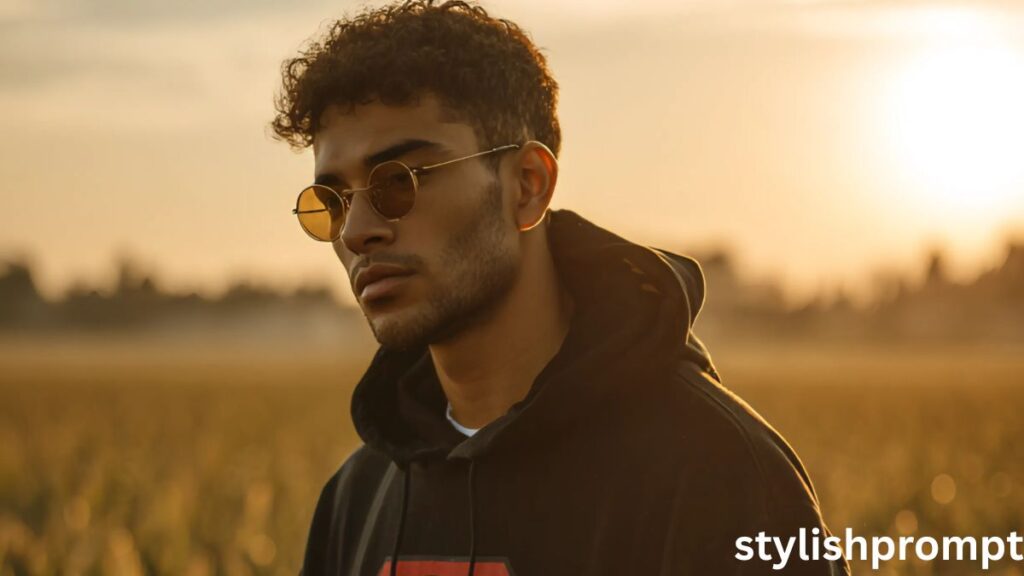
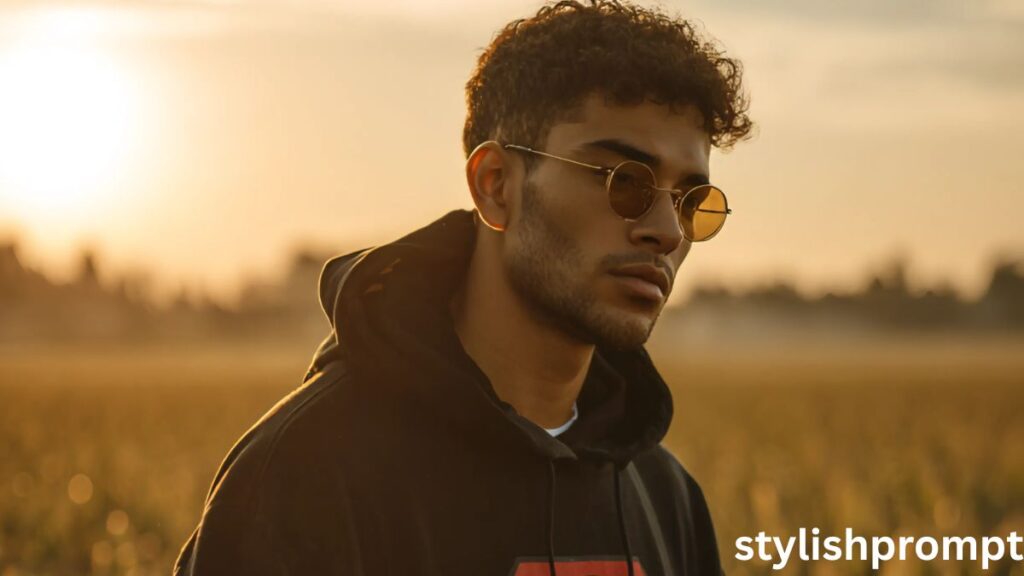
- Clothing / style / props: hoodie, sea, fields
- Emotional cues / narrative hints: introspective, lost in thoughts
Each part matters. If you omit the lighting direction, the model might pick flat midday light instead of golden hour. If you skip the mood, you may get a cheerful beach scene rather than melancholic vibes.
My Personal Journey: From First Prompt to Cinematic Portraits
When I first started experimenting with AI image generation, I pasted vague prompts like “man in field at sunset.” The results were… mixed. Faces were blurry, moods inconsistent, colors dull. After trial and error and careful reading of prompt templates, I discovered what works: mood words, camera directives, emotional subtext.
One memorable evening, I visited a rice paddy near the coast. I stood under gold light, wind in my hair, and felt a melancholy so deep it felt cinematic. I tried a prompt that night — and generated an image almost identical to what I saw. From there I refined: adding “waist‑high paddy field,” “low-angle,” “sharp focus,” “moody melancholic vibe.” Suddenly, every iteration showed something close to what I felt in my bones.
That’s when I realized: you don’t just generate images — you translate emotions into visual code.

Stylish Prompt Card
Paste your AI prompt below. Then just click copy and use it anywhere you like!
Breaking Down a High‑Impact Prompt
To get consistent, compelling visuals, your prompt must balance specificity and flexibility. Too vague — the image goes generic. Too rigid — the model may break or ignore parts.
Each subcomponent (subject, environment, mood, camera) acts like a dial you can turn. Adjust one — color, emotion, composition — and watch the result shift.
Subtle tweaks in subject description
Changing “young man” to “older man” or “woman” immediately changes the emotional tone. You can mention posture, expression, or gaze to guide the AI.
Environment nuance
“Waist‑high paddy field by the sea” tells the model: part nature, part coastline. But you could alter to “forest clearing near sea,” “desert dunes with distant ocean,” or “ruined temple by the shore.” Tiny swaps shift entire narratives.
Lighting & Mood expressions
Words like “golden hour,” “moody,” “melancholic,” “dramatic shadows” add emotional overlay. You might replace “moody melancholic” with “hopeful wistful” or “ethereal dreamlike.”
Camera & composition cues
“Low-angle shot,” “half-body,” “sharp focus,” “bokeh background” — each helps the AI frame the scene. Use “telephoto lens” or “wide angle” to vary feel.
Style, clothing & props
Black hoodie, Superman shirt, tousled hair — all define visual identity. Swap in “flowing cloak,” “vintage jacket,” or “hooded robe” to change genre. Props like floating birds, ocean mist, or distant ship suggest story.
Common Mistakes and How to Fix Them
Even good prompts can yield odd outputs. Here’s what people often trip over — and how to recover:
- Faces blurred or weird: Usually due to missing clarity. Add “portrait, sharp focus, high detail.”
- Lighting too flat: Emphasize “golden hour, warm soft shadows.”
- Background overpowering subject: Use “shallow depth of field,” “bokeh background.”
- Mood mismatch (looks joyful instead of melancholic): Add emotional words like “wistful, introspective, quiet.”
- Composition off (head cut off, awkward crop): specify “half-body,” “waist-up,” “centered” or “slightly off-center.”
Encourage users: if the first output doesn’t match, tweak one or two words and regenerate.
People Also Ask (PAA) Style Questions
Here are sample “People Also Ask” questions you can include or target:
- How can I turn a personal photo into cinematic art with AI?
A well‑structured prompt — combining subject, environment, lighting, and emotional cues — allows AI tools to transform your photo into cinematic art. - What prompt gives moody golden hour portraits from a photo?
Use a prompt including “golden hour,” “moody melancholic,” “low-angle shot,” and the setting along with style cues. - Which AI model supports image generation from prompts?
Models like Midjourney, Stable Diffusion, DALL·E, or ChatGPT’s image mode can interpret prompts and generate images. - Why does my AI generated face look strange?
Often due to lack of clarity in the prompt. Use precise language: “sharp focus,” “high detail,” “portrait,” and specify lighting and mood.
Frequently Asked Questions
Q1: Do I need a professional camera photo to use this prompt?
Not at all. The AI can work with many photo qualities. But cleaner, well‑lit subject photos yield better results. Use a decent resolution and minimal background clutter.
Q2: Can I reuse the prompt for different people or settings?
Yes. You or your users can swap subject, location, or style parts, keeping the structure intact. The prompt is modular.
Q3: Which AI art services accept image + prompt inputs?
Midjourney (via image prompt), Stable Diffusion variants, OpenAI’s image generation tools, and similar platforms support prompts with image references.
Q4: Will the AI respect copyright or likeness?
Models aim to generate based on prompt instructions. But always check the service’s terms, especially if commercial use is intended.
Q5: Why doesn’t the generated image always match the prompt?
AI models vary. If mismatch happens, tweak one segment (lighting, mood, subject cue) and regenerate. Prompt engineering is iterative.
Closing Thoughts
There’s something deeply human about turning your own snapshot into something cinematic, regal, emotionally resonant. That’s what your website offers — the bridge between who someone is, and how they feel inside. When a visitor sees that final image, they don’t just see a photo — they see themselves transformed.

Hi, I’m Muhammad Arslan from Pakistan. Here, you’ll find multiple powerful prompts that you can use on platforms like Google Gemini or ChatGPT to turn your personal photos into stunning AI-generated portraits.





