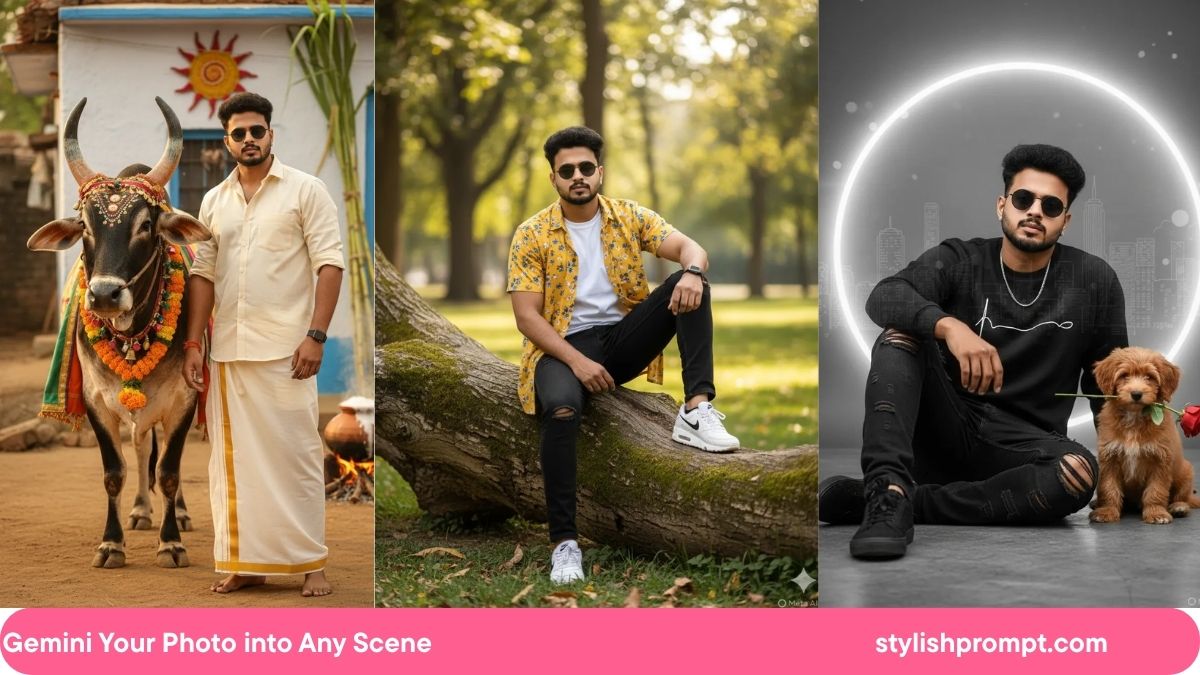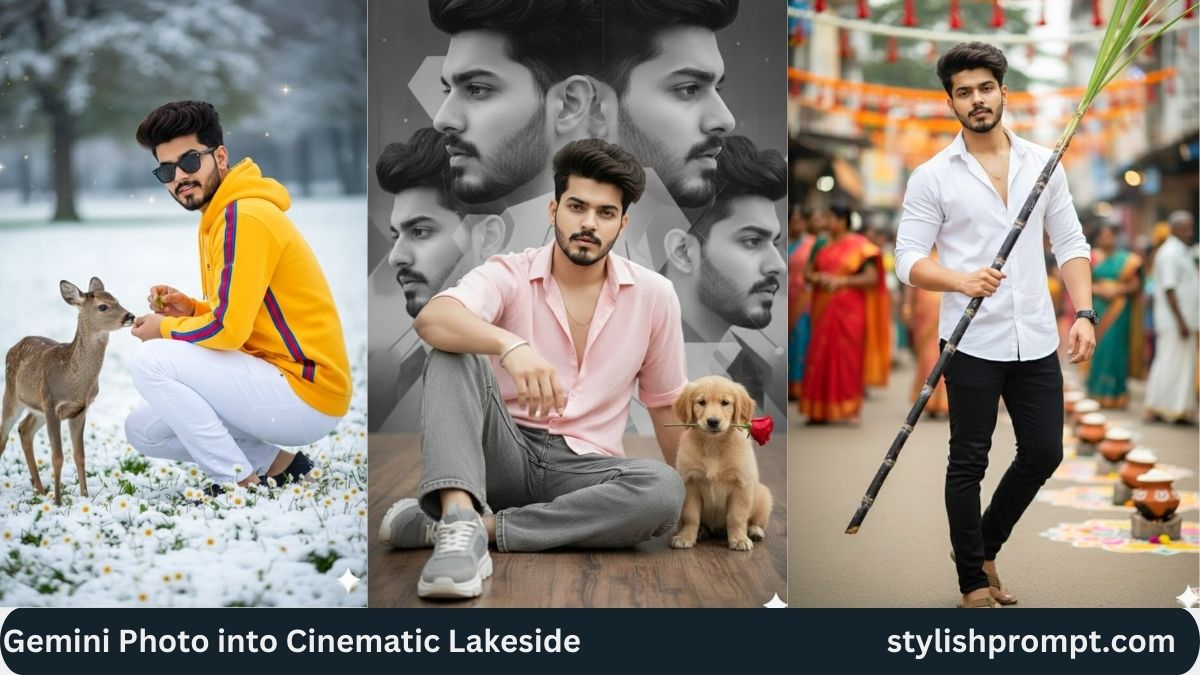
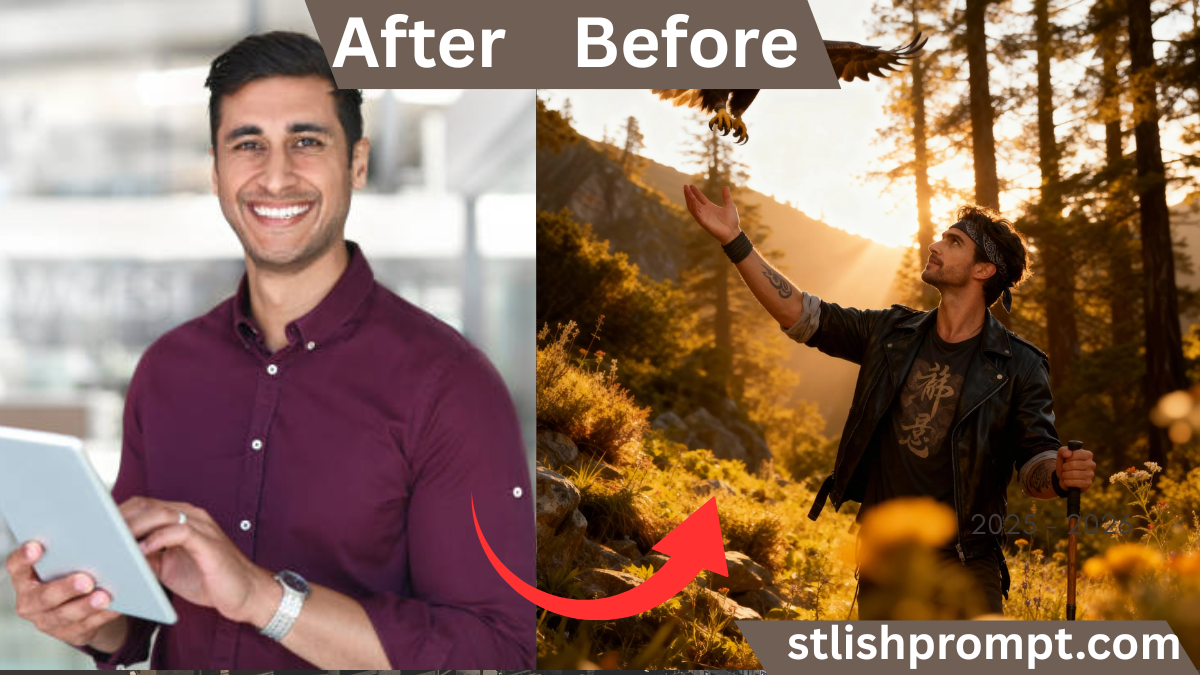
From time immemorial, human beings have admired the vision, power, and majesty of eagles. To imagine oneself through the eyes of such a creature is to dream in bold strokes—to see the world with heightened clarity, to feel perched on the edge of greatness. In this article, we’ll explore how turning a photo into a “royal VIP” eagle’s‑eye portrait resonates, why it’s compelling, and how you can use your own image to craft such a visual narrative.
I’ll also share how I first experimented with this concept myself—when I turned a simple hiking selfie into a cinematic eagle‑companion scene—and what surprised me along the way.
Why People Want to Be Portrayed as a Mythic Hero (or Beast‑Companion)
Many of us carry stories in our lives—of strength, struggle, triumph, even hidden vulnerability. Images let us project not only who we are, but who we wish to become.
In an era of viral visuals, turning an ordinary photo into an extraordinary scene taps into:
- Identity amplification (you become more than just “you”)
- Emotional symbolism (eagle = freedom, vision, power)
- Social sharing appeal (people love dramatic transformation)
- Personal motivation (seeing yourself as a hero can inspire you)
When I first tried this on my own photo, I didn’t expect how emotional it would feel: I looked at the final version and recognized a version of me I wanted to become—a man capable of soaring, of seeing further, of standing strong in wild places.
The Technical & Artistic Foundations
To create a convincing “eagle’s‑eye” portrait, the technical and artistic elements must combine seamlessly. Here are the pillars:
Composition and Framing
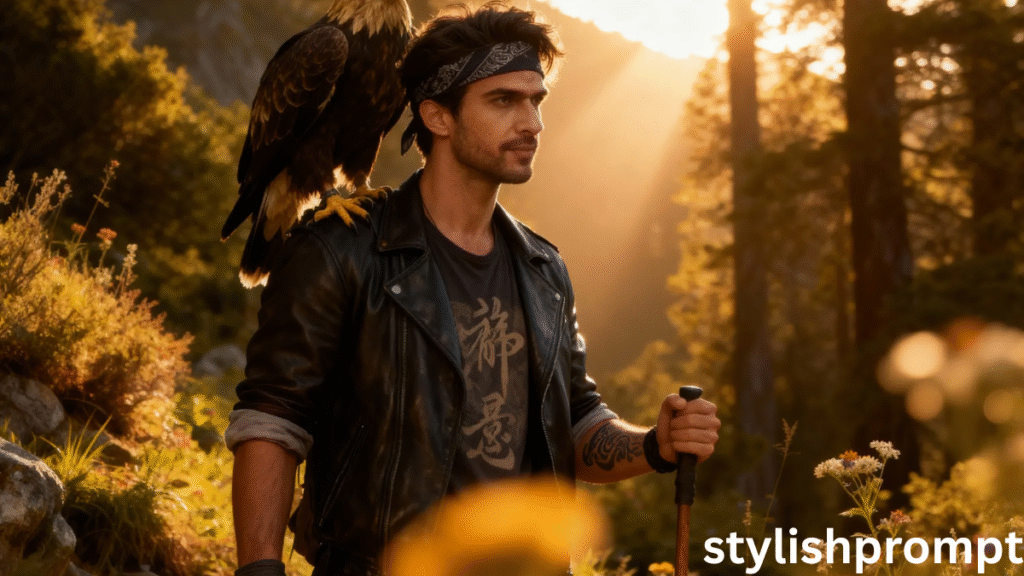
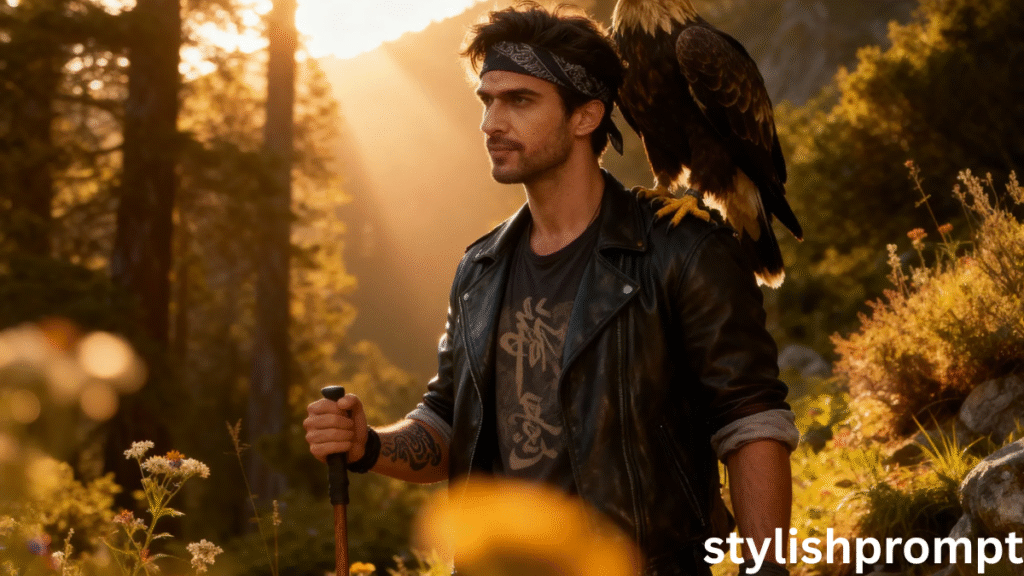
Your main figure (you) should command the frame, ideally in a half-body or three-quarter view. The companion (eagle) must be placed so it feels natural—on a shoulder, perched close, or slightly behind.
Lighting and Mood
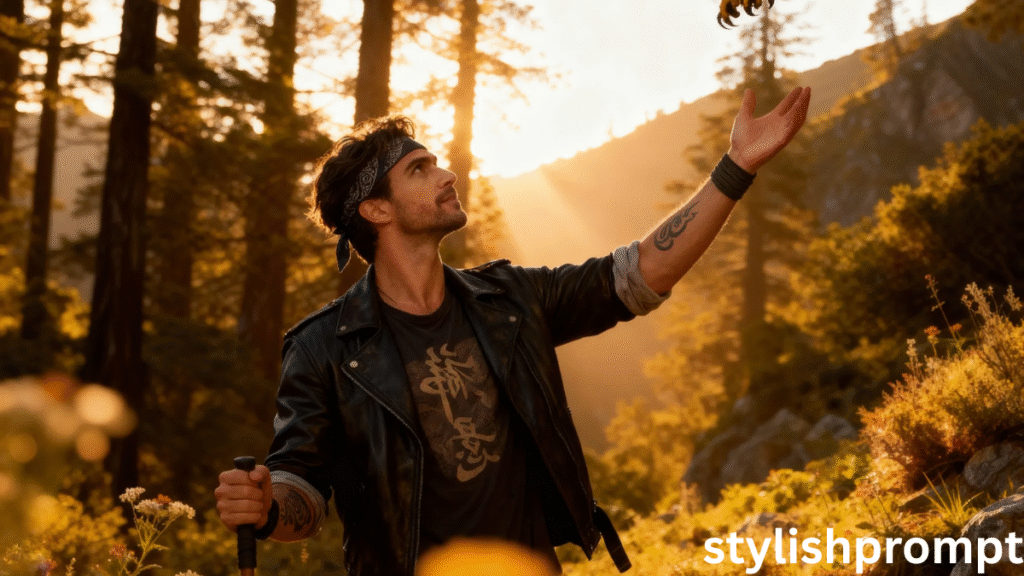
Golden hour light (shortly after sunrise or before sunset) is perfect for cinematic drama. It delivers warmth, depth, and contrast in the skin tones, feathers, and environment.
Depth and Focus
A shallow depth of field (where the background softly blurs) helps separate you and the eagle from scenery. The sharper the focus on the eyes and texture, the more striking the result.
Color Grading and Tone
Color grading—cool shadows, warm highlights; muted mids to enhance mood—is what gives the image that “movie still” feel. Subtle adjustments in hue and saturation can change the emotional feel entirely.
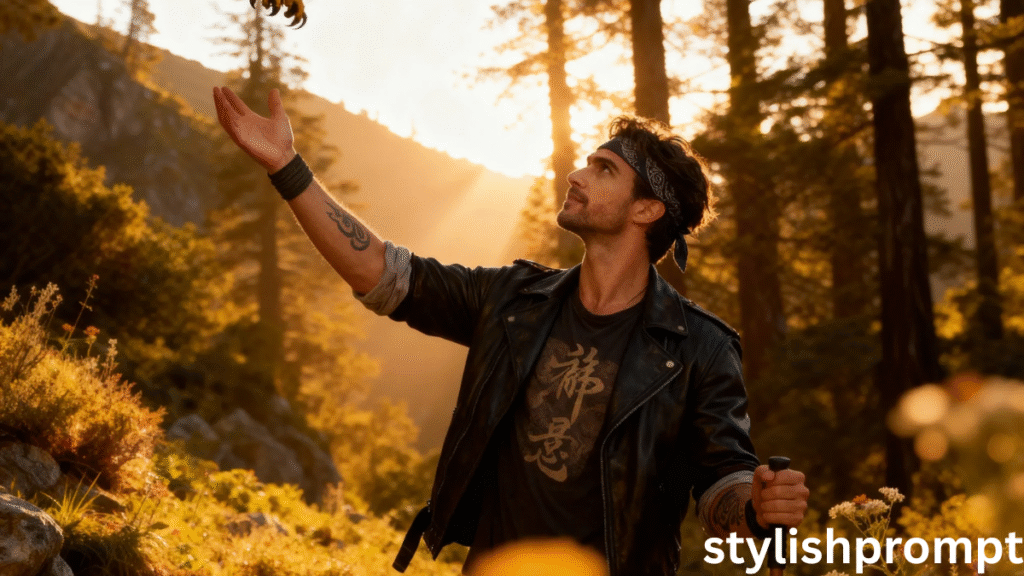
Visual Details and Texture
Tattoo lines, fabric folds, feather detail, grit on the jacket—those micro‑details give authenticity. The slightest blur or mismatch in texture can break the illusion.
Stylish Prompt Card
Paste your AI prompt below. Then just click copy and use it anywhere you like!
My Personal Experiment: From Selfie to Eagle‑Hero
When I first tried this, I used a simple photo from a forest trail during dusk. My jacket was a plain denim cut, no eagle in sight. I wrote my own prompt (loosely similar to yours), inserted the photo, and waited.
The first result was okay—lackluster composition, odd lighting, eagle floating unnaturally. But with a few prompt tweaks (refined angles, specify lighting, define the shoulder perch) the second attempt came alive. The eagle’s feathers had the right glint. The light wrapped around me. In that image, I felt more heroic than I had ever felt taking a basic selfie.
People Also Ask (PAA) — Sample Questions & Answers
Here are examples of PAA-style questions to include or that your visitors might search for:
- How do I turn my photo into a fantasy portrait?
Use a well-crafted prompt describing scene, style, mood, and subject, and supply your original photo. The AI model then merges them into the fantasy composition. - Which AI can generate realistic portraits from photos?
Models like DALL·E, Stable Diffusion with img2img, or GPT models with vision capabilities can do this when given prompts and image inputs. - What is the best prompt structure for cinematic portraits?
A strong prompt includes subject description, environment, lighting, mood, camera framing, resolution and style terms (e.g. cinematic, hyper‑realistic). - Will my face stay recognizable after transformation?
Yes—if your prompt emphasizes “portrait likeness,” “retain facial identity,” or “recognizable features,” the model can preserve key facial traits while applying dramatic stylization. - Can I use these images commercially?
It depends on the AI’s licensing terms and whether the source image rights are yours. Always review usage rights with the specific AI tool.
Benefits & Drawbacks: What to Expect
| Pros | Cons / Challenges |
|---|---|
| You create a unique, shareable visual identity | Requires prompt‑engineering skill |
| High appeal for social sharing, branding, personal branding | Some AI systems may misinterpret elements |
| Emotionally satisfying and aspirational | Potential copyright/usage issues |
| Differentiates your offering in a crowded visual world | May need multiple generation attempts |
How to Write a Prompt That Works (Prompt Engineering Tips)
To help your visitors succeed, here are tips to structure a prompt:
- Start with subject & pose — e.g. “half-body close-up of a 26–30 yr old man, intense gaze”
- Define environment — “dense mountain forest, wildflowers & weeds, golden hour light”
- Add companion or element — “golden eagle perched on shoulder”
- Style cues — “hyper‑realistic, cinematic vertical 4:5, creamy bokeh, strong separation”
- Detailing & quality specs — “8K detail, filmic color grade, shallow depth of field”
Your final prompt (which you’ll provide to your visitor) will combine all these elements in one coherent line.
Optimizing for Featured Snippets & Snippet Bait
Snippets are often pulled from:
- Definition-like statements (e.g. “A prompt is…”)
- Numbered or bulleted steps
- Short direct answers (in the PAA or FAQ sections)
Use concise, direct phrasing so Google can easily extract. Your “People Also Ask” and “How to Write a Prompt” sections are prime snippet material.
Realistic Expectations & Tips for Visitors
- Expect variation. The first generated image may not be perfect—minor tweaks often help.
- Be precise but flexible. Overly vague prompts confuse; overly rigid prompts constrain creativity.
- Iterate—if the eagle looks unnatural, adjust prompt to specify pose or lighting direction.
- Mind licensing. Remind users: check terms of the AI service for commercial use rights.
- Use high-resolution source photos. The better the input, the more fidelity the model can preserve.
Final Thoughts: The Magic of Transformation
Images are more than visuals—they’re projections of identity, ambition, mythology. When your visitors paste their photo into that refined prompt, they’re not just getting an “AI image”—they’re getting a version of themselves elevated, mythologized, amplified.
I still recall the first time I saw my own portrait with an eagle perched on my shoulder, light filtering through pine branches, a world behind me softened in golden haze. I felt seen, powerful, archetypal. And the smiles, likes, and shares that followed confirmed: people respond to symbolism—especially when it’s personalized.
When you publish this article, and your visitors use your prompt to transform their image, you’ll be offering more than a service—you’ll be offering an experience, a mythic identity, a story in visual form.
FAQ (3–5 Common Questions)
Q1: Can I use any photo for this?
Yes, but the better the lighting, resolution, and clarity of your face, the more convincingly the AI can maintain likeness and blend with the cinematic style.
Q2: What if the eagle looks unnatural or clipped?
Refine the prompt to specify “perched naturally,” “on shoulder,” “wing folded,” or state “maintain realistic contact” to guide the model.
Q3: Are there privacy risks in uploading my photo?
Depends on the AI tool. Always review the tool’s privacy and data retention policies before use.
Q4: How many tries do I need?
Often 2–3 prompt iterations suffice. Minor tweaks (angle, lighting) typically yield much better results.
Q5: Can I print or sell the generated image?
Only if permitted by the AI’s licensing terms and provided you own or have rights to the source image. Always check tool-specific usage policies.
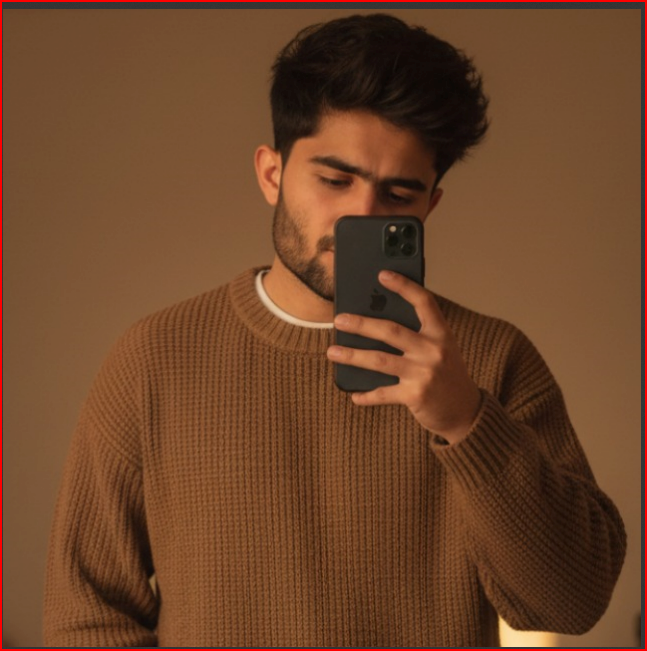
Hi, I’m Muhammad Arslan from Pakistan. Here, you’ll find multiple powerful prompts that you can use on platforms like Google Gemini or ChatGPT to turn your personal photos into stunning AI-generated portraits.