
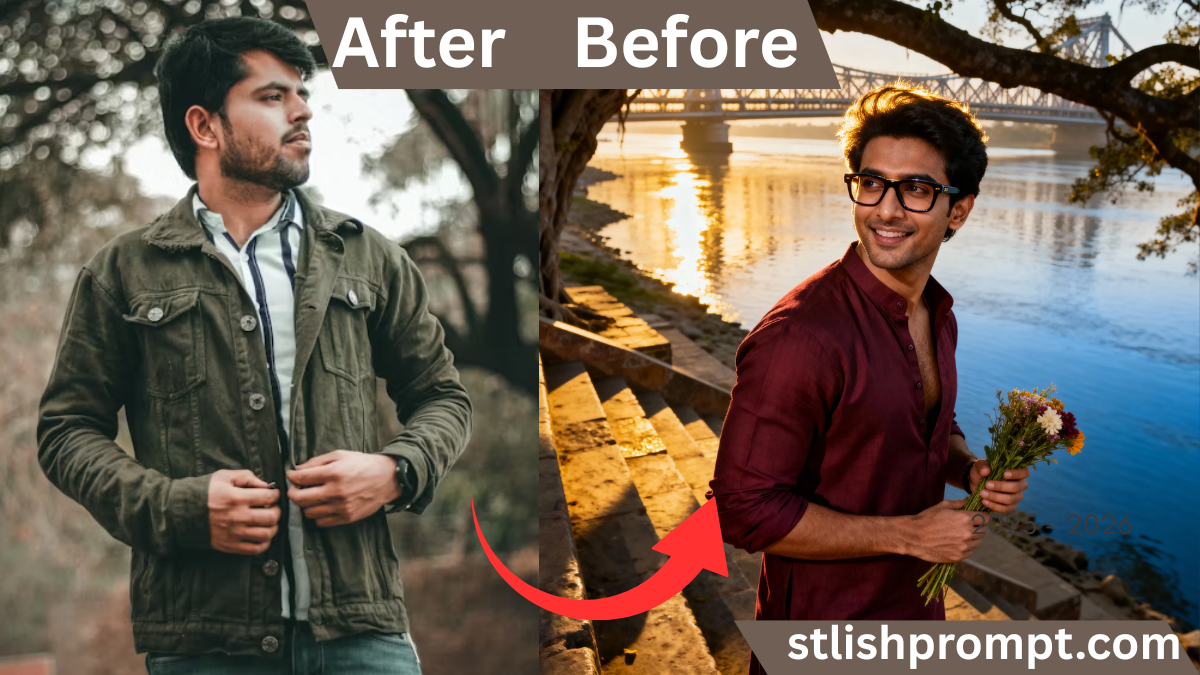
When words fail, sometimes an image can voice what the heart yearns to say. In that silence, I invite you to imagine a scene so vivid that your soul feels seen. On this page, you will find the perfect place to copy a ready-to-go prompt, paste it into your favorite GPT/image-generator, and become the artist of your own emotional portrait.
Beneath the poetic title above, I’ll share a story, some psychology and creative tips—and guide you gently to your next step. Let’s begin.

The magic of a moment captured
A photograph—or in our case, an AI‑rendered image—becomes magical when it speaks beyond the visual.
It holds memory, emotion, identity, longing, and silence all in one frame.
That is the idea behind creating a “royal VIP” portrait: you, elevated, powerful, yet deeply human.
This image is your mirror and your voice.
Why people crave visual storytelling
In our visual age, we don’t just want to show — we want to feel.
A story told through a face, a light, a gesture lingers far longer than a thousand words.
Connecting with your inner royal
When you imagine yourself as a VIP in your own story, you give your identity a stage.
Through that lens, the world doesn’t just see you — it listens to your presence.
My own journey: from hesitation to creation
I once sat for hours in front of blank screens, feeling I had nothing worth showing.
Then one evening, watching golden sunlight spill across a river, I sketched a mental portrait.
That mental image became the spark: I translated it into prompts, refined it, and watched it come alive.
When I saw the first version, I wept—not because it was perfect, but because it saw me.

A breakthrough moment
I had always hidden behind camera-shyness.
But when I saw my AI portrait gazing back at me—strong, silent, regal—I recognized a version of myself I rarely allowed to breathe.
How that changed my creativity
From then on, every prompt I write, every image I coax, is grounded in empathy.
I don’t just imagine what looks good—I imagine what feels true.
Setting the scene: your golden‑hour narrative
To make an image that feels fairy-tale real, you need atmospheric ingredients.
Here’s the mood you’re asking for:
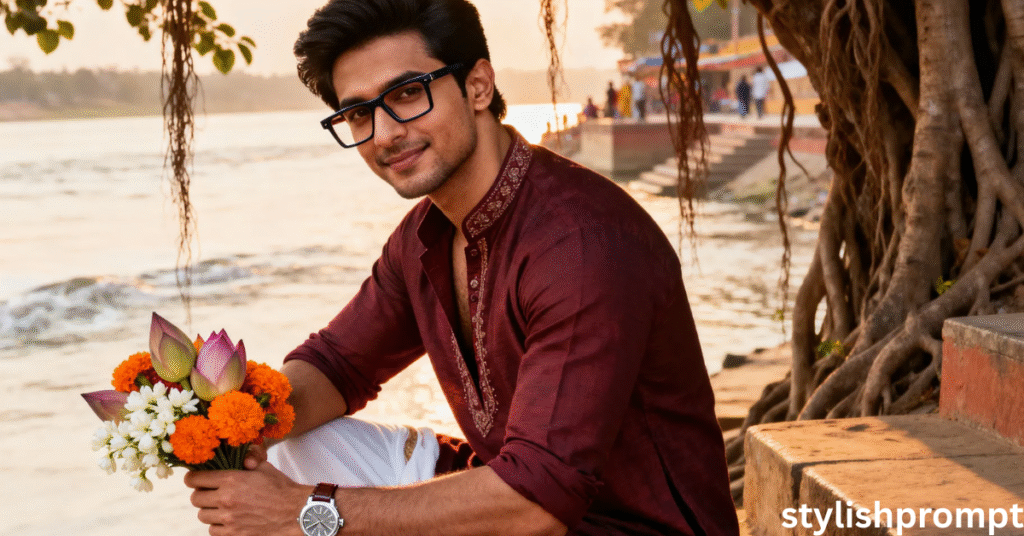
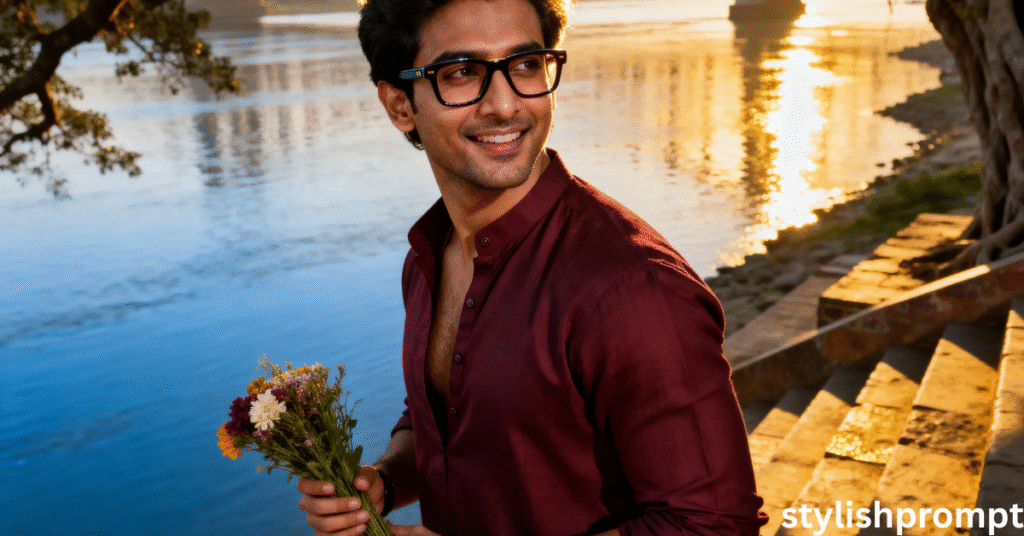
- Golden hour: warm, soft light; long shadows
- Iconic environment: Ganga’s river, Howrah Bridge, ancient banyan
- Character styling: maroon open‑collar kurta, rolled sleeves, dhoti, Birkenstocks
- Accessories: bold glasses, luxury watch, bouquet
- Cinematic framing: low-angle, shallow depth, dramatic lighting
You are not just inserting props—you are weaving a mood.
Why golden hour matters
Golden hour naturally flatters skin tones, adds drama, and bridges realism and dream.
It is nature’s soft filter.
The power of iconic backdrops
A river, a famous bridge, banyan roots—they root your portrait in place, in story.
They carry cultural weight; they breathe life into stillness.
The anatomy of your prompt
Below is where your image-generation prompt goes.
When the reader pastes it into GPT/image‑AI, it becomes the engine that transforms their inner vision into a visual portrait.
Stylish Prompt Card
Paste your AI prompt below. Then just click copy and use it anywhere you like!
People Also Ask (PAA) style questions
Below are sample People Also Ask queries—real questions people type around creating portraits with AI. Use these in headings or content to gain SEO relevance.
- How do I turn my photo into a cinematic royal portrait?
- What lighting works best for dramatic AI portraits?
- Can I generate 8K portraits from a smartphone image?
- What details make AI portraits look realistic?
- How to write an AI image prompt that captures mood?
You can answer each briefly (3–4 lines) under an H3 heading. That helps Google see you as addressing real questions.
Prompt-to-image: your turn
Once you arrive here, you will:
- Copy the prompt from above
- Paste it into your chosen AI tool
- Upload your base photo
- Let the system render the portrait
And when the image appears? You’ll find yourself in that stillness—waiting, becoming, speaking through light.
Troubleshooting & tips
If your image doesn’t come out as expected, these tweaks help:
- Adjust the lighting phrase (e.g. “soft golden hour backlight”)
- Specify lens or depth (e.g. “85 mm lens, f/1.8”)
- Reduce complexity: omit too many props
- Change perspective (e.g. “low angle, dramatic below”)
- Reorder descriptor strength (put mood earlier)
Let the image evolve through iteration.
Pros & Cons of AI Portrait Generation
| Pros | Cons |
|---|---|
| Fast and flexible visual creation | Can misinterpret subtle details |
| Cost‑effective alternative to photoshoots | Might feel “synthetic” if prompt is weak |
| Highly customizable (style, lighting, setting) | May require many iterations |
| Accessible to non‑photographers | Licensing or usage limits depending on AI tool |
Use the pros to empower your readers; warn them gently about limitations.
Final words: speak your heart in pixels
In stillness, art listens.
When your heart cannot voice itself, a portrait can.
This process is not about vanity—it’s about bearing witness to your inner flame, giving it shape, letting it echo.
You bring the feeling; the prompt translates it.
When you finally see your image, let yourself pause. Breathe. Listen.
Frequently Asked Questions (FAQ)
How do I ensure the AI portrait looks realistic?
Focus on lighting, depth, clear subject description, and avoid too many contradictory details. Start minimal and add layers.
What resolution should I request?
Ask for a high resolution (e.g. 8K or “8192×8192”) or “ultra-high detail, cinematic” to push the model.
Some tools may limit resolution—check their specs.
Can I use a phone photo as the base?
Yes, especially if it’s sharp and well lit. The AI will interpret and re-render the subject in the style you request.
What if accessories or props don’t show properly?
Break them into separate prompt clauses. E.g.: “wearing bold glasses, luxury watch, holding bouquet gently.” Be explicit.
How many prompt iterations does it take?
Often only 2–4 iterations. After each render, note what feels off and adjust just one or two components (lighting, posture, detail).

Hi, I’m Muhammad Arslan from Pakistan. Here, you’ll find multiple powerful prompts that you can use on platforms like Google Gemini or ChatGPT to turn your personal photos into stunning AI-generated portraits.





