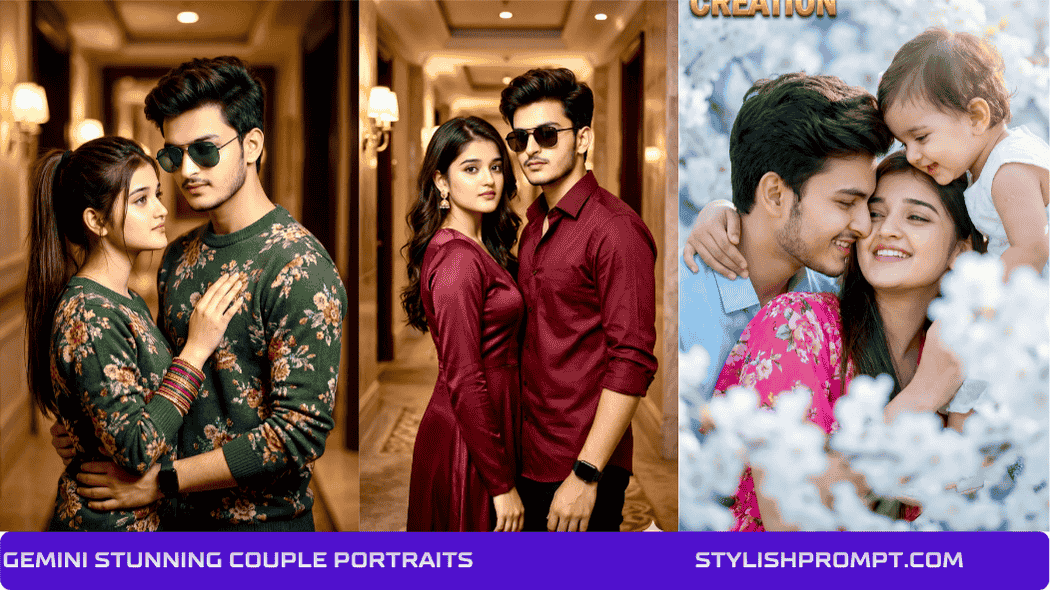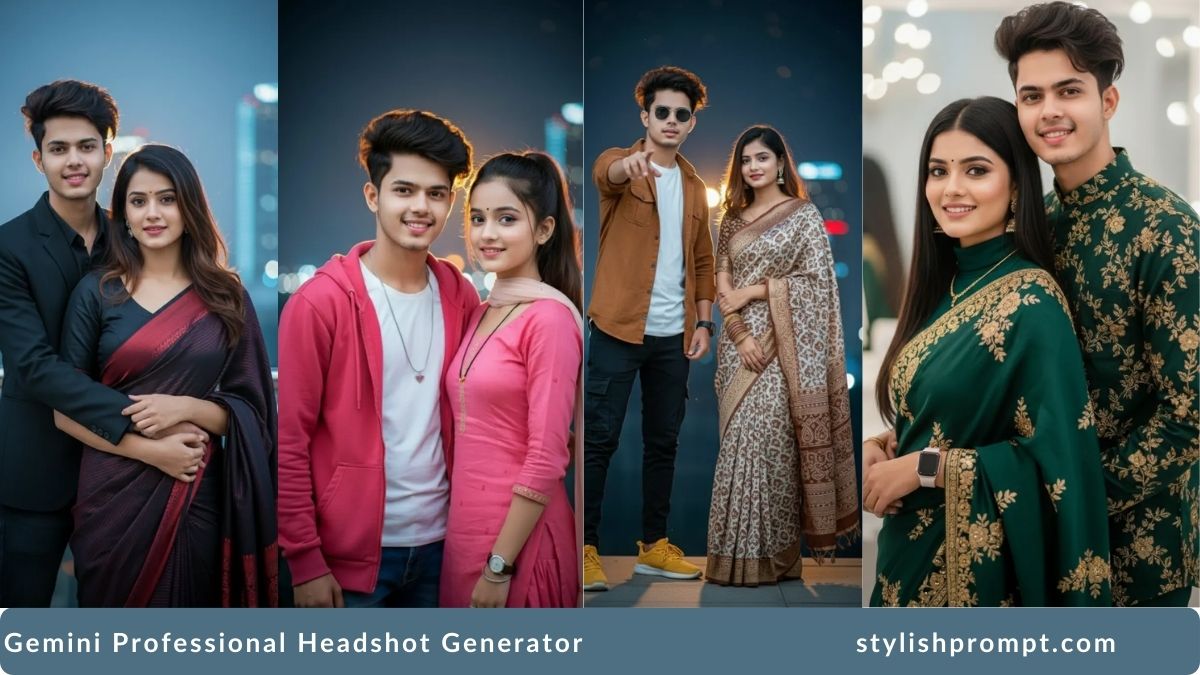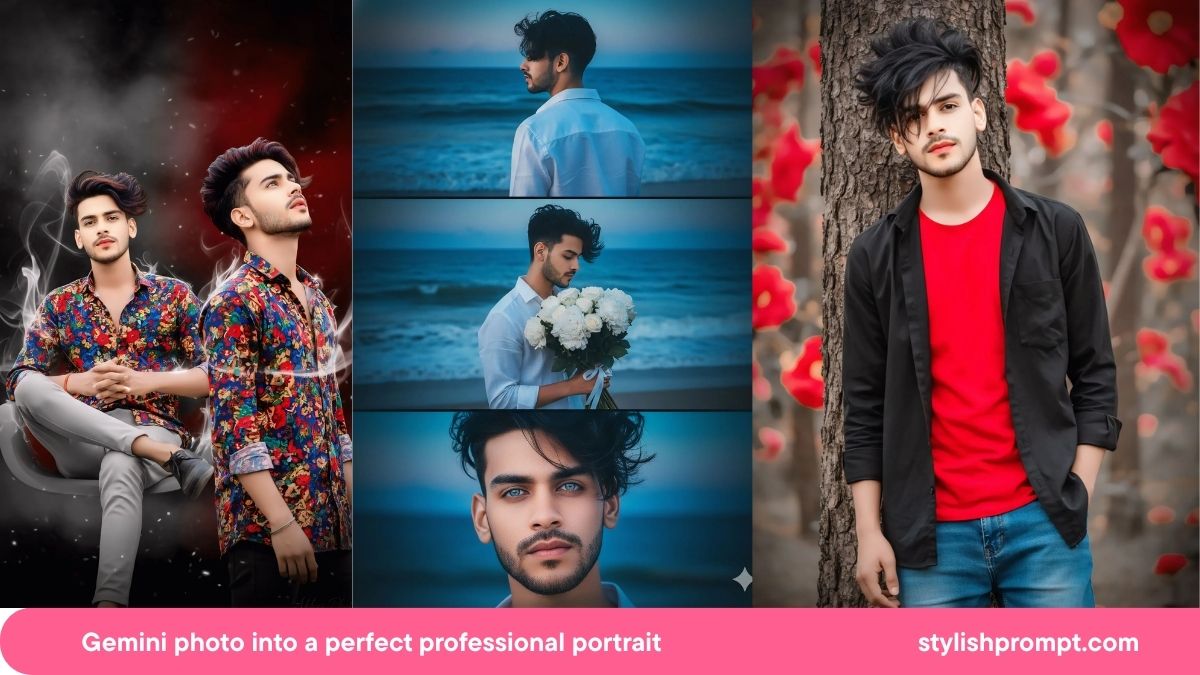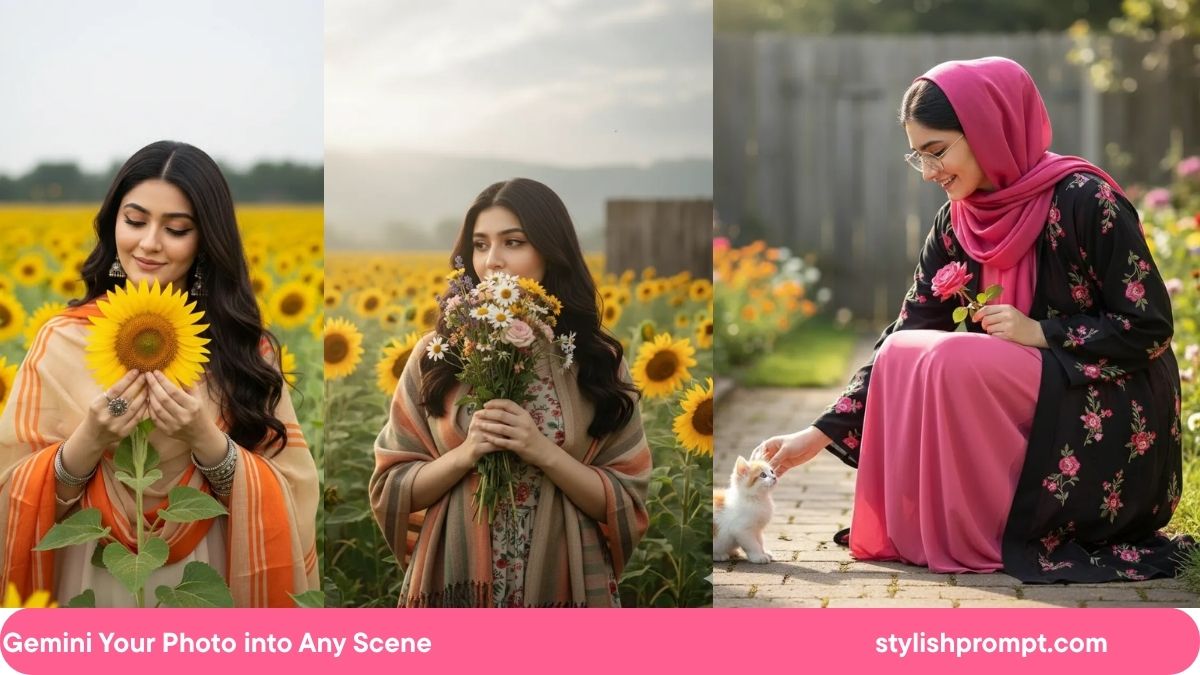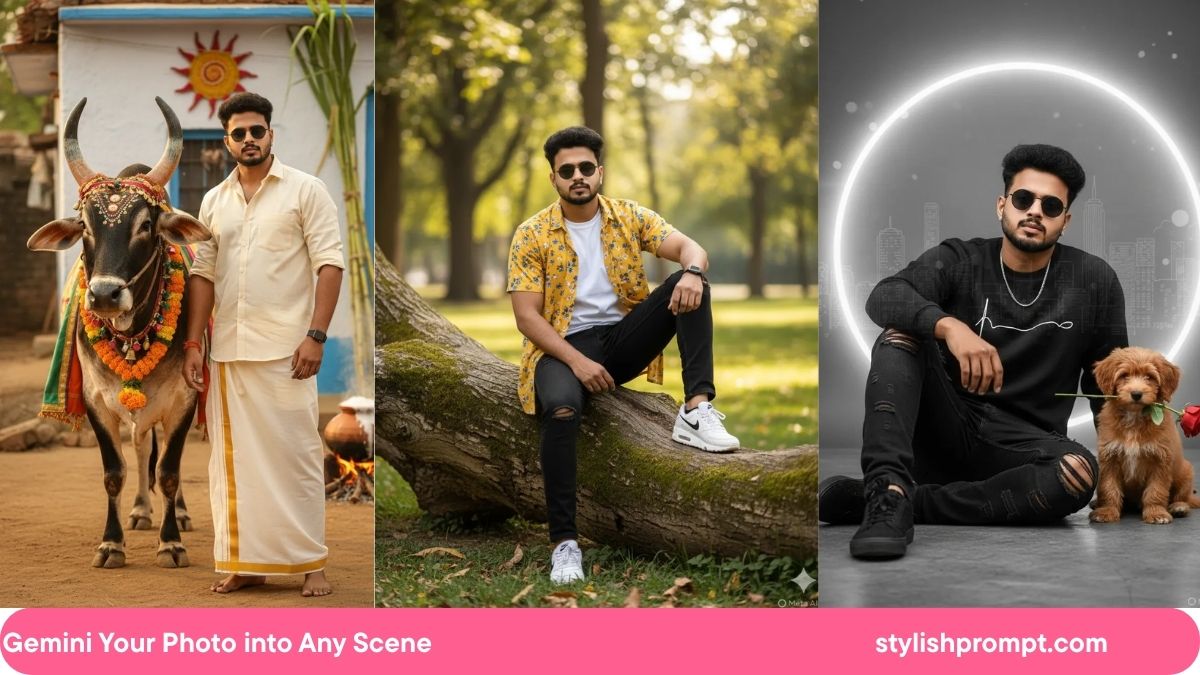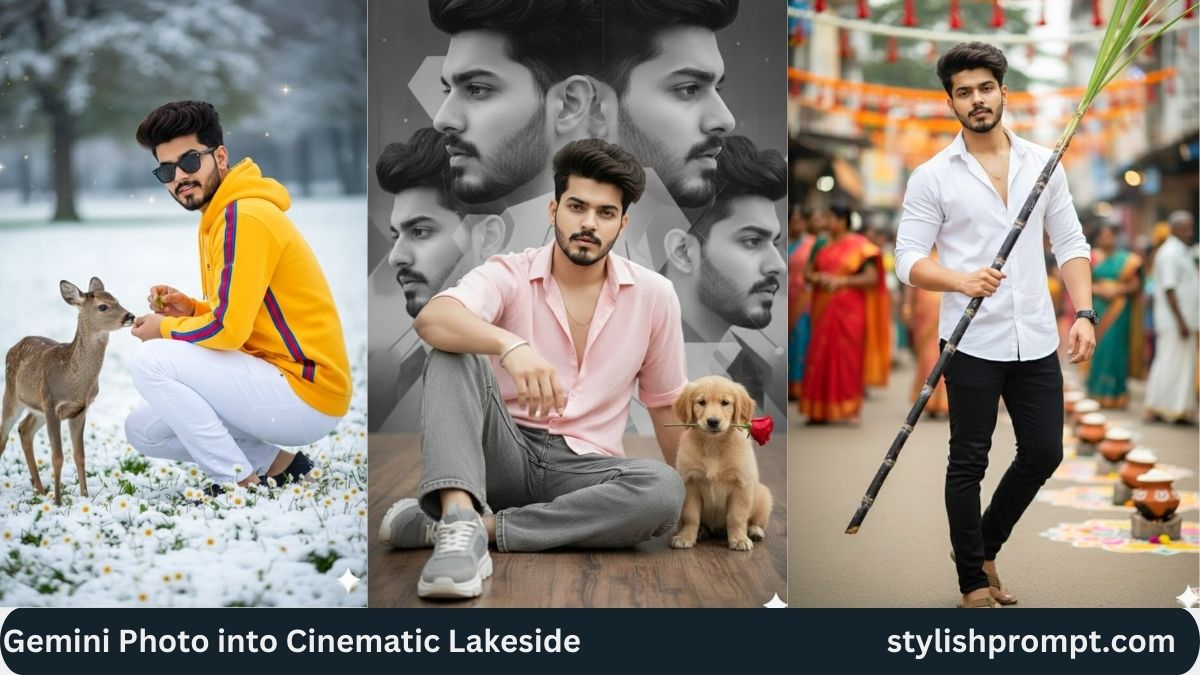
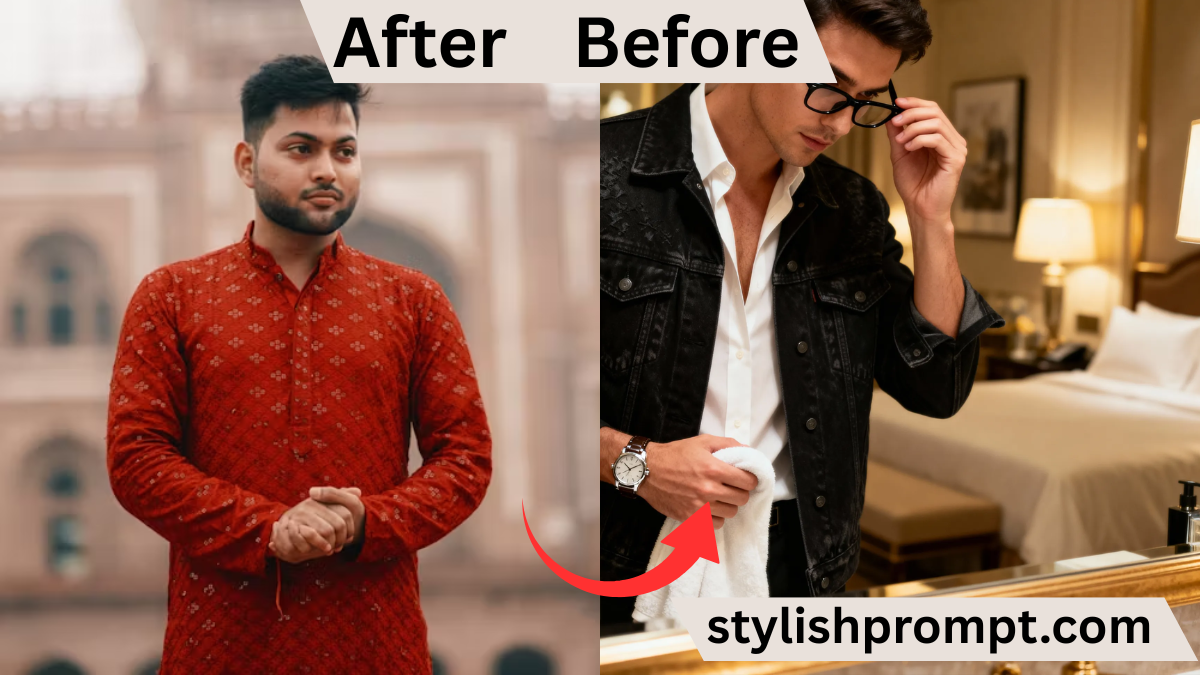
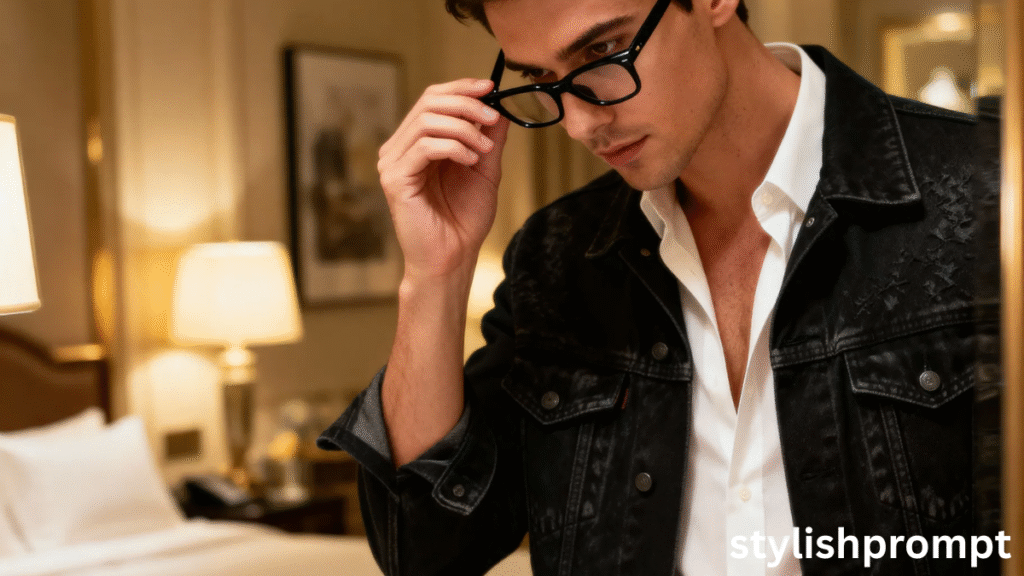
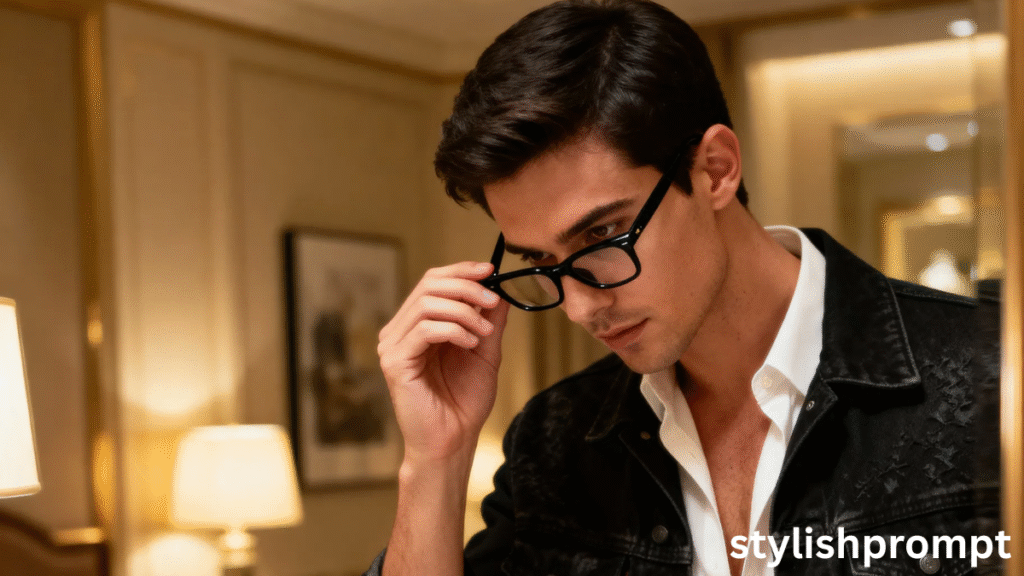
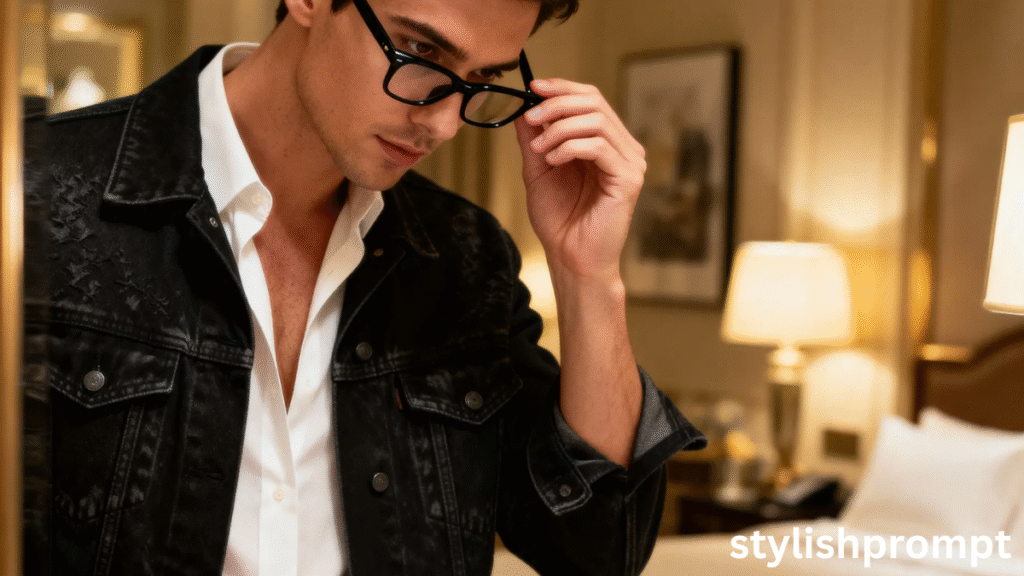
In an age where visual identity defines first impressions, a cinematic, ultra‑realistic portrait stands out. People want more than a filter—they want purposeful imagery that exudes personality, mood, and narrative. Offering a “turn your photo into cinematic VIP portrait” service taps into that desire.
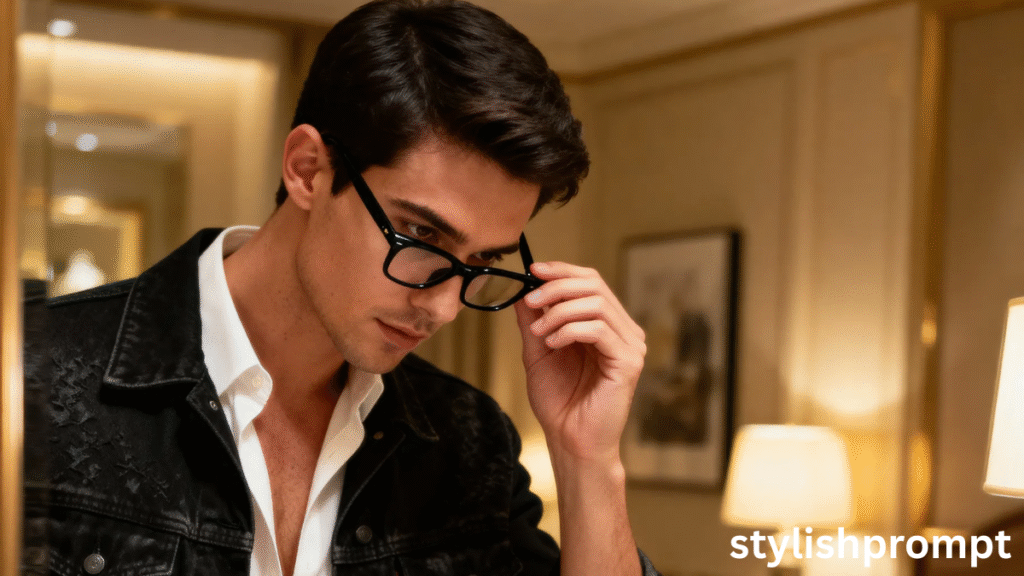
When visitors arrive at your site and see the promise of transforming a simple snapshot into a high‑end mirror portrait, the emotional pull is immediate. It’s not just an edit—it’s a statement.
The Role of Prompt Design in AI Portrait Creation
Generating a striking final image depends heavily on the quality of the prompt. A carefully worded prompt tells the AI exactly:
- what the subject looks like (pose, expression, attire)
- what setting and lighting to use (ambience, shadows, mood)
- how much realism vs stylization is allowed
Over the years, I’ve learned that ambiguous prompts lead to inconsistent results—awkward limbs, odd lighting, or unnatural expressions. Clear, descriptive language is your best tool.
My Journey: From Hobbyist to Prompt Architect
A few years ago, I was experimenting with generic AI portrait tools. I’d combine random adjectives—“moody,” “cinematic,” “elegant”—with user images and often got disappointing output. One night, I tried layering constraints: pose + lighting direction + environment details. To my surprise, the results became dramatically better.
From that moment on, I dove deep into prompt engineering. I tested thousands of variations, noted which words the AI “heard” best, and refined a formula. That formula is what users will use via your site, generating portraits as strong as any professional shoot.
Stylish Prompt Card
Paste your AI prompt below. Then just click copy and use it anywhere you like!
Comparison: App Filters vs Prompt‑Based AI Portrait
| Feature | App Filter / Preset | Prompt‑Based AI Approach |
| Creative control | Very limited | Granular control via prompt tweaking |
| Uniqueness | Many users look alike | Each portrait is custom and distinct |
| Detail & realism | Moderate resolution, artifacts possible | High fidelity, refined textures, depth |
| Flexibility | Locked to presets | Fully adjustable (lighting, pose, mood) |
| User friction | Simple to use | Slight learning curve, but richer output |
The prompt‑based method wins on uniqueness, control, and artistic result.
Tips for Best Results (Your Guidance to Users)
- Use a high-resolution, well-lit input photo (face clearly visible).
- Avoid extreme shadows, overexposed areas, or cluttered backgrounds.
- Use natural or relaxed expressions—too much exaggeration may confuse the model.
- Encourage small prompt tweaks (e.g. “slight warm backlight,” “soft facial glow”) but not contradictory instructions.
- Remind users: less is sometimes more—overloading the prompt can confuse the AI.
These tips help reduce unwanted artifacts and improve the final image quality.
Common Pitfalls & How to Avoid Them
- Inconsistent instructions: telling the AI “bright lighting” and “deep shadows” in the same prompt can confuse it.
- Over‑specifying: too many adjectives may conflict.
- Low-quality inputs: if the original image is blurry or badly lit, the output will suffer.
- Ignoring proportions: vague pose directions can yield unnatural limb placement.
By educating users about these, you improve conversion and satisfaction.
People Also Ask (PAA) Section
- How do I transform my photo into a cinematic VIP portrait using AI?
This involves uploading a photo and using a carefully crafted prompt in an AI model that accepts image + prompt input. - Which keywords or phrases make AI portraits look realistic?
Terms like “8K,” “hyper-realistic,” “studio lighting,” “soft shadows,” “rich textures” help steer the model toward higher detail and realism. - Do all AI models support image+prompt workflows?
No—only some (like GPT‑4 Vision, certain diffusion models) allow you to submit both image and descriptive prompt. - Why does my generated portrait come out weird sometimes?
Common reasons: contradictory instructions in the prompt, poor input image quality, or the model lacking context to reconcile conflicting cues. - Can I tweak the prompt further?
Yes—users may add or subtract lighting, clothing, mood, or environment cues as long as they don’t introduce contradiction.
FAQ
Q1: Do I need professional camera gear?
A1: Not necessarily. A good smartphone or DSLR with clear lighting often suffices. The key is clarity, resolution, and well‑lit faces.
Q2: What AI tools support this workflow?
A2: Tools or models that accept both image input and textual prompt—such as GPT‑4 Vision, Stable Diffusion with image prompt support—are ideal.
Q3: Can I change clothing style or background in the prompt?
A3: Yes, advanced users can add small variations. But major changes might confuse the model. The base prompt ensures consistency.
Q4: How long does image generation take?
A4: Usually seconds to under a minute, depending on model capacity, resolution, and server load.
Q5: Will the result look exactly like me?
A5: The AI preserves facial features when the input is clear. But because stylization is applied, there may be artistic variation.
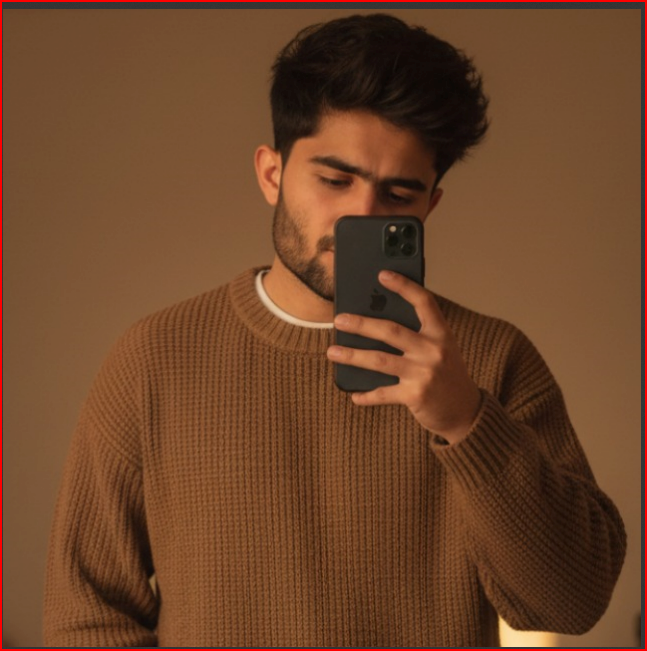
Hi, I’m Muhammad Arslan from Pakistan. Here, you’ll find multiple powerful prompts that you can use on platforms like Google Gemini or ChatGPT to turn your personal photos into stunning AI-generated portraits.